“Using our automation capabilities, Nike has decreased their time to test from taking 160 hours to 12 hours.”
Nike QA Team Lead
Mobile FirstAccelerate Quality Delivery

Mobile testing guide / Mobile app testing
Use this guide to decide where your device lab lives, which risks your app carries, and how to get from manual sessions to automation at scale.
Mobile app testing, sometimes called mobile application testing, validates how an app behaves across real devices, OS versions, networks, and hardware sensors, not just that its features work in isolation.



Where you test
Real devices. Private, public, cloud, or behind your firewall.
4 topics

What you verify
Functional, performance, accessibility, security, and the advanced features your app depends on.
8 topics

How you test
Manual sessions to automation, with an AI layer on top.
5 topics
Real devices. Private, public, cloud, or behind your firewall.

Real devices
Real memory, CPU, network, battery, and temperature.
Private devices
Dedicated, secure devices only your team can touch.
Public devices
A shared cloud of hundreds of devices for coverage you do not need to own.
Deployment models
Cloud, behind the firewall, or hybrid. What security can approve.
Functional, performance, accessibility, security, and the advanced features your app depends on.
Functional and compatibility
Does it work, and does it work on the devices your users own.
Performance
Response times, HAR capture, memory, CPU, network, battery, and temperature from real devices.
Accessibility
VoiceOver and TalkBack on real devices, plus automatic IQS checks.
Visual and UI
Does it look right on every screen size and state.
Security
How the app protects data at rest, in transit, and on the device.
Usability
Can real people complete real tasks.
Advanced features
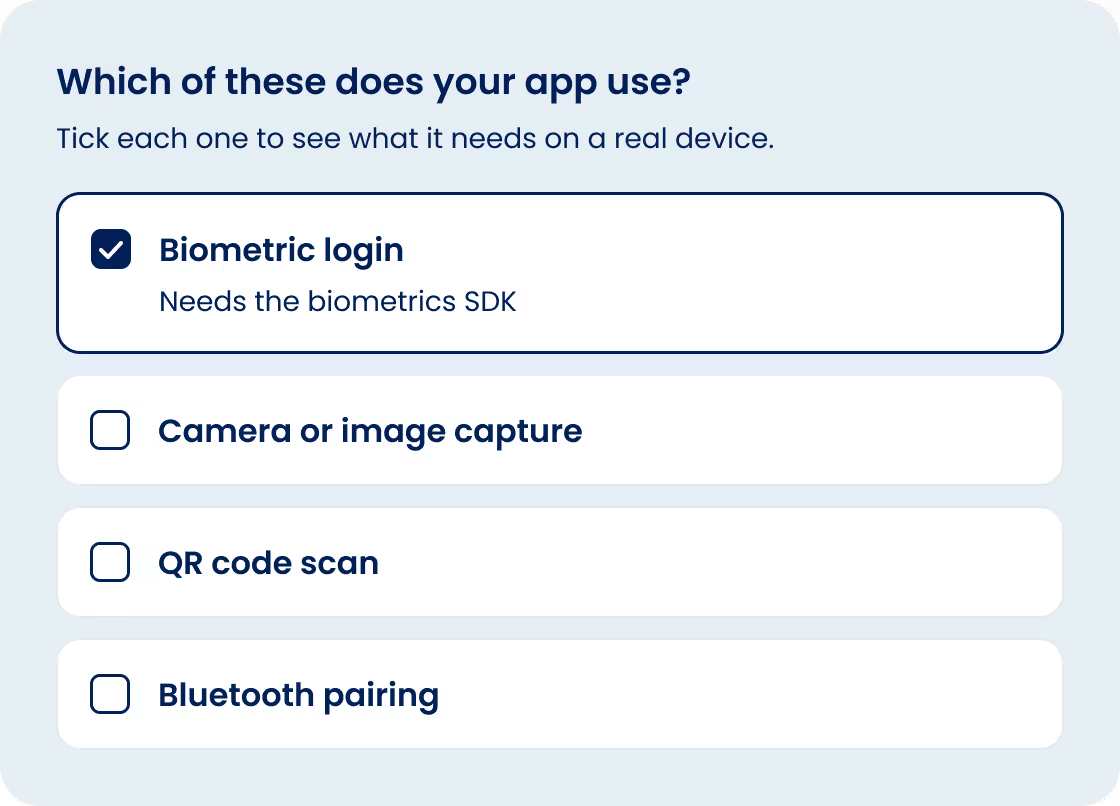
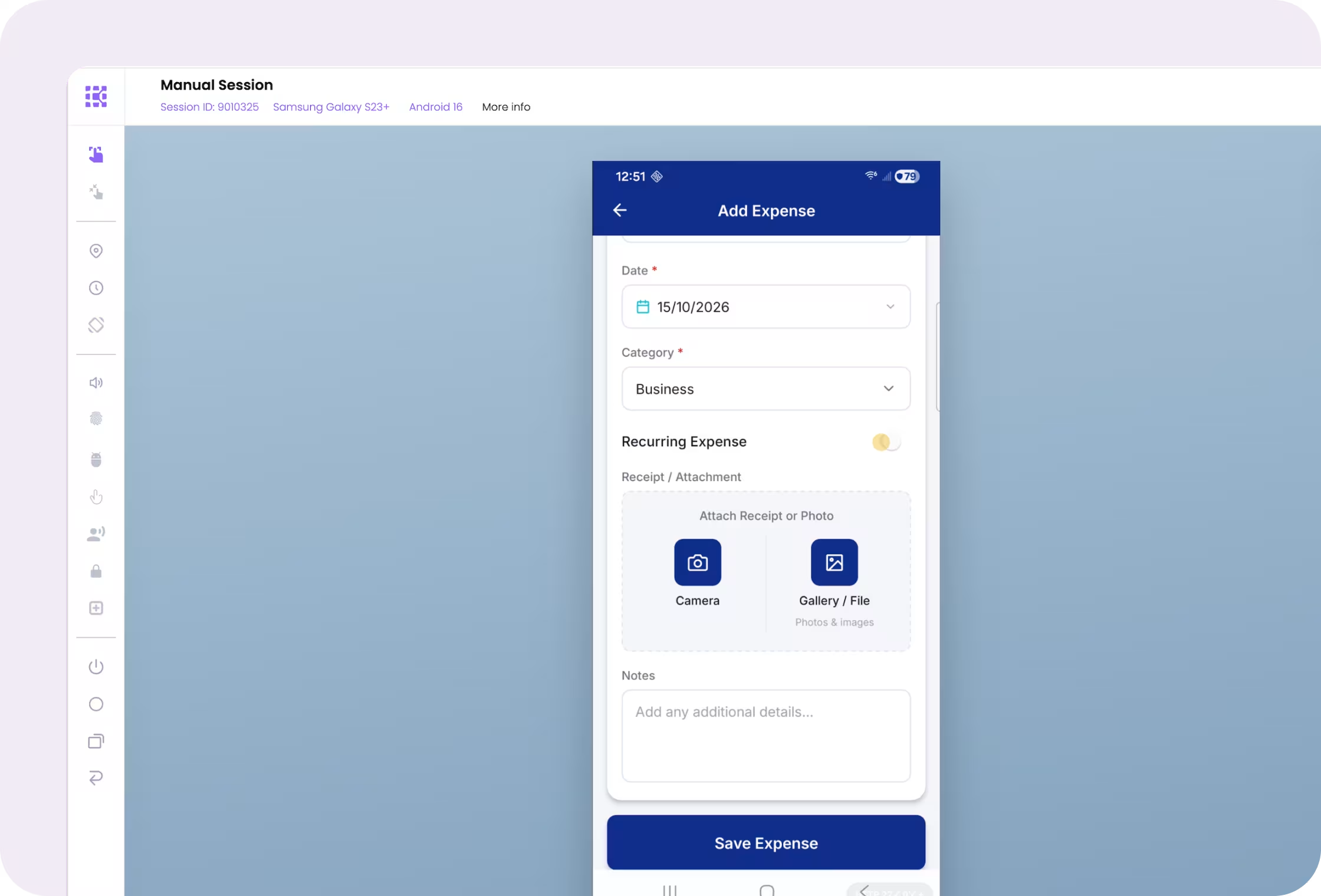
Biometrics, image injection, QR codes, camera, Bluetooth pairing.
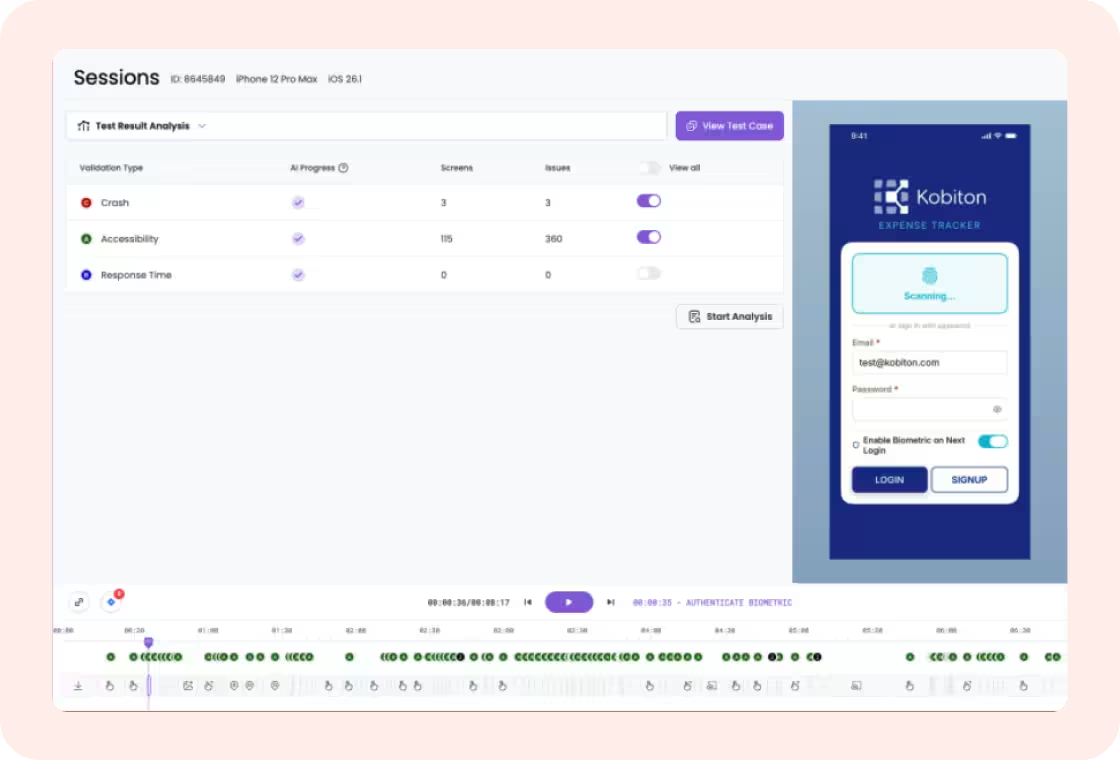
Crashes and evidence
Crash logs, device logs, video, and API traffic captured for the session.
Manual sessions to automation, with an AI layer on top.
Manual sessions
Device in hand from anywhere, at up to 30 fps, with every action captured.
Scriptless test automation
Turn a manual session into a test and run it across a device bundle.
Appium Script Generator
A manual session becomes a fully written Appium script.
Automation frameworks and CI/CD
Appium, XCUITest, Espresso, Maestro; Jenkins, GitLab, Xcode.
AI and the MCP server
Generate, execute, and analyze tests from Claude Code, Copilot CLI, Gemini CLI, Codex CLI, or Google Antigravity.
Real devices. Private, public, cloud, or behind your firewall.
Physical iPhones and Android phones with real OEM firmware, sensors, and constraints, plus the advanced features your app depends on: biometrics, image and audio injection, Bluetooth, and real phone calls and texts over a SIM.
“It worked in automation but failed on the real device. The bug only hits four percent of users, and they are all on one phone model we do not own.”
Real device testing runs your app on physical iOS and Android devices you reach through the Kobiton portal from anywhere in the world. Emulators and simulators help early in development; they cannot validate OEM firmware, physical sensors, camera, biometrics, or real battery, thermal, and memory behavior. Start with the journeys that touch hardware: login, payment, camera, and anything with a sensor.

Dedicated, secure devices only your team can touch.
“We cannot upload this build to a public cloud. Security will not approve shared devices.”
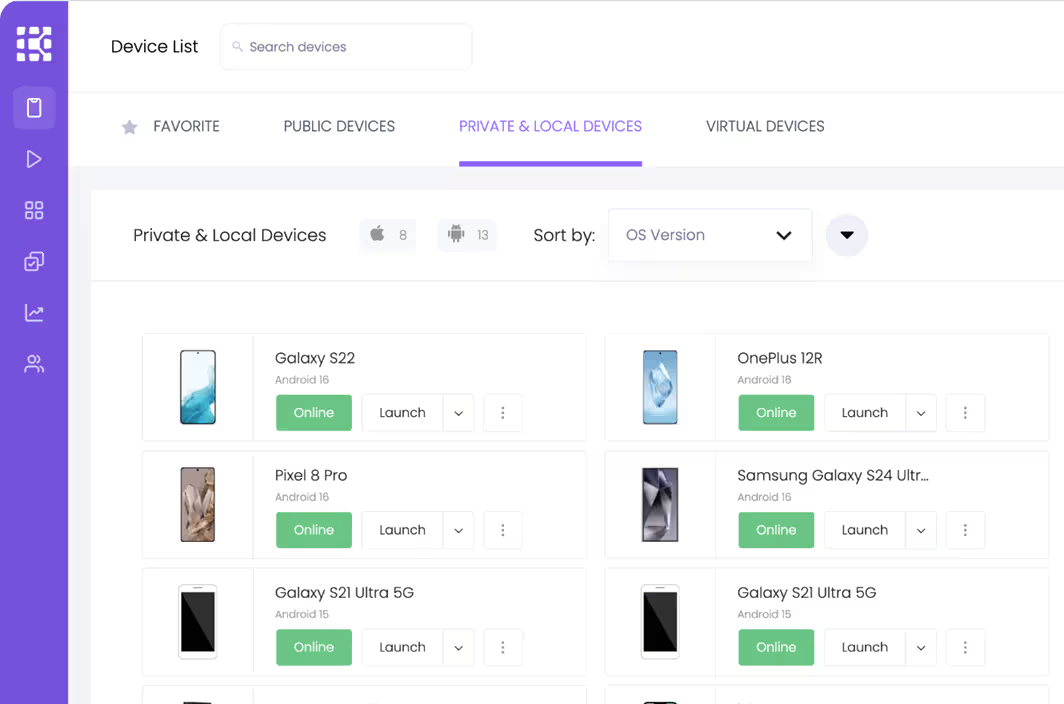
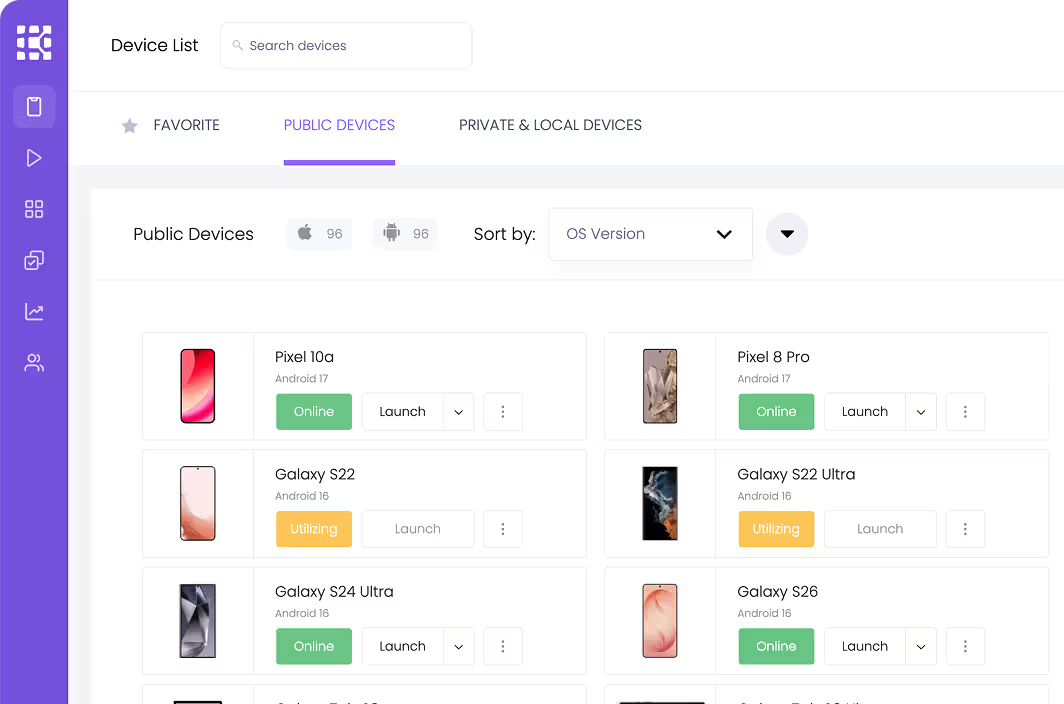
Private devices are reserved for your organization: your devices, your configuration, your rules, and nobody else touches them. List the builds and data that cannot enter a shared environment and keep those on private devices. Kobiton hosts the hardware or your team hosts it behind the firewall.
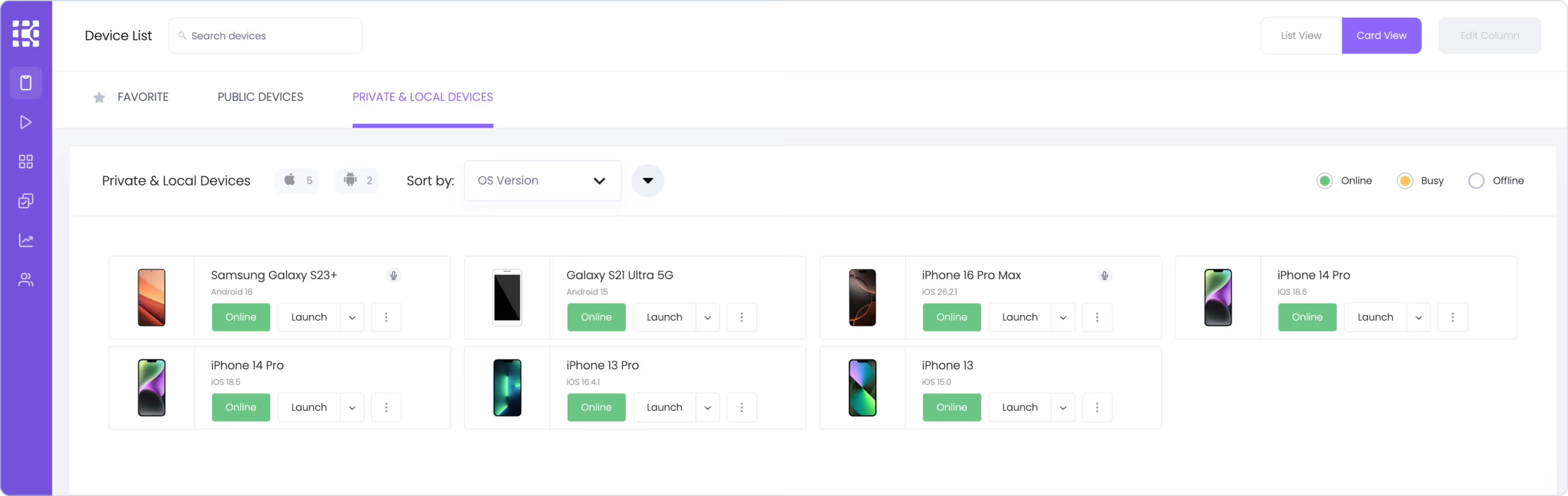
A shared cloud of hundreds of devices for coverage you do not need to own.
“How do we cover every iPhone and Android model our customers carry without owning a drawer full of phones?”
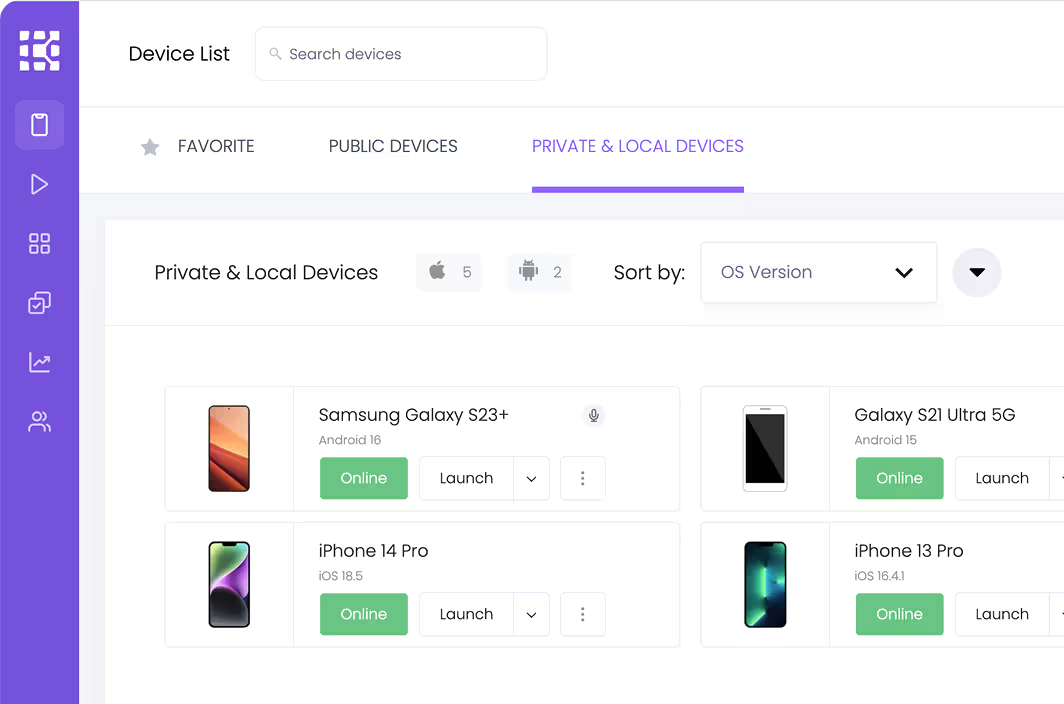
Public devices are the shared device cloud, first come first served across the customer base with strict cleanup policies. Most teams pair a private device bundle with public access for one-off OS versions, new models on launch week, and spikes in parallel runs. Hundreds of public devices across iOS and Android are cleaned and reset between sessions and available alongside your private devices from the same portal.

Cloud, behind the firewall, or hybrid. What security can approve.
“Which model will our security team actually sign off on?”
Kobiton runs real devices in a variety of deployment models: public cloud, private devices in the cloud, on premises behind your firewall, or hybrid, where the devices sit on your network and Kobiton hosts the portal. Answer three questions with your security team: can the app leave the network, can device traffic leave the network, and who is allowed to touch the hardware. Those answers map to six technical models across two axes: shared or dedicated portal, and Kobiton data center or your premises.
Two variables generate every model. Public, Private and On-Premises are the three you ask for; the tiers below are how they split.
Model
Where the portal runs
Where the devices sit
Best when
Public cloud
Shared portal
portal.kobiton.com
Kobiton data center
shared pool
No constraints; wants breadth and speed
Private cloud
Shared portal
portal.kobiton.com
Kobiton data center
dedicated pool, reserved 24/7
Wants exclusive devices, no wait times
Private cloud, dedicated
Dedicated portal
your-name.kobiton.com
Kobiton data center
dedicated pool
Needs an isolated portal + private path
Hybrid
Shared portal
portal.kobiton.com
Your premisesdedicated pool
Devices must sit on your network
Hybrid, dedicated
Dedicated portal
your-name.kobiton.com
Your premisesdedicated pool
Local devices + an isolated portal
On-premises
Customer-hostedyour own server
Your premisesstandalone or air-gapped
Data cannot leave the perimeter
Air-gapped is the fully disconnected form of on-premises. Hosting a dedicated portal in your own cloud account is a variation on the dedicated rows, not a separate model.
Functional, performance, accessibility, security, and the advanced features your app depends on.
Does it work, and does it work on the devices your users own.
“Every test passed on every device the team owns. Failures started coming in on a phone model QA does not have.”
Functional testing checks whether features behave as specified: login, checkout, form submission. Compatibility testing checks whether those features keep working across the devices, OS versions, and screen sizes your users have. Run the same test in parallel across a device bundle, a saved group of private and public devices, and watch every device execute live.
Illustrative example
Build the rows from analytics, not a catalog. Green means proven on that device. Every red cell is a customer you would have shipped to.
Device in the bundle
Share of users
Login
Biometric login
Checkout
Push notification
iPhone 17iOS 27
24%

iPhone 15iOS 26
19%
iPhone 13iOS 26, last supported release
9%


Samsung Galaxy S25Android 16, One UI
17%
Samsung Galaxy A16Android 15, mid-range, 4 GB
14%
Google Pixel 9Android 16, stock
8%
Motorola Moto GAndroid 14, carrier build
6%
Proven on this device
Failed on this device
Not run yet
Illustrative example. Device shares and results are hypothetical.
Response times, HAR capture, memory, CPU, network, battery, and temperature from real devices.
“It is fast on the developer’s phone. Is it fast on the mid-range Android our customers actually carry?”
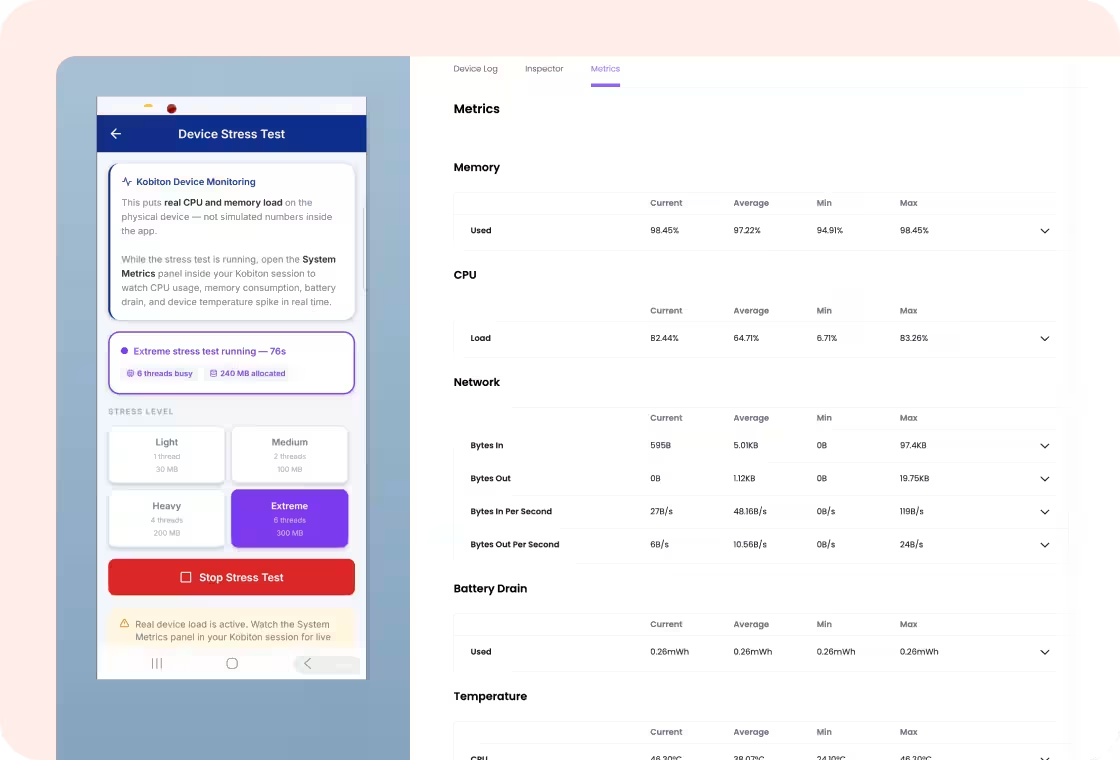
Performance testing measures whether the app stays responsive on representative devices and networks, not only the newest phone on a strong connection. Pick one mid-range device and one slow network profile as your floor, and fail the build when the floor moves. Kobiton captures memory, CPU, network in and out, battery drain, and temperature, plus response times per action and a HAR file you can load into your performance tools.

VoiceOver and TalkBack on real devices, plus automatic IQS checks.
“A VoiceOver user could not get past our login screen, and we heard about it from the complaint, not the test run.”
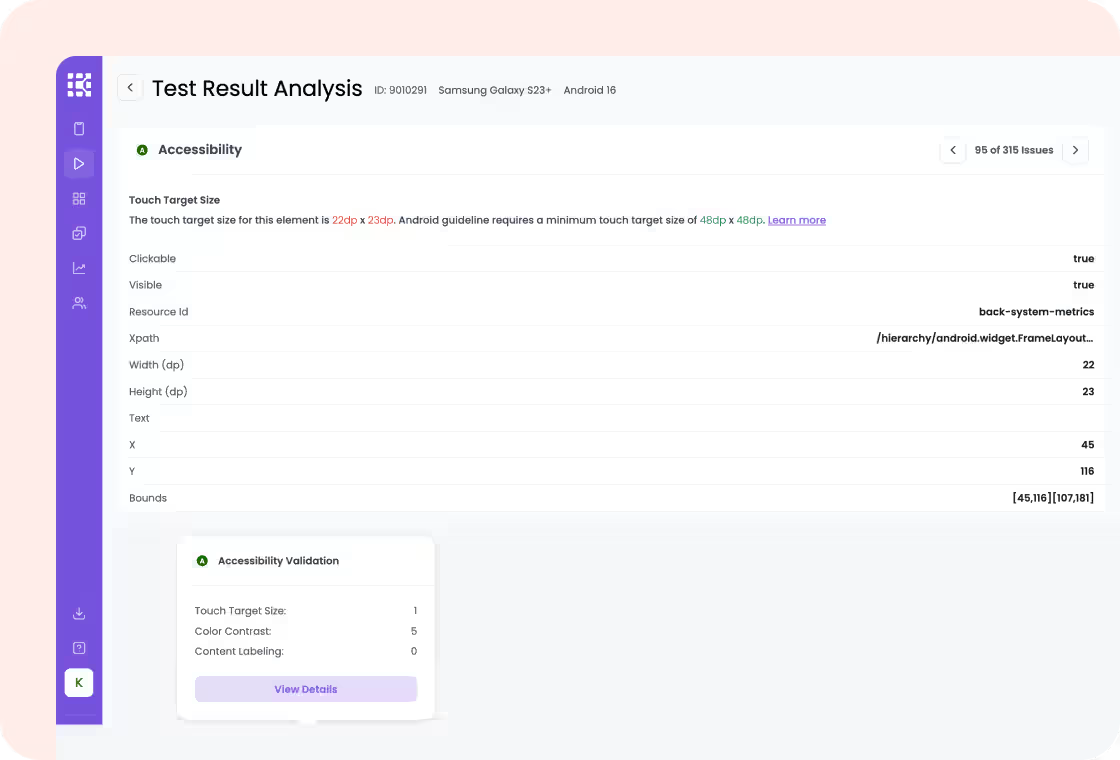
Accessibility testing checks whether people using VoiceOver, TalkBack, larger text, and other assistive settings can use the app. Turn on VoiceOver or TalkBack, put the phone down, and complete the main task by sound alone. Screen readers run on real Kobiton devices with the same experience as a device in hand, and with IQS enabled, automatic checks run in the background: touch target size, content labeling, color contrast.
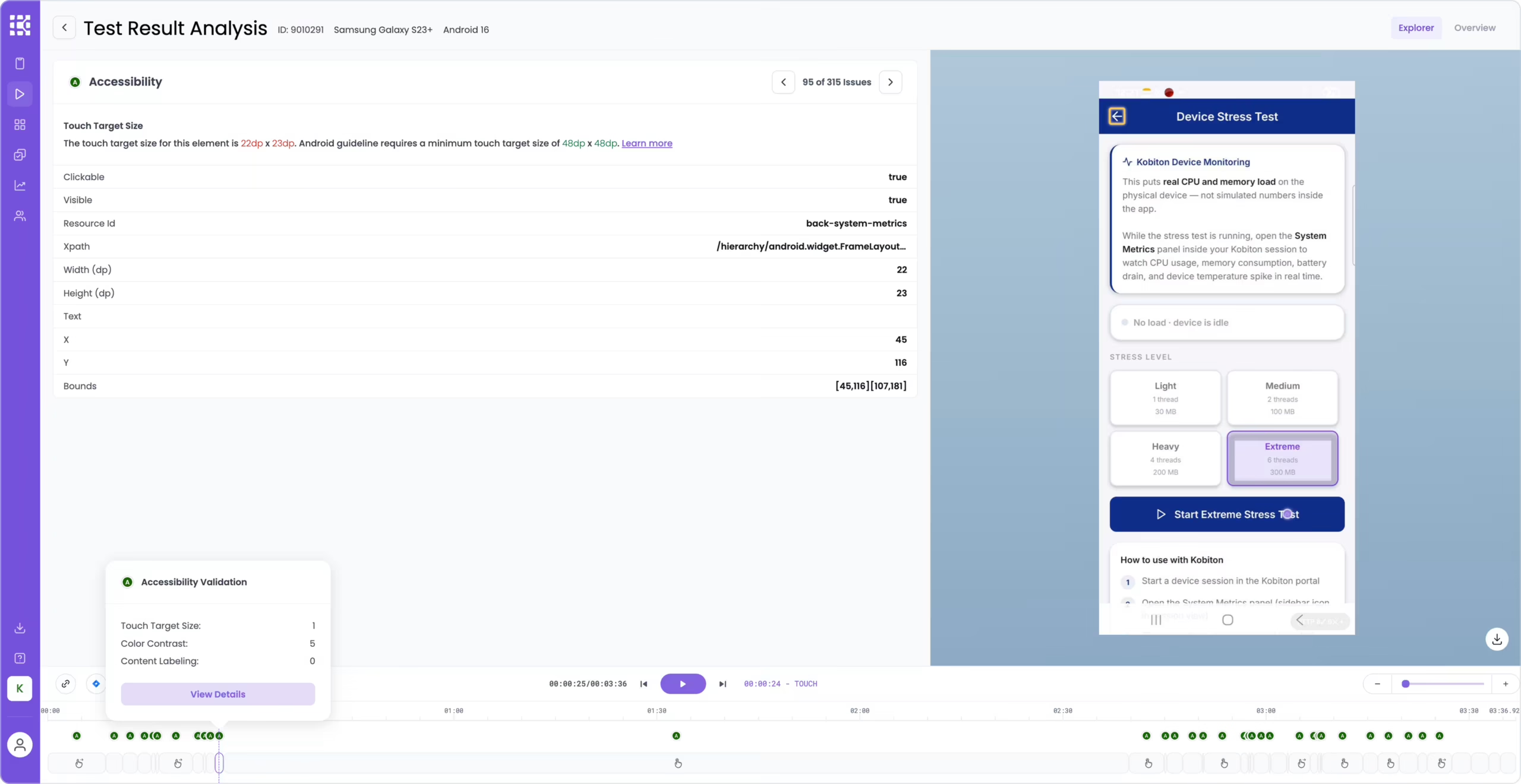
Does it look right on every screen size and state.
“The test passed. The text wrapped off the edge of the screen on four devices.”
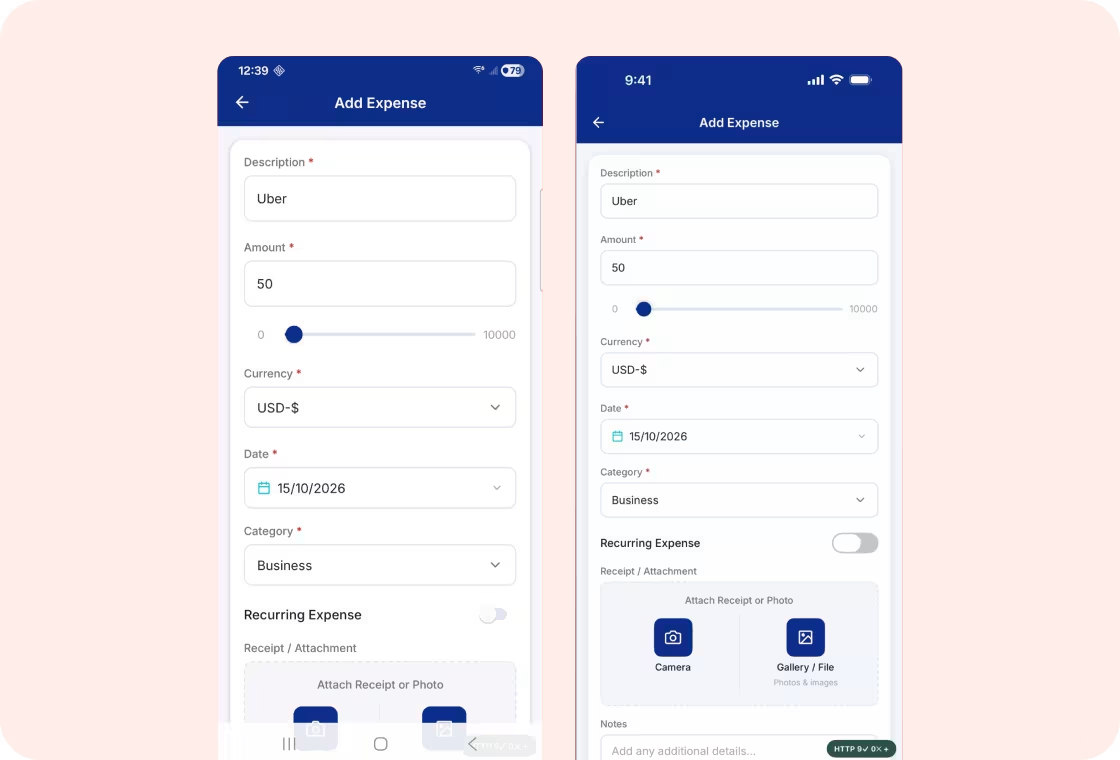
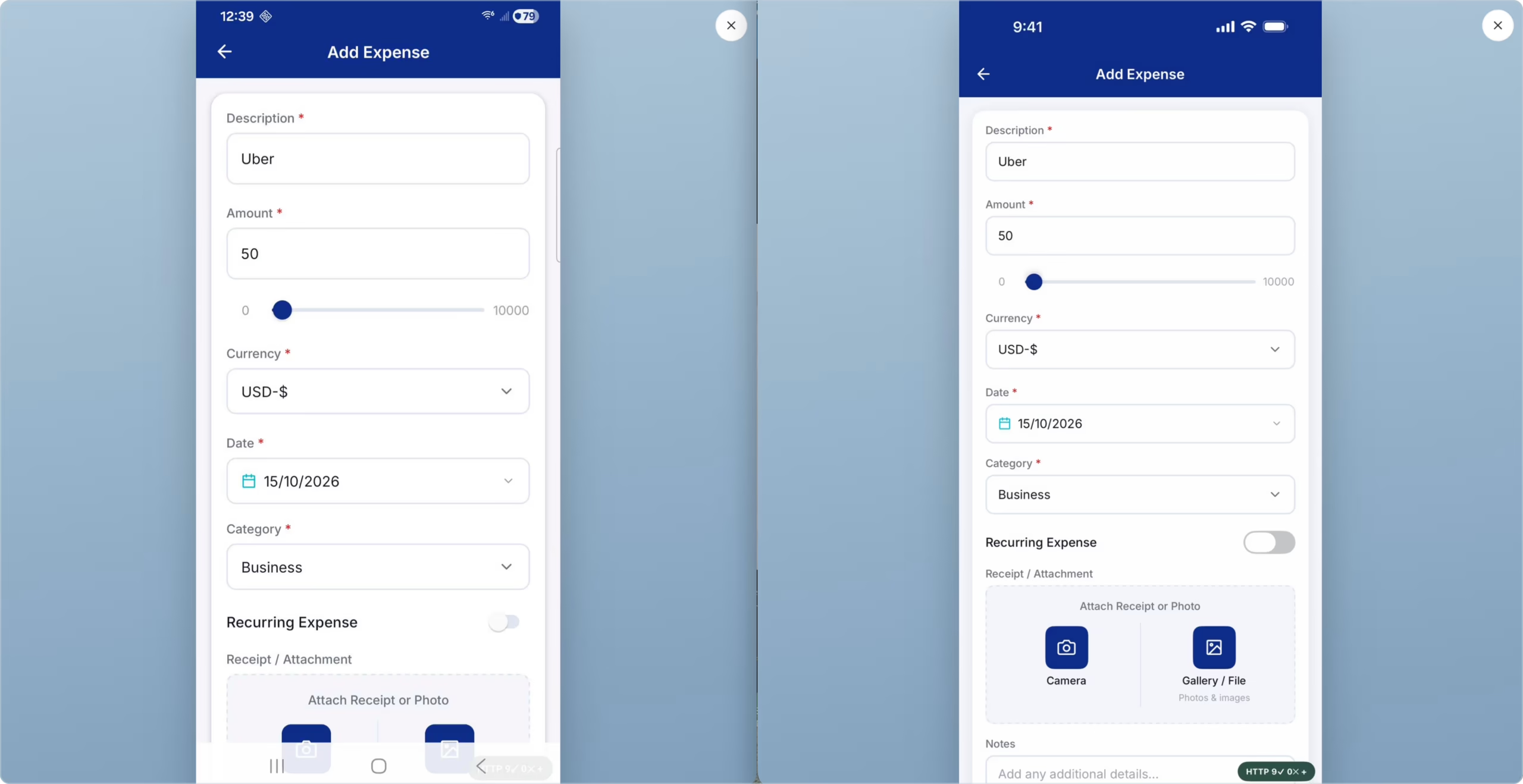
UI testing checks layouts, visual states, and interactions across screen sizes, orientations, and device states; a passing functional test does not mean a correct screen. Check long translations, right-to-left layouts, and date, number, and currency formats on the smallest and largest screens in your bundle. Open an Android and an iPhone side by side for a manual check, and add visual validation through the Applitools integration on Kobiton real devices.
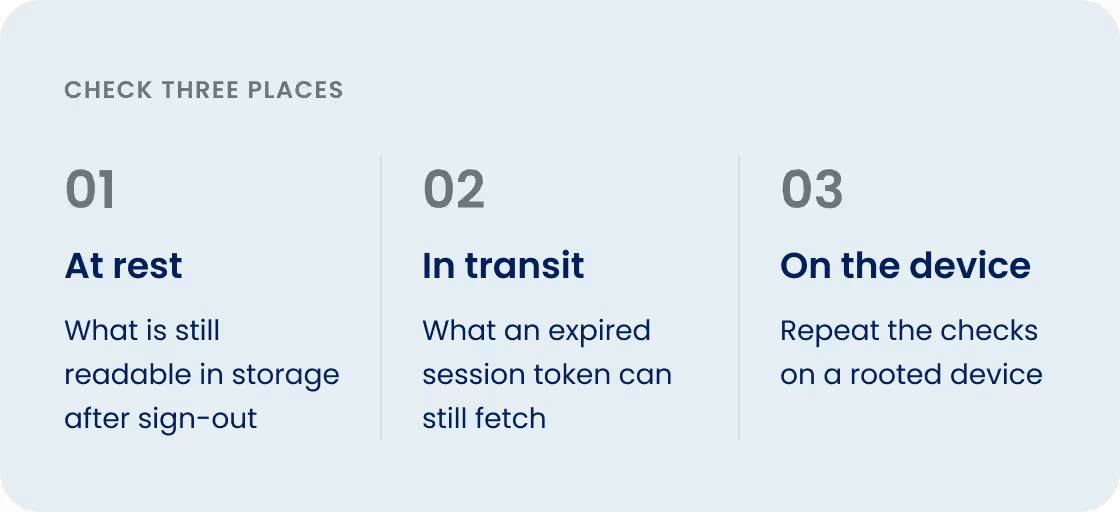
How the app protects data at rest, in transit, and on the device.
“Can a signed-out user retrieve cached account data or reuse an expired session token?”
Security testing checks how the app protects stored data, network traffic, authentication, APIs, and device-level access. Sign out, background the app, and check what is still readable in storage and what an expired session token can still fetch. On-premises keeps the portal and the devices inside your network.
Can real people complete real tasks.
“Can a first-time user complete the app’s main task without help?”
Usability testing checks whether real people can complete real tasks: navigation, task completion, and where they hit friction or errors. Give the app to someone who has never seen it and watch them complete the main task on a phone. Anyone on the team opens a real device from the portal and uses the app like a device in hand, with the session recorded for the people who were not there.

Biometrics, image and audio injection, QR codes, camera, Bluetooth pairing, and SIM-enabled private devices for real phone calls and text messages.
“Our login is Face ID. Our workflow starts with a QR scan. How do you test that remotely?”
Advanced features are the parts of your app that touch the hardware: biometric login, uploading a receipt, scanning a QR code, pairing a medical device over Bluetooth, a voice flow that needs real audio into the microphone. They decide whether a shared cloud can test the app at all, and each one needs a specific device setup, so list them before you choose a device lab. Kobiton covers them with an SDK for biometrics on iOS and Android, image injection for camera and QR flows, audio injection for voice and IVR flows, SIM-enabled private devices for real phone calls and texts, and private devices that pair with your Bluetooth hardware.
Crash logs, device logs, video, and API traffic captured for the session.
“The tester says it crashed. The developer cannot reproduce it.”
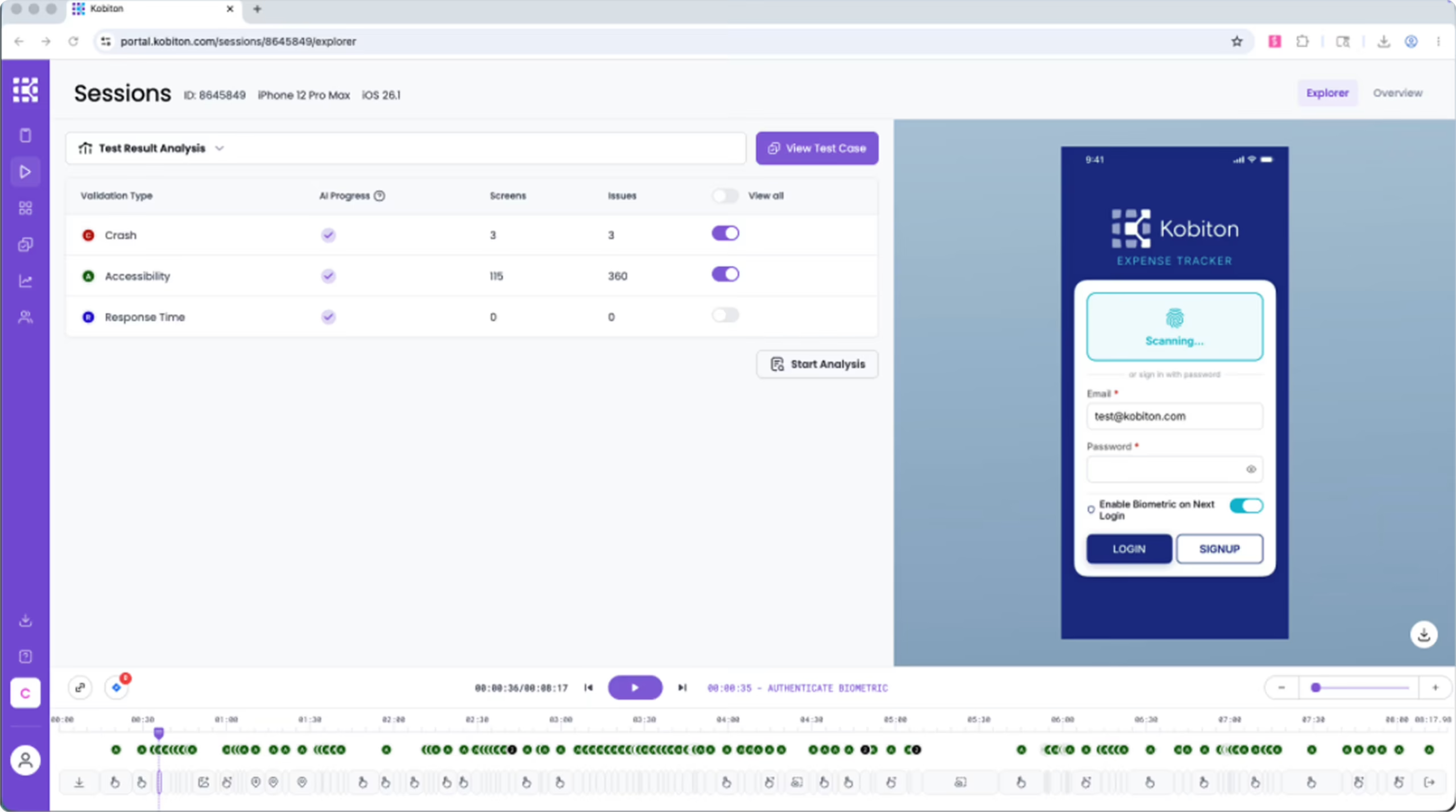
When something breaks on a device, the engineer needs the evidence, not a description. Pull the session artifacts before anyone tries to reproduce it. Kobiton keeps the video, every action taken, device logs, API logs, crash logs, and the HAR file, and pushes them into your defect tracker with a link to the session.
Manual sessions to automation, with an AI layer on top.
One manual session on a real device is the starting point for everything else.
Manual session
Real device, in a browser
Lightning mode, 30 fps
Device in hand, anywhere
Private or public device
Every action is captured
Session capture
The exhaust from the session
Video recording
Every action and step
Device logs, API logs, HAR
Crash logs and metrics
Session Explorer timeline
Scriptless test
Session becomes a repeatable test, no code. Part of IQS.
Appium Script Generator
Session becomes a fully written Appium script, ready to run.
Device bundle in CI
Every build, every device, in parallel
Appium, XCUITest, Espresso, Maestro
Jenkins, GitLab, or straight from Xcode
Session artifacts kept for every run
The AI layer and the MCP server
Work from the tools your developers already use. Tell it what to test in natural language.
Generates and runs
Generate a test from your project
Execute it on Kobiton real devices
Results and artifacts
Pull the artifacts, analyze, iterate
Flex Correct self-heals scripts
Inspect the generated test, then run it across your device bundle in CI.
Device in hand from anywhere, at up to 30 fps, with every action captured.
“Our testers are in three countries and the phones are in one drawer.”
A manual session is a real device in your browser, in lightning mode, with the speed and fidelity of a device in hand. Kobiton captures everything that happened, what we call the exhaust: every action, the logs, the video, and the metrics, and that capture is what everything else is built on. Launch any private or public device from the portal, run the journey, and end the session with a full report: actions, video, logs, crash reports.
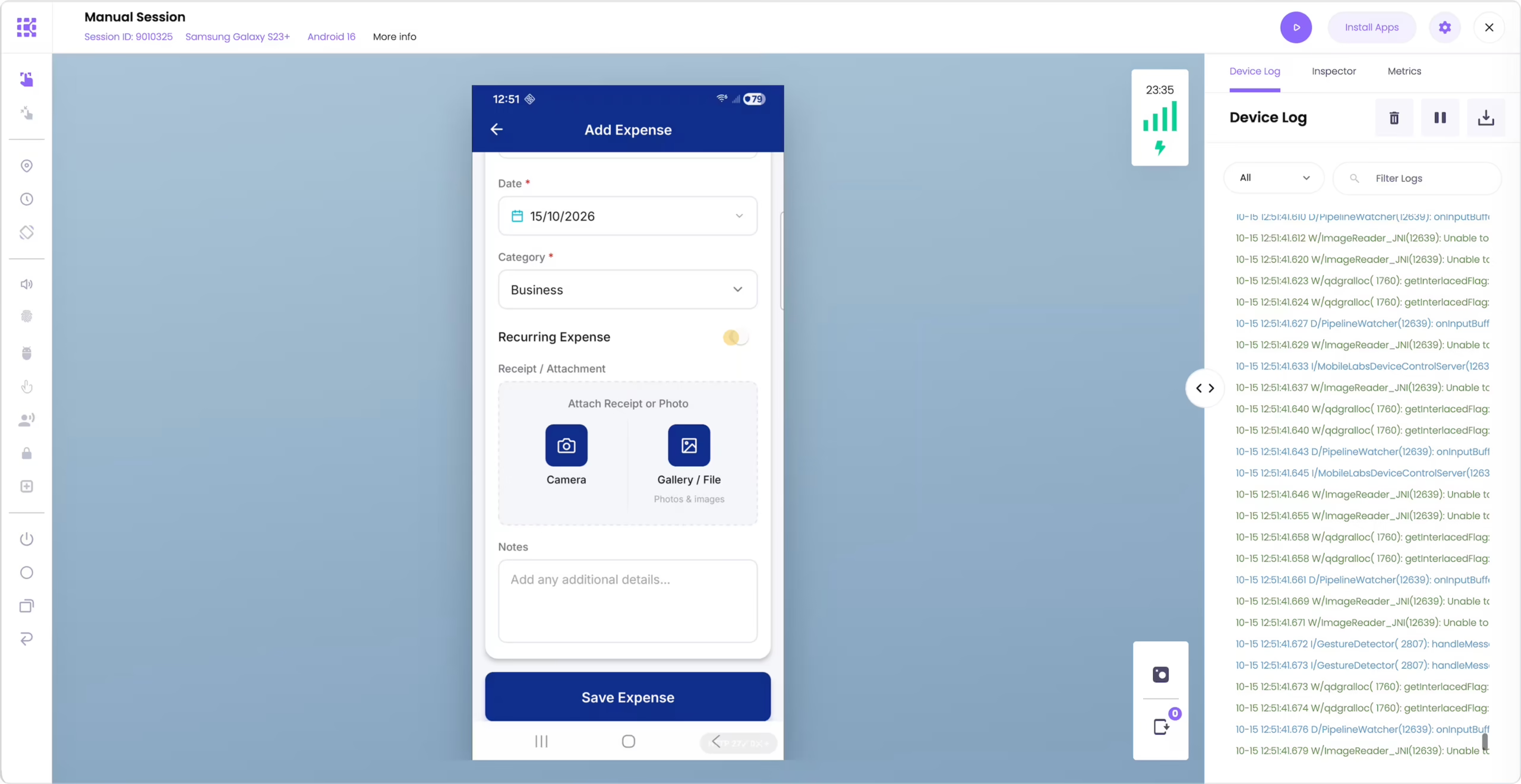
Turn a manual session into a test and run it across a device bundle.
“We do not have automation engineers, but we need a smoke suite on every build.”
Record a manual session and turn it into a scriptless test, no code. It is the fastest way to get a smoke suite running: record the happy path once per platform, group devices into a device bundle, and run it on every build. Open a failed run to see whether the app failed or a recorded step needs attention.
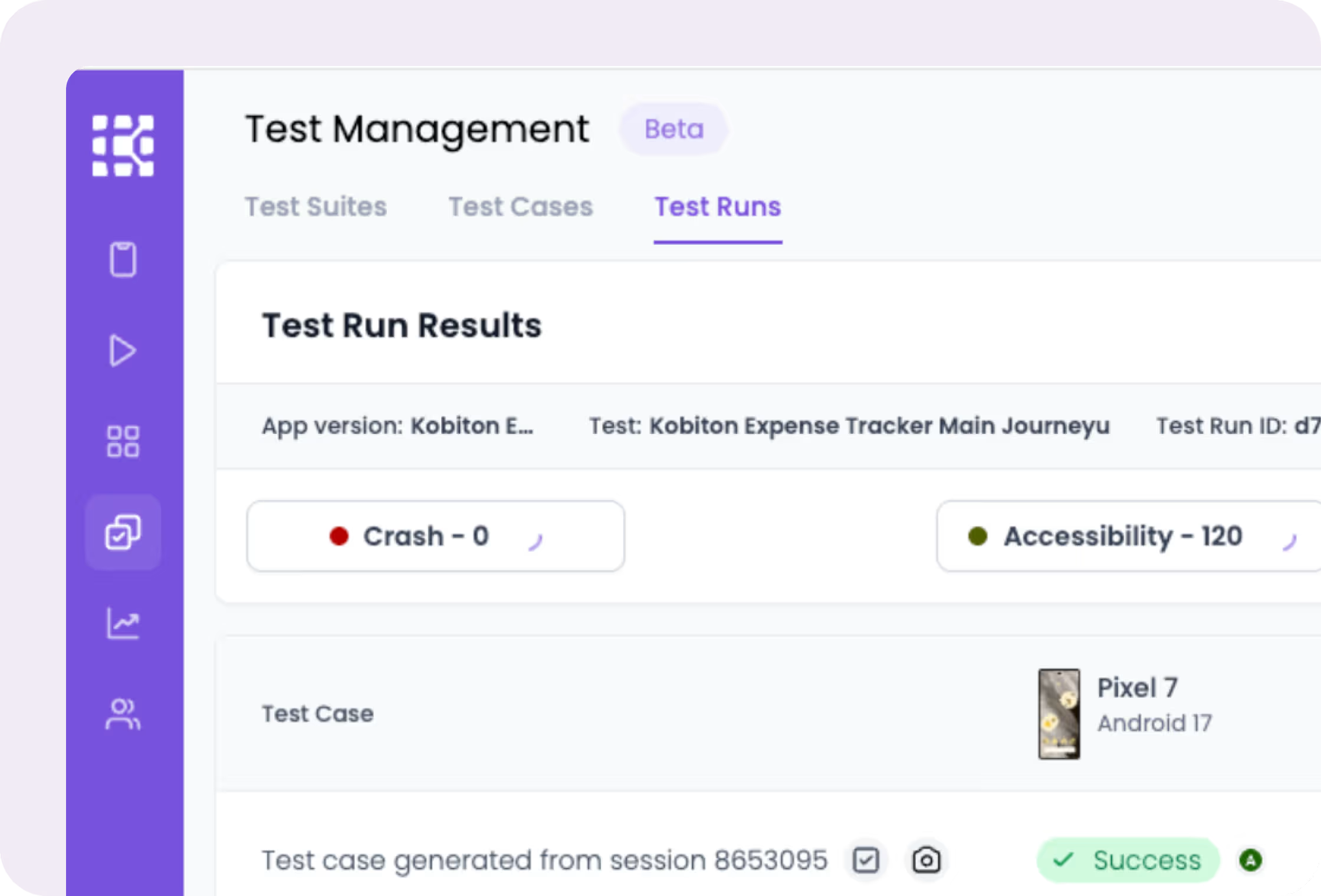
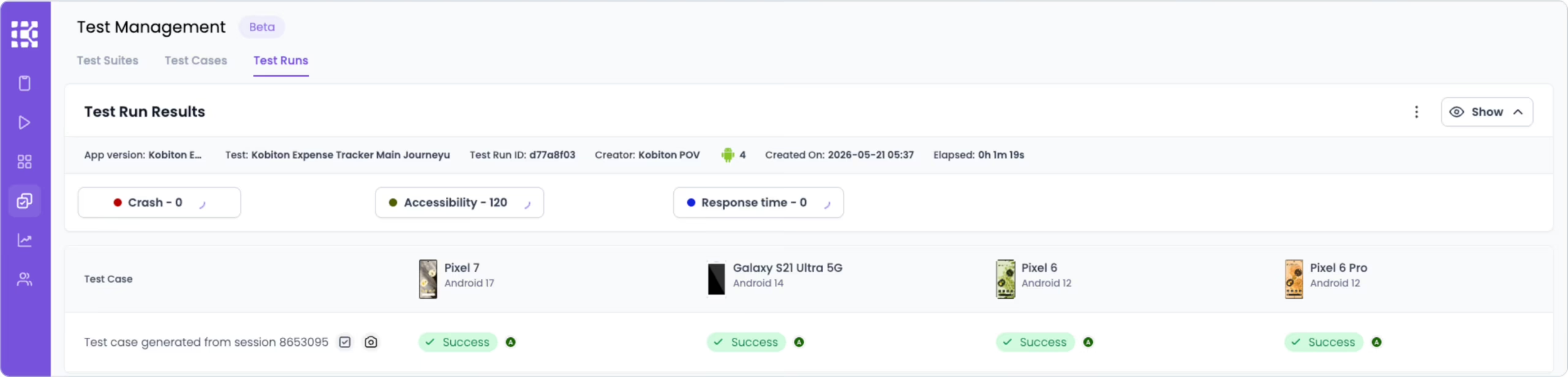
A manual session becomes a fully written Appium script.
“Automating this app took 18 months last time.”
Your manual team tests the way they always have. One click on Appium Script Generator turns a passing manual session into a downloadable Appium project in Java, Node.js, or C#, with the locators and steps written for you. Open it in your IDE, read it, and run it once locally before you add it to the pipeline.
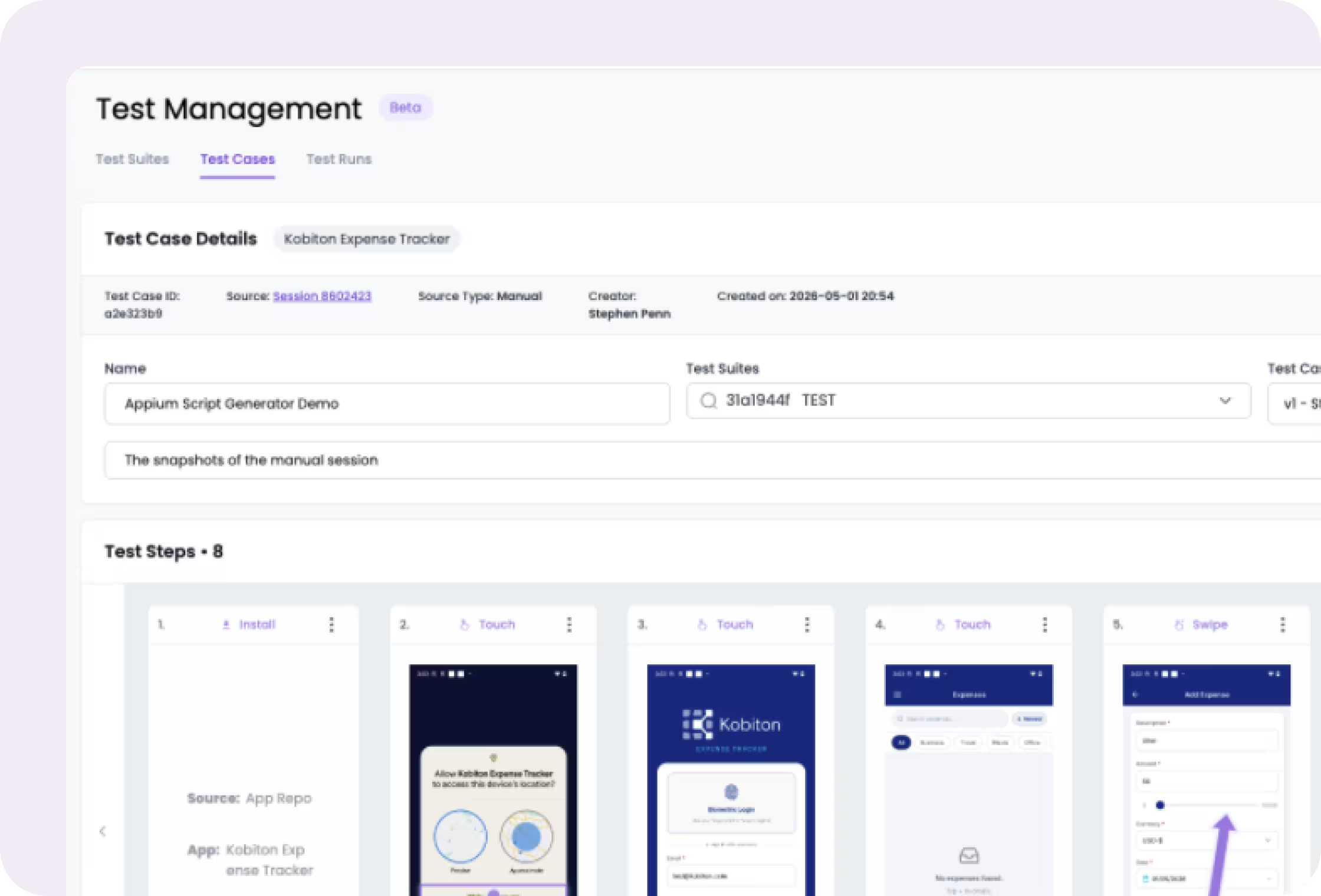

Appium, XCUITest, Espresso, Maestro; Jenkins, GitLab, Xcode.
“We run automation on emulators in the pipeline and it does not catch what customers hit.”
Kobiton works with the automation you already have. Point Appium, XCUITest, Espresso, or Maestro at Kobiton real devices, run in parallel across a device bundle, and trigger from Jenkins, GitLab, or directly from Xcode. Start with a smoke suite on every commit and the full regression on every release candidate, both on real devices, with the session artifacts kept for analysis.
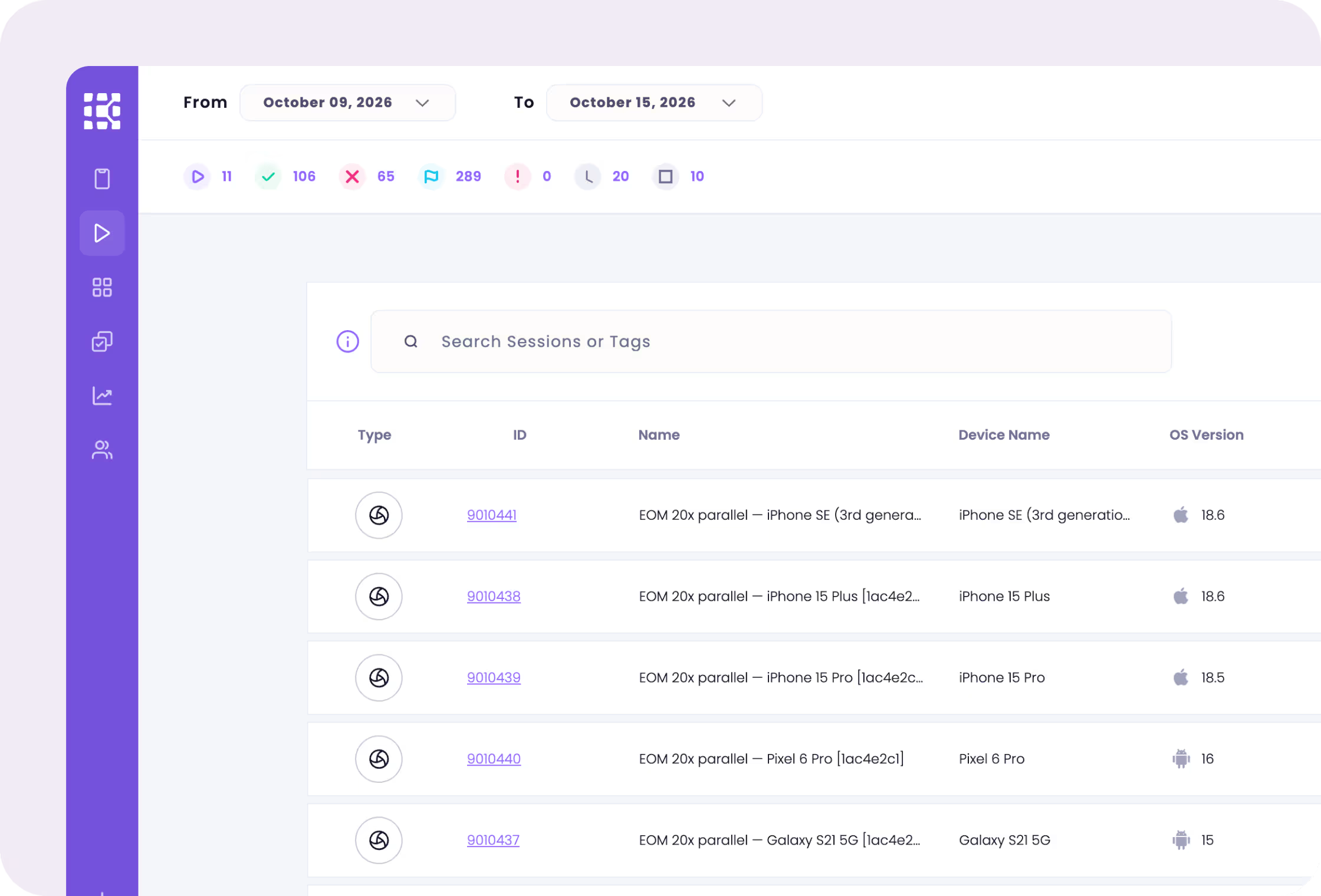

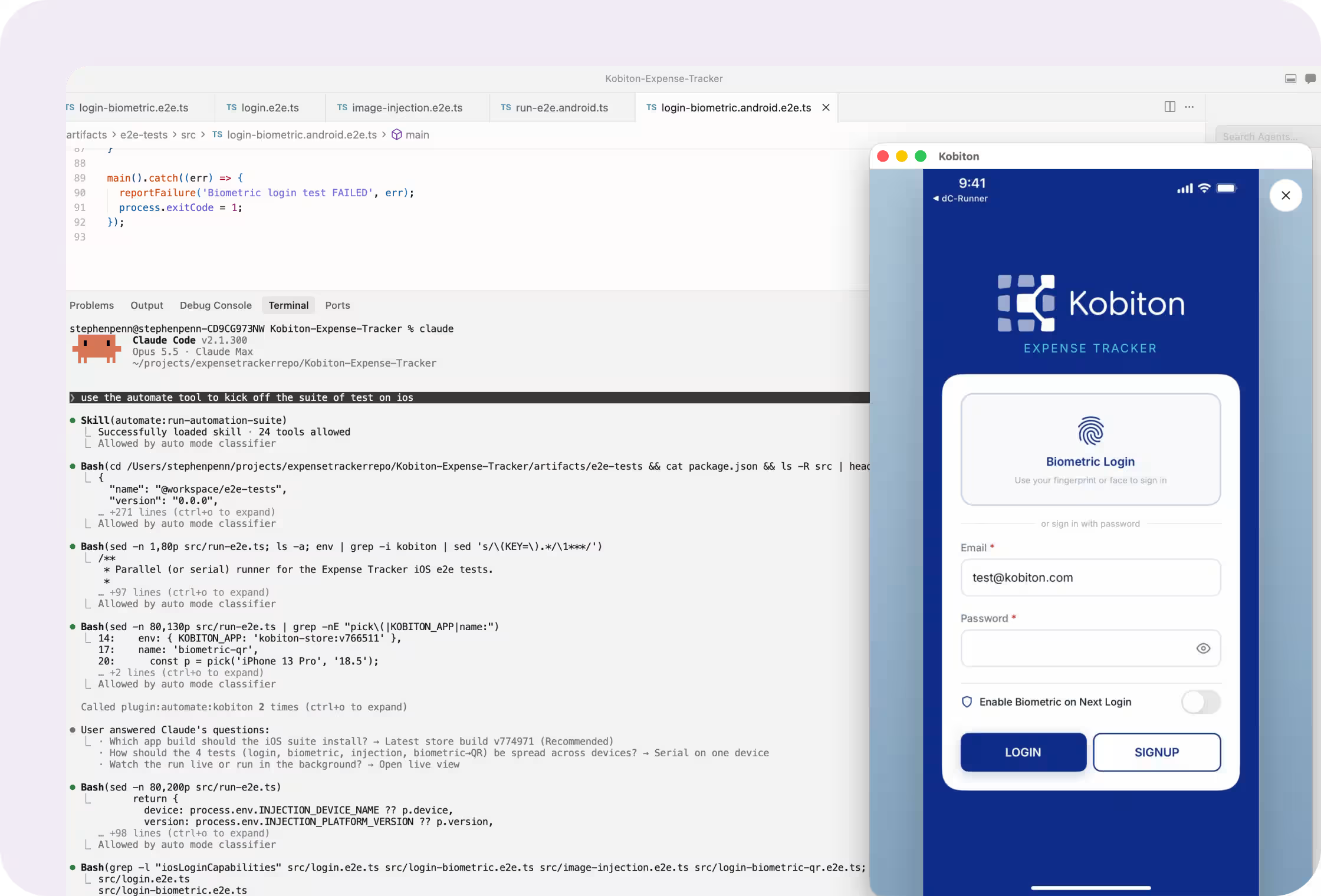
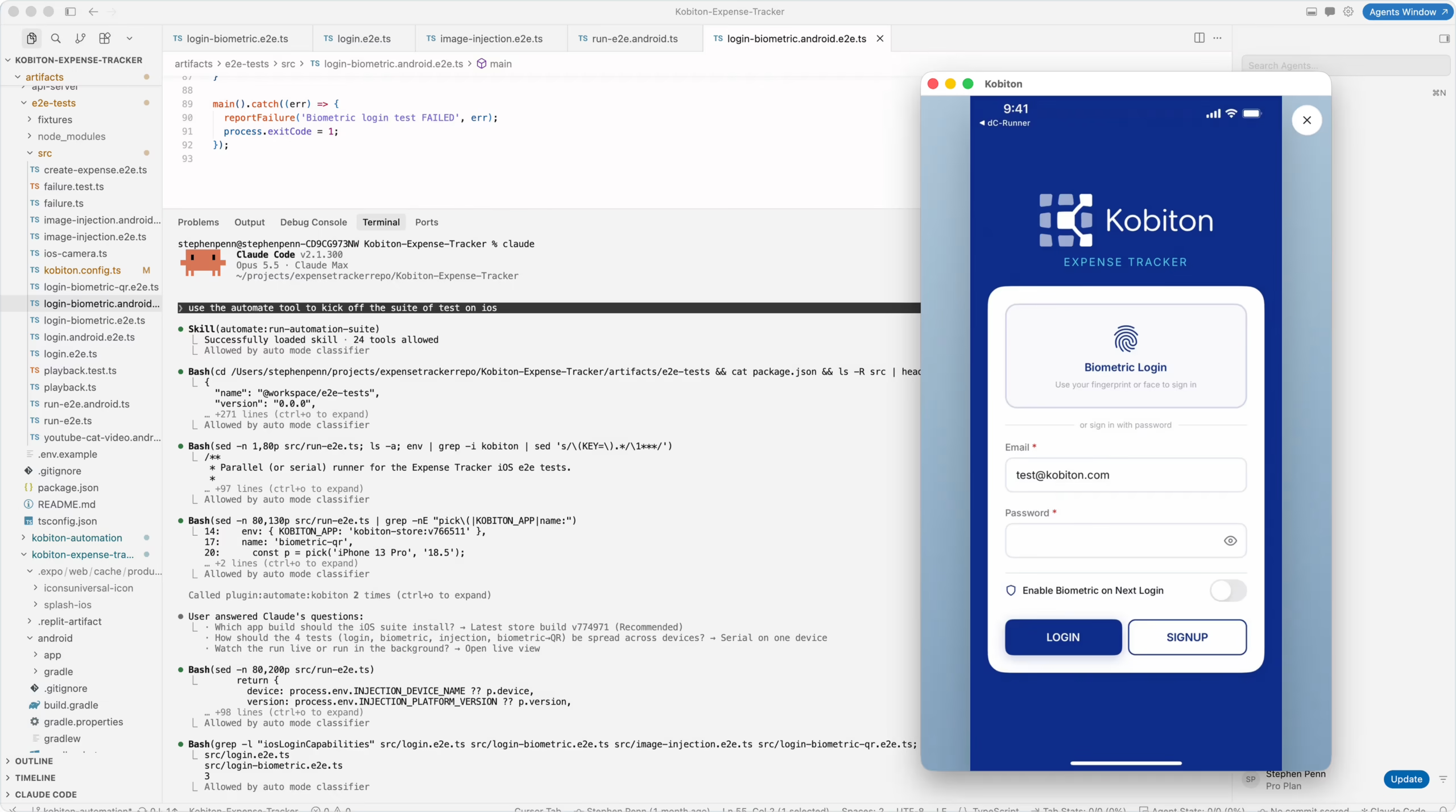
Generate, execute, and analyze tests from Claude Code, Copilot CLI, Gemini CLI, Codex CLI, or Google Antigravity.
“Our developers already live in Claude Code or the Gemini CLI. Why should they leave it to test on a device?”
Kobiton has an MCP server, so you interact with the platform from whatever AI tool your team uses: Claude Code, Claude Desktop, the Copilot CLI, the Gemini CLI, the Codex CLI, Google Antigravity, anything MCP compliant. Your assistant writes the test, the MCP server runs it on a real device and hands back the logs, screenshots, and video. Build the app, test it on a real device, fix what failed, all without leaving your AI assistant.
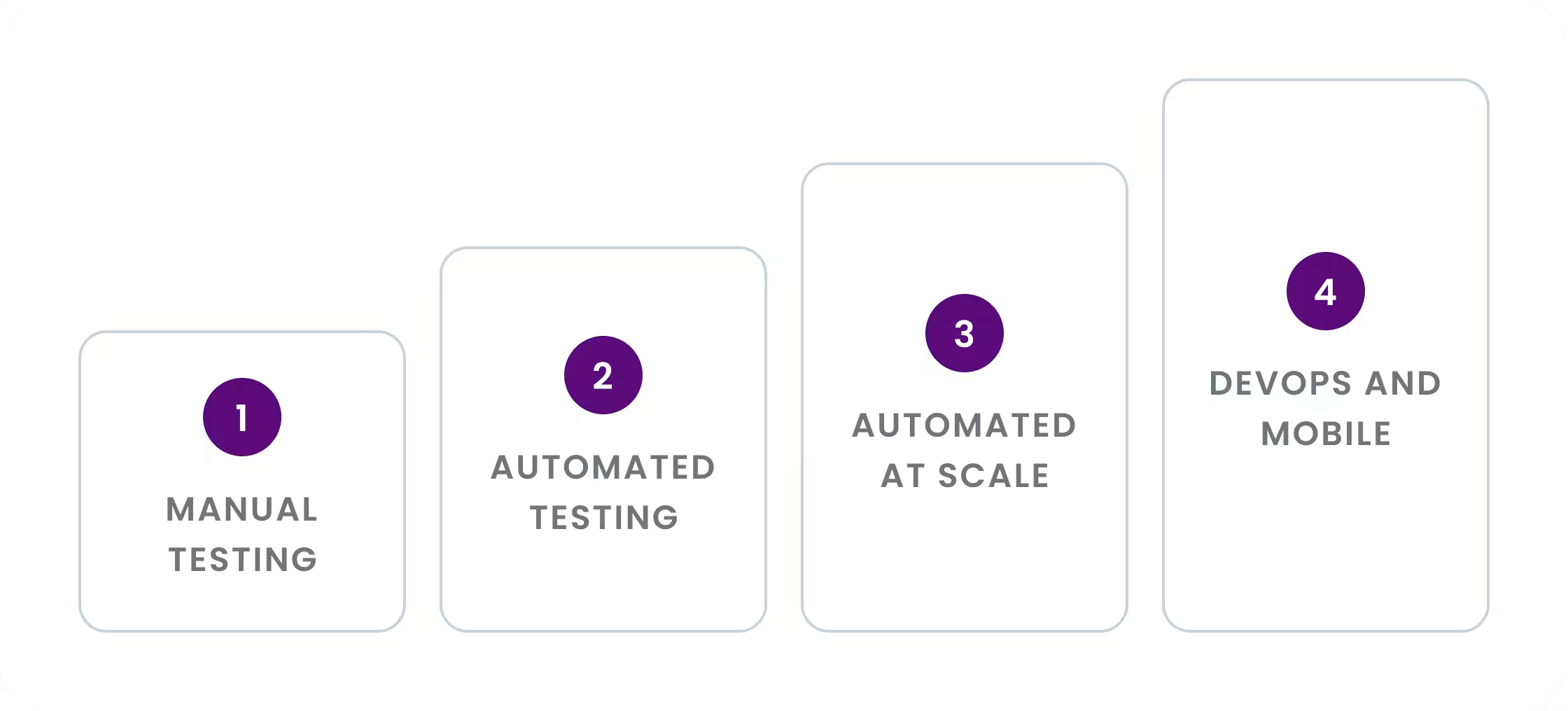
Four levels: Manual Testing, Automated Testing, Automated Testing at Scale, DevOps and Mobile Testing. Most teams sit at Level 2. The jump to Level 3 is where escaped defects drop the most, and it is the jump the AI layer is built to shorten.
Five numbers give you a baseline. Add spares if you keep them. Refine from there.
Assumes tests run independently and devices stay available for the whole window. Setup, cleanup, retries, and queue time are not included. Tests and spares are entered per test target.
Why real devices
The goal is not to pass tests. It is to know the app works on the devices and networks your customers actually use.
Kobiton is real devices in a variety of deployment models: public cloud, private devices in the cloud, or behind your firewall. On top of the device lab sits manual and automated testing, and on top of that an AI layer that takes your team from manual to automated very rapidly.
Mobile testing has to account for the device, not just the app: OS versions, carrier networks, sensors, and OEM firmware all change the result. The app is one piece of the system, and many mobile defects come from how it meets the hardware it runs on.
Use both, but real devices decide the release. Emulators and simulators are cheap and fine early in development, but they cannot validate OEM firmware, physical sensors, camera, biometrics, or real battery, thermal, and memory behavior. Those flows need real devices before you ship, which is why Android’s own testing guidance treats on-device instrumented tests as their own layer.
There is no fixed number: start from the devices your own users actually carry, then add public cloud devices for the long tail of OS versions you do not need to keep on hand. The calculator above turns that into a baseline fleet size from four inputs.
Judge a tool on real device access, private versus public devices, framework support for Appium and the native frameworks (XCUITest, Espresso, Maestro), CI/CD integration, the session artifacts it returns, and how fast it takes you from manual to automated.
Where
Where
What
How