Mobile App Testing

Test your native mobile applications on real devices with Kobiton’s mobile testing platform. Faster device access, easier test automation, and a better user experience for mobile app testing.

Request a Demo
Mobile app testing for better performance and bug-free user experience
100
%

Real devices

100
s

of the Latest iOS and Android Devices

>

50
%

Team productivity gain

What mobile app testing is

A retail app ships a new checkout flow. Every test passes on every device the team owns. After release, failures start coming in, but only on a phone model the QA team does not own. The tests passed. The coverage did not.

That gap is the whole problem. Mobile teams support far more device and OS combinations than they can keep on hand, and mobile app testing is the work of closing that distance through functional, performance, usability testing, and other testing methods across real devices, OS versions, networks, and hardware sensors. not just that its features work in isolation. The app is only one piece of the system, and many mobile-specific defects come from how it meets the device, the network, and real use.
SEAMLESS CROSS-PLATFORM SUPPORT

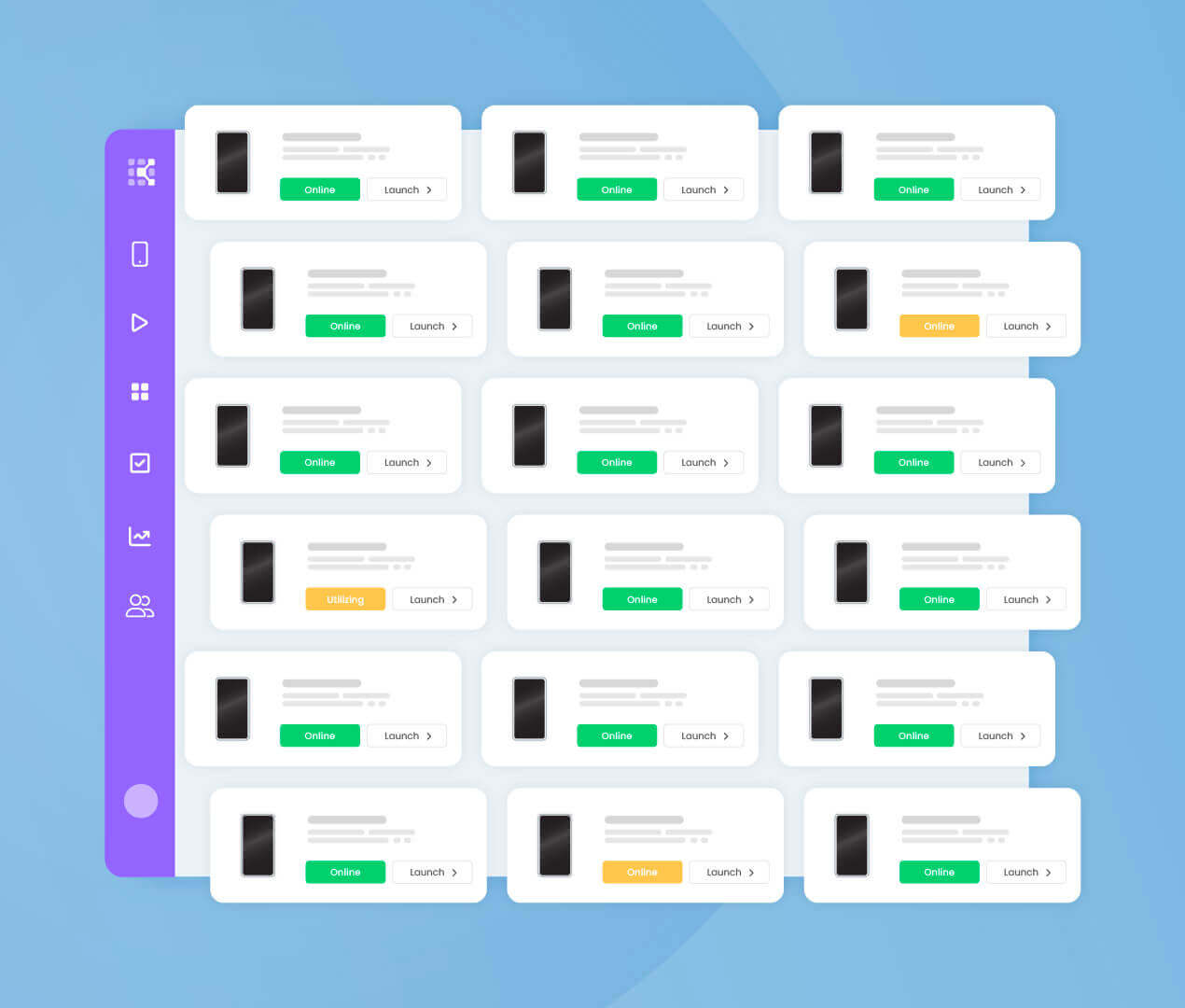
Access a Wide Range of Devices

Kobiton offers comprehensive mobile app automated testing, including manual, functional, performance, and accessibility tests. Benefit from seamless cross-platform mobile app testing support for a wide range of devices. Boost productivity with multiple parallel sessions, integrate effortlessly with your CI/CD pipeline for swift results, and facilitate seamless sharing and collaboration across teams and departments.
Get a Demo
Illustration of Kobiton

VISUAL TESTING CAPABILITIES

Visual Testing for Pixel-Perfect Apps

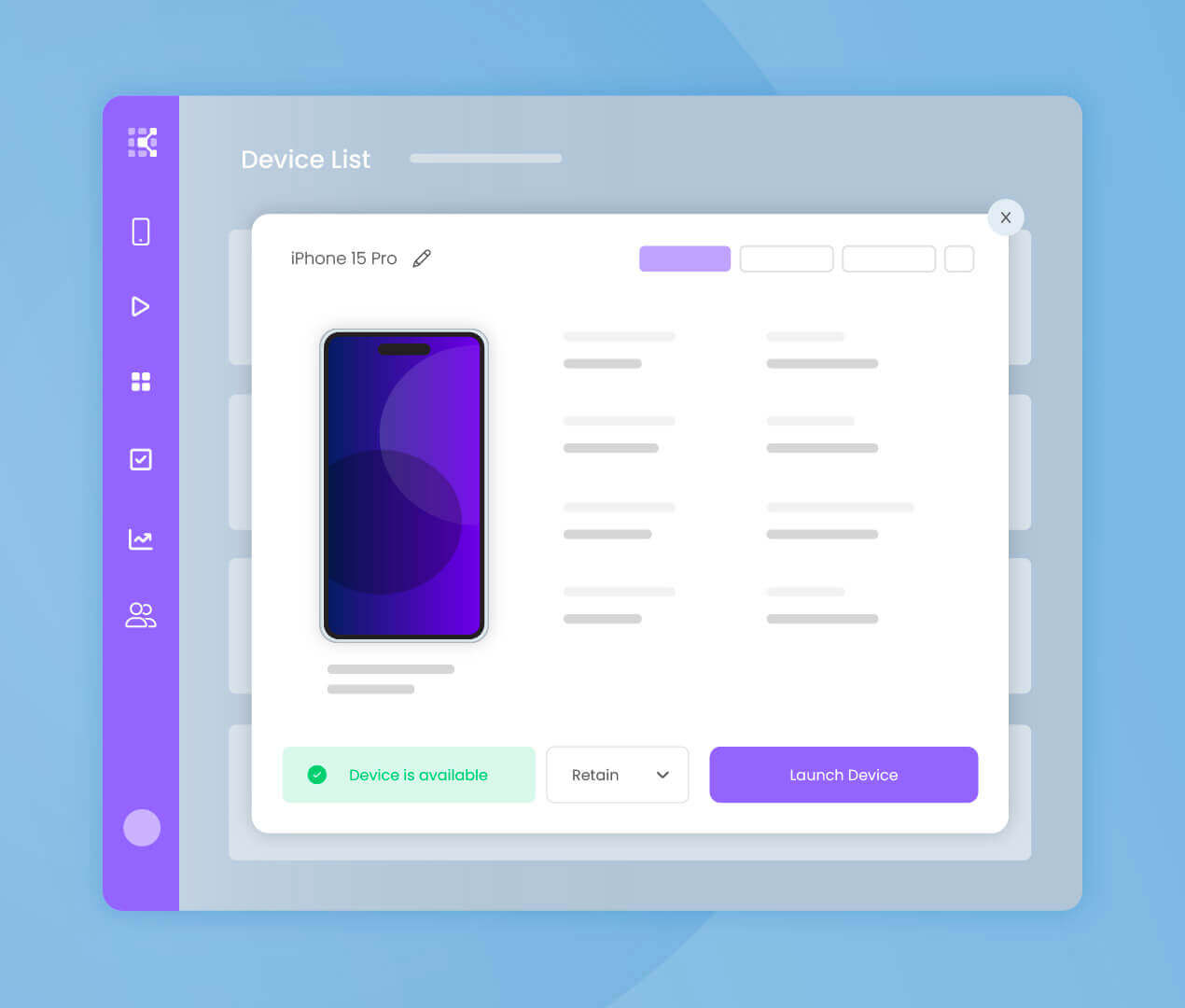
Streamline mobile app testing with Kobiton’s Visual Testing Capabilities for pixel-perfect apps. Overcome delivery bottlenecks by enabling no-code or scriptless testing, allowing testers to replay manual test sessions simultaneously across various devices. Empower automation experts with Appium script generation to automate tests efficiently and expedite testing processes.
Learn more
Illustration of mobile app testing across devices

AUTOMATION FRAMEWORK INTEGRATION

Streamline your testing process with automation

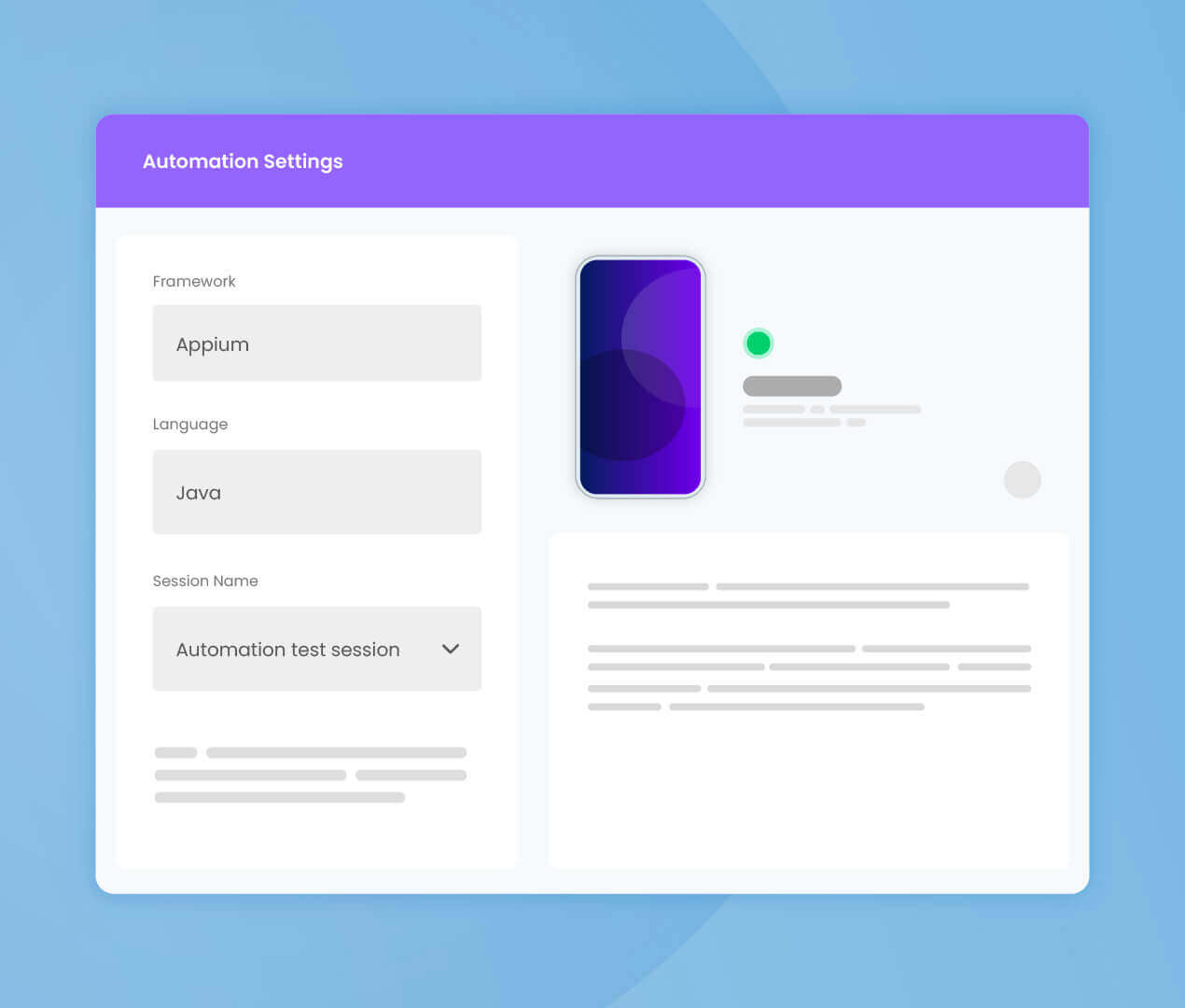
Kobiton makes it easy to transition from manual testing to automation streamlining your mobile testing. With Kobiton, you don’t need complex coding skills. Create automated test scripts visually, reducing the barriers to entry for manual testers. Bridge the gap to automation with Kobiton mobile app testing services.
Learn more
Illustration of mobile app testing automation settings

TRANSITION TO CI/CD PIPELINES

CI/CD Pipelines for Mobile-First Enterprises

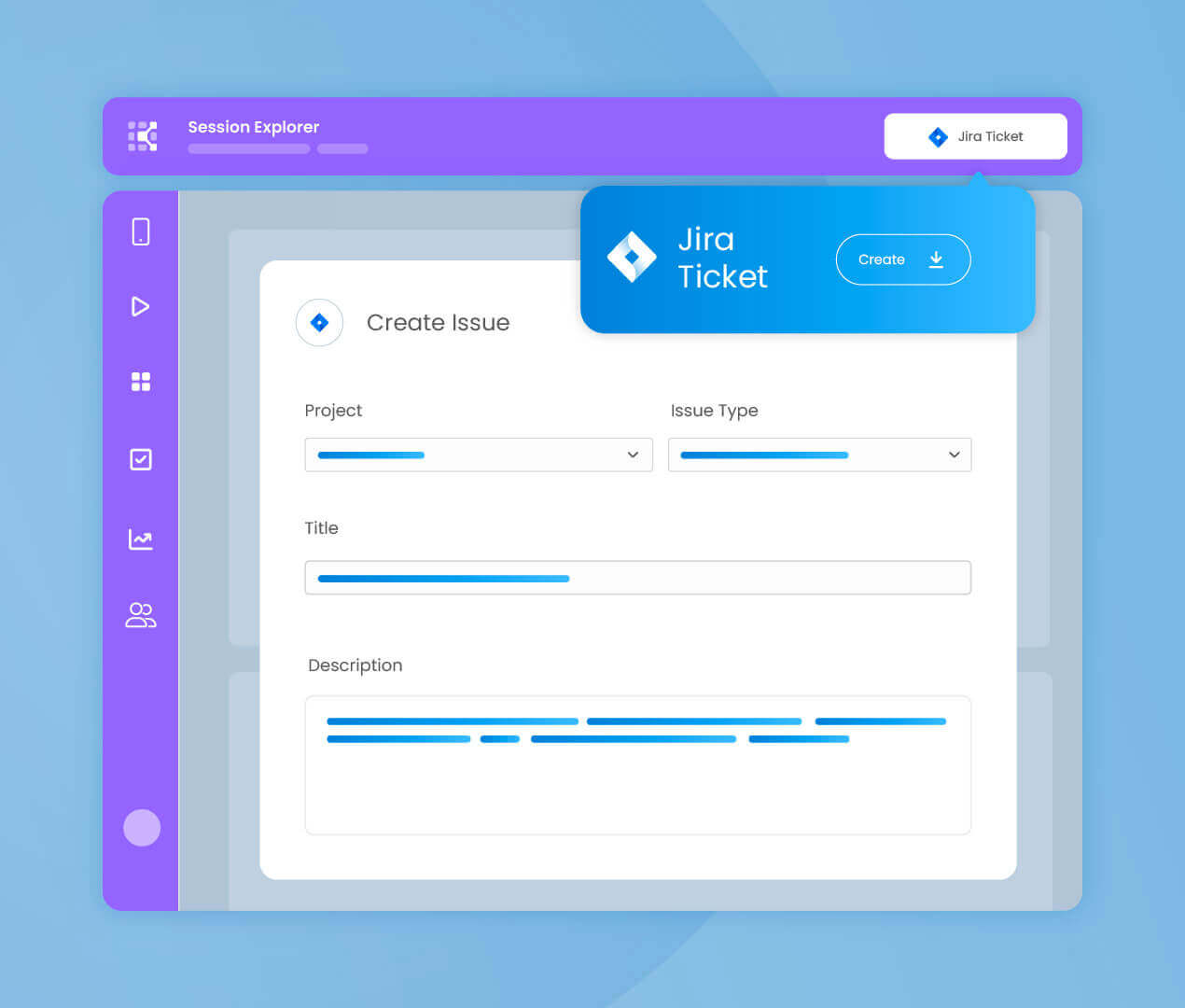
Beyond testing, streamline bug identification, sharing, and replication with our intuitive session explorer akin to iMovie. Enhance collaboration efficiency through seamless Jira integration, enabling teams to find, share, and resolve defects swiftly and effectively.
Learn more
Illustration of Kobiton

Real Device Testing

Streamlined Testing. Superior User Experience.

Emulators and simulators are useful for early development, but they cannot fully validate hardware-dependent behavior: OEM firmware, physical sensors, camera, biometrics, and real battery, thermal, and memory constraints. Those flows still need validation on physical devices.
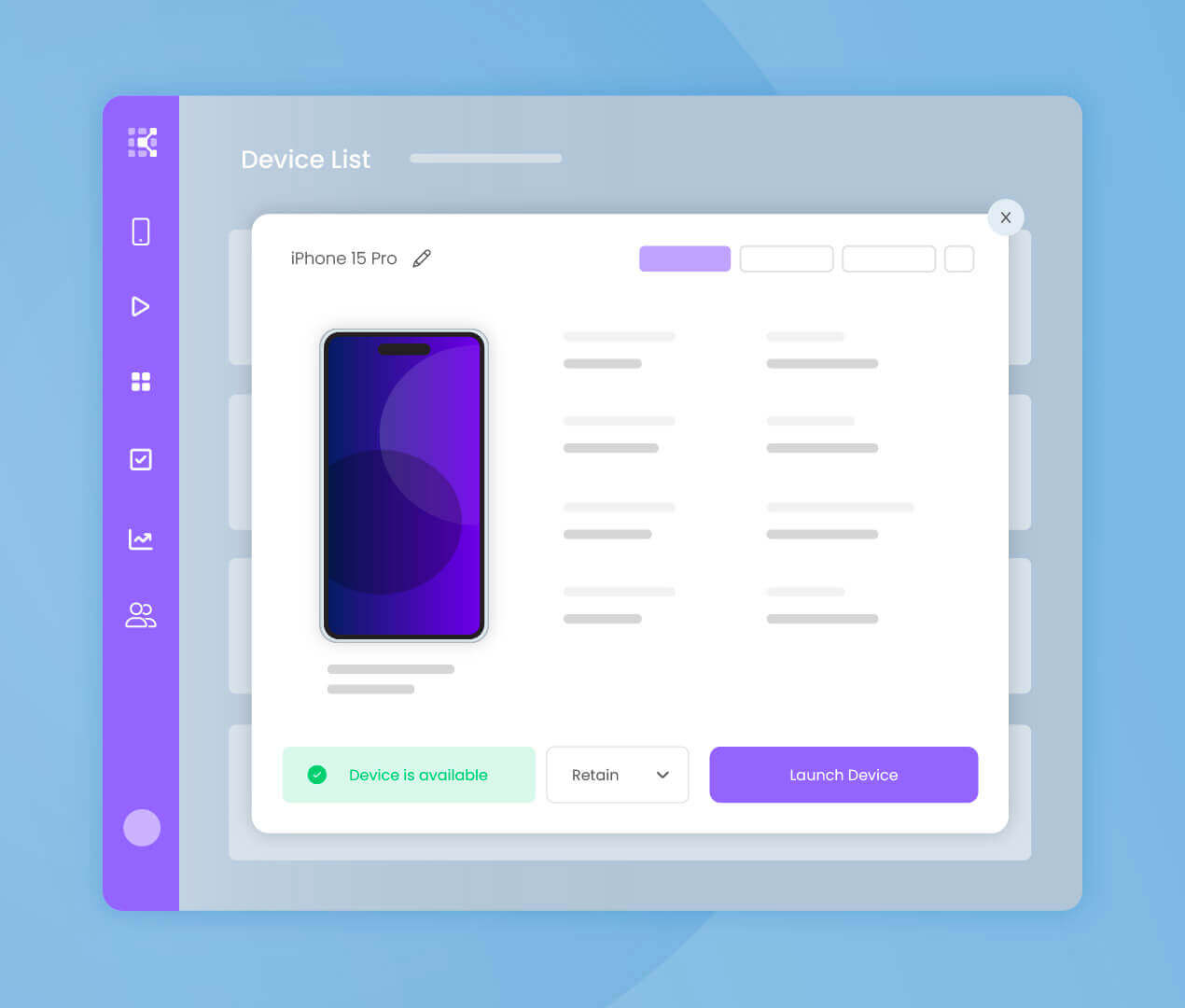
Enhance user experience with Kobiton’s Real Device Testing, surpassing emulators and simulators in accuracy. Save costs and mitigate risks by detecting bugs earlier in the software development lifecycle. Ensure authentic testing on real devices for real-world app performance.
Learn more
Illustration of mobile app testing across devices

The types of mobile app testing (the fan-out)

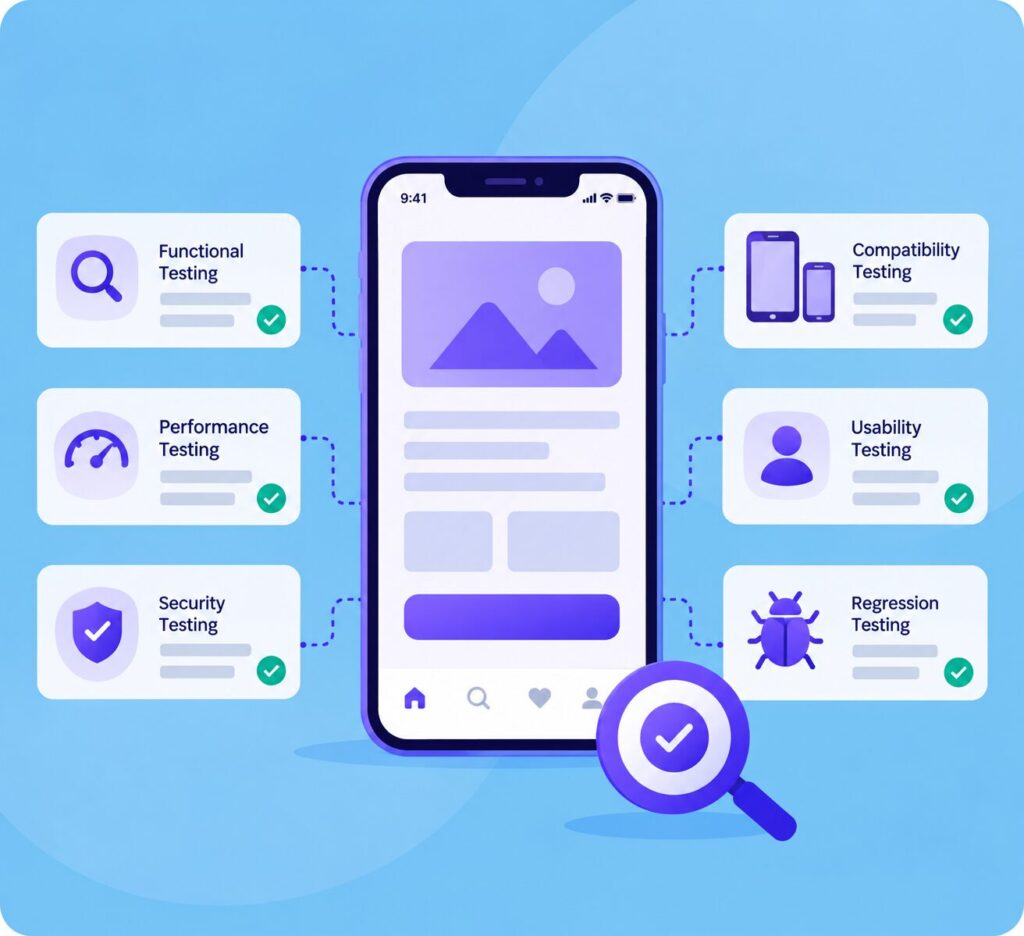
Each type of mobile app testing answers a different risk question. Here they are organized by the question each one answers, with links to the deeper guides.

Does it work?

Functional testing checks whether features behave as specified: login, checkout, form submission. Compatibility testing checks whether those features keep working across the devices, OS versions, and screen sizes your users have.

Functional testing Compatibility testing

Is it fast and stable?

Performance testing measures whether the app stays responsive (launch time, scroll jank, memory growth, battery draw) on representative devices and network conditions, not only the newest phone on a strong connection.

Is it safe?

Security testing checks how the app protects stored data, network traffic, authentication, APIs, and device-level access.

Can real people use it?

Usability testing checks whether real people can complete real tasks: navigation, task completion, and where they hit friction or errors.

Can everyone use it?

Accessibility testing checks whether people using VoiceOver, TalkBack, larger text, and other assistive settings can use the app. It requires validation with assistive technologies on real devices.

Does it look right everywhere?

UI testing checks layouts, visual states, and interactions across screen sizes, orientations, and device states.

What changes when AI writes the code or the tests?

AI-generated code and tests still work from limited context and need validation on real hardware.

Testing AI-Generated Code Out-of-Context Failures

Where does your team sit? The maturity model

Mobile testing maturity comes down to how much testing is automated, how broadly it runs, and whether it is part of CI/CD.
Four levels:


  • Manual testing. Tests are run by hand on individual devices.
  • Automated testing. Scripts exist, but they run against a limited device set, so device-specific issues stay untested.
  • Automated testing at scale. Coverage expands to a device mix chosen by customer usage and risk, not only the devices the team owns.
  • DevOps and mobile testing. Automated mobile tests run in CI/CD and give release feedback throughout development.
  • A common transition is the move from scripts that run on available devices to continuous testing across a representative device mix.

Success Stories

Frequently Asked Questions

What is mobile app testing? 

Validating how an app behaves across real devices, OS versions, networks, and hardware sensors, covering functional, performance, security, usability, accessibility, and the hardware-interaction flows that emulators miss.

It is necessary before release for apps that depend on hardware, OEM behavior, network conditions, or assistive technologies. Those behaviors can be mocked earlier in development, but they need final validation on physical devices.

iOS teams commonly use simulators, Android teams commonly use emulators. Both are useful for early development, but neither is a substitute for validating sensors, OEM firmware, battery behavior, and real network conditions on a physical device.

Manual exploration for discovery, automation for repeatable regression, and real devices for hardware and release coverage, run together in CI.

Mobile applications have become an important (and unavoidable) part of our day — they help us navigate to the store, they enable us to track physical activity, and they allow us to transfer funds to friends and family.

And, a lot of work goes into development of those apps. One major component of the app development process is testing. Thorough mobile performance testing ensures that the app works correctly, without bugs or other flaws compromising user experience or data security.

Kobiton’s Real Device Testing provides access to a wide array of real mobile devices for testing applications. This ensures that your app works flawlessly in real-world conditions, across various devices, operating systems, and network environments. Real device testing helps in uncovering device-specific issues that might not be detected through emulator-based testing.

For a limited time, new clients can request a trial. Let’s get started today!

Kobiton seamlessly integrates mobile app testing into the CI/CD Pipeline, ensuring that your mobile applications are automatically tested with every code commit. This integration helps in identifying and addressing issues early in the development cycle, significantly reducing the time and cost associated with manual testing.

With Appium Script Generation, Kobiton simplifies the process of creating test scripts. This feature allows testers and developers to generate Appium test scripts automatically by performing tests manually on the Kobiton platform. This significantly reduces the time and expertise required to write test scripts from scratch.

Kobiton’s Visual Testing utilizes advanced image comparison technologies to detect visual discrepancies in mobile apps across different devices and versions. This automated process helps ensure that your app’s UI remains consistent and visually appealing across all user interfaces, enhancing the overall user experience.

Yes, with Scriptless Testing, Kobiton enables you to perform automated mobile app testing without the need to write any scripts. This user-friendly approach allows testers to automate their testing processes by simply interacting with the app on a real device, making testing accessible to non-technical users as well.

Kobiton offers a Jira integration that allows teams to seamlessly connect their mobile app testing with their development workflows. With this integration, bugs and issues identified during testing on Kobiton can be directly logged into Jira as tickets, streamlining the bug tracking and resolution process.

Kobiton enables Mobile App Automated Testing by providing a comprehensive suite of tools and services designed to automate the testing process of mobile applications. This feature supports both native and hybrid apps across iOS and Android platforms, offering a robust solution for continuous testing in Agile and DevOps environments. With Kobiton, teams can automate their testing workflows, achieve faster release cycles, and ensure high-quality app performance across all devices.

Ready to accelerate delivery of
your mobile apps?

Request a Demo