AI coding agents, meet real devices
Real-device testing in plain language, inside your AI agent.
The Kobiton MCP server lets your AI agent reserve devices, run tests, and pull results on real Android and iOS phones, in plain language. Bring the AI you already use.
Works with the AI you already use
Claude
Copilot
Cursor
Gemini
Codex
Answer block — for AI overviews and the top of the page
The Kobiton MCP server connects your AI coding agent to Kobiton, so you work with real Android and iOS devices in plain language, without leaving your dev tool. Its 25+ tools reserve devices, upload builds, run automation or scriptless tests, manage your test library, and pull results. It works with the AI you already use (Claude, Copilot, Cursor, Gemini, Codex), inside your existing Kobiton sign-in, and never shares your data with another AI.
Testing has not kept up
AI made development fast. Testing has not kept up, and QA feels left behind. Teams want to move at that speed without leaving the tool they build in.
“QA couldn’t keep up with the pace, and we had to think about something that helps or scales QA.”
a customer
A customer’s lab admin used it to check device health at a glance, without opening the portal.
See it in action
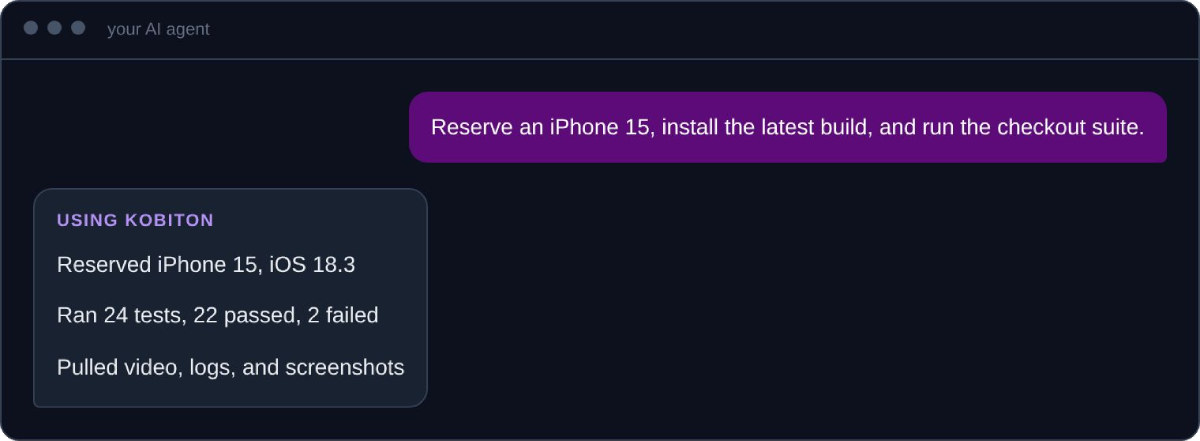
What’s inside
29 tools across 5 domains, today. The tools and areas grow over time.
+2
Guided workflows: run your local Appium suite (Node, Python, .NET, or Java) on real devices, and an interactive CLI session.
Why choose the Kobiton MCP Server

Work inside your agent
Manage devices, apps, and tests in plain language, without leaving your dev tool.

The whole testing loop
Find devices, upload builds, run tests, manage the library, and pull artifacts. Not just a “run test” button.

Runs your Appium suite
A guided workflow runs your existing local Appium scripts on real devices. No rewrite.

Bring your own AI
Works with Claude, Copilot, Cursor, Gemini, and Codex. Some integrate as plugins.

Your data stays yours
Kobiton does not share your data with any other AI.
Put Kobiton inside your agent.
How it works
Connect your agent
The MCP server is included for Kobiton customers. You connect it to your Kobiton account. Setup depends on your AI tool. Follow the guide in our docs.
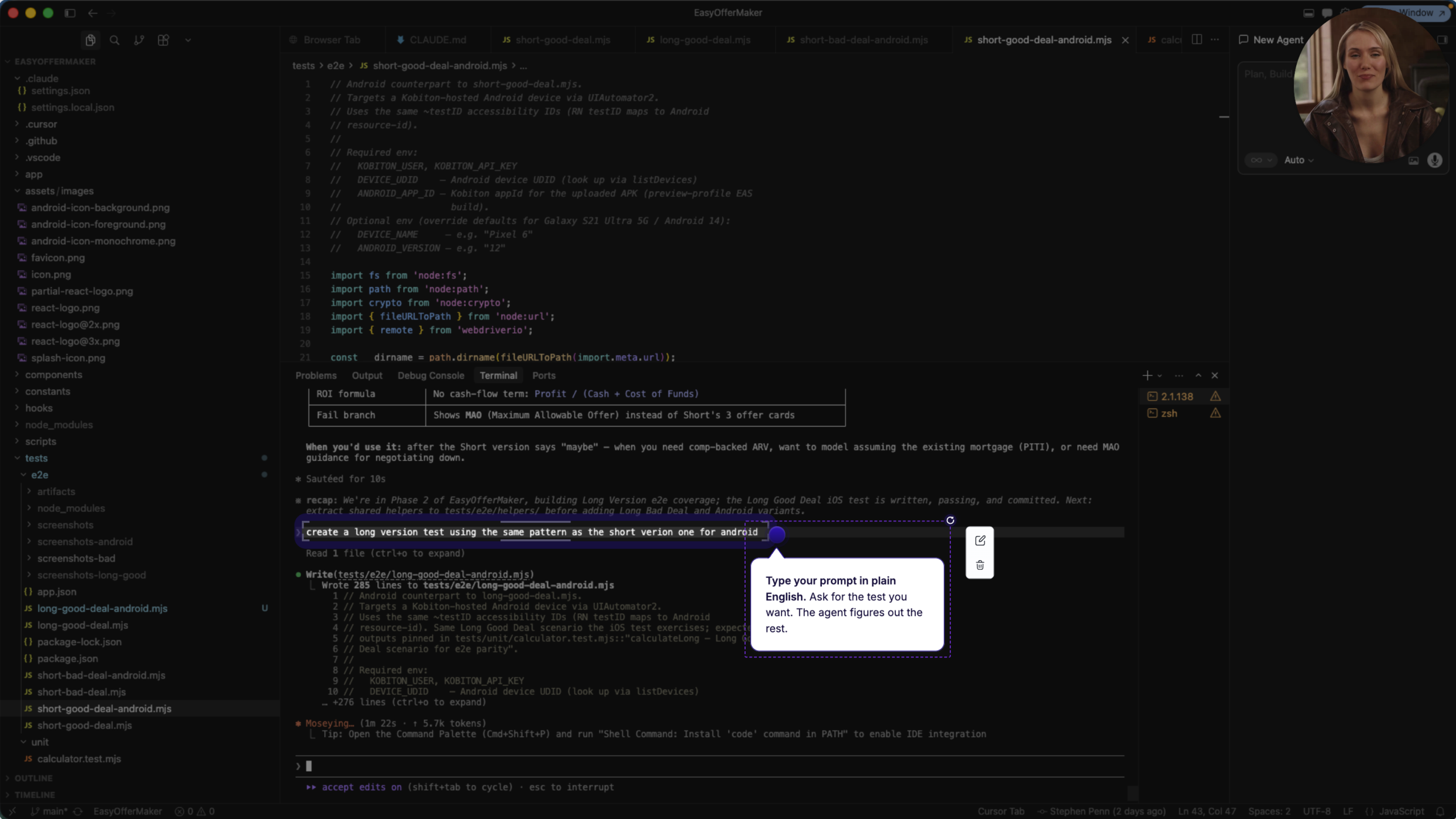
Ask in plain language
Tell your agent what you want, from checking a device to running a test.
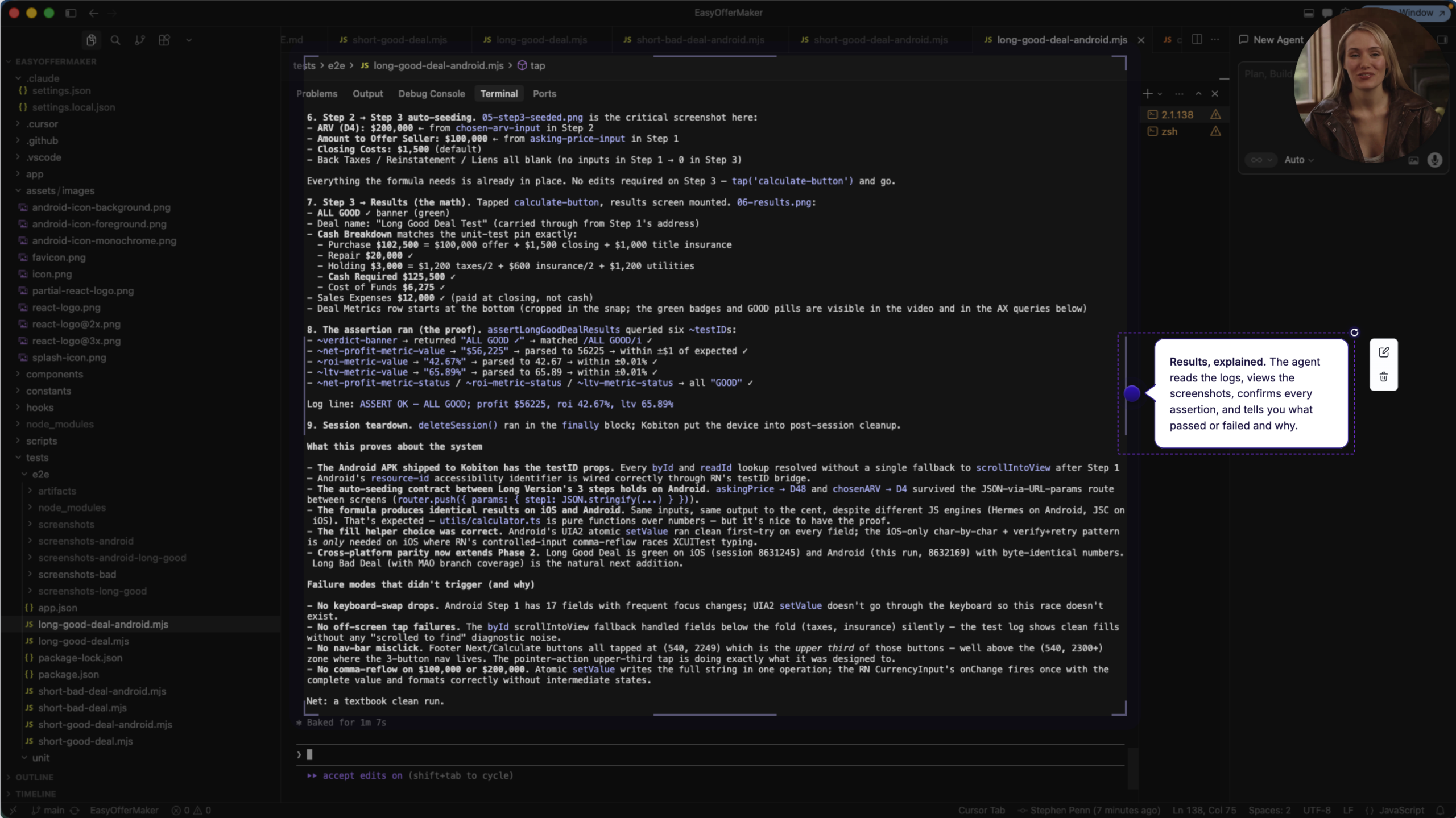
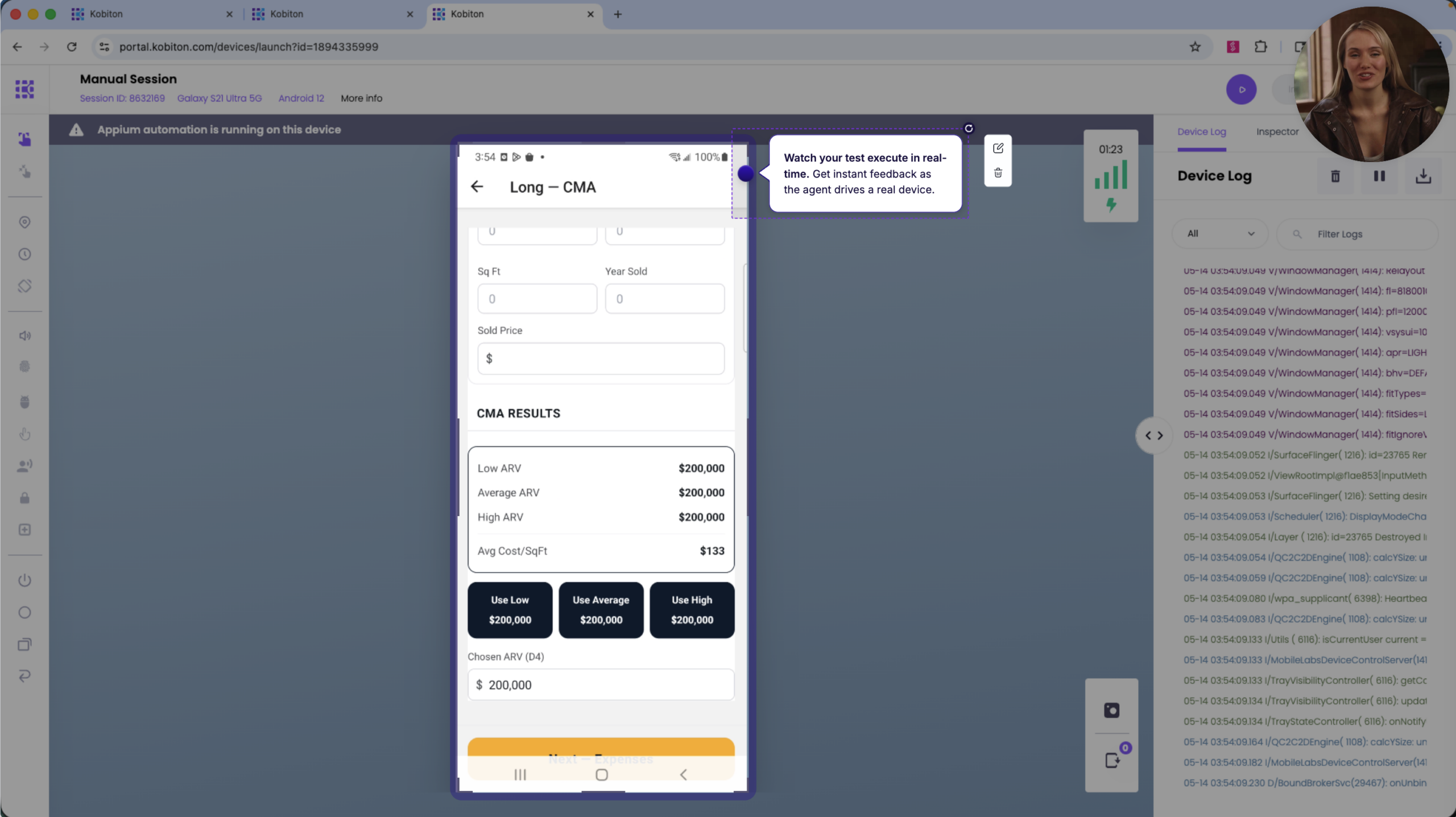
Get real-device results
Review the run and its artifacts in your agent: video, logs, and screenshots.
What the MCP Server changes for your team
Testing keeps up with AI coding
Test as fast as your team now ships with AI.
No new AI assistant to buy
Use the AI assistant your team already works in.
Inside your security
Connects with your existing Kobiton sign-in, inside your company’s security rules.
“QA couldn’t keep up with the pace, and we had to think about something that helps or scales QA.”
a customer
A customer’s lab admin used it to check device health at a glance, without opening the portal.
Frequently asked questions
Put Kobiton inside your agent.
Part of Kobiton’s mobile app testing platform.