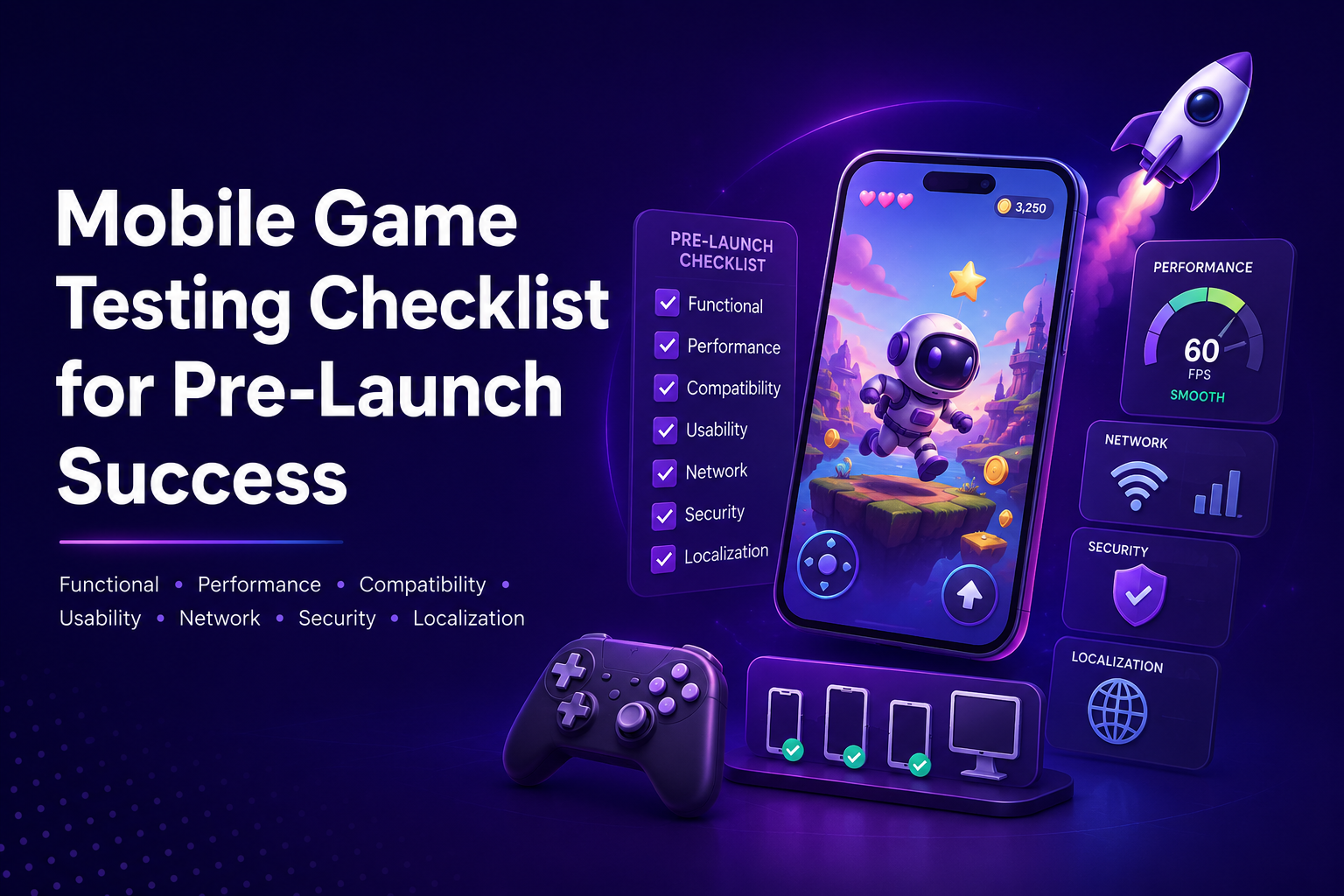
Launching a mobile game without proper testing often leads to frustrating user experiences, poor reviews, and lost revenue. This is why Mobile Game Testing is a core part of the release process. A structured testing checklist allows teams to catch issues early, refine gameplay, and deliver a stable experience across a wide range of devices.
This guide walks through a practical Mobile Game Testing checklist to help you prepare your game for a smooth and reliable launch.
Why Mobile Game Testing Matters
Before releasing your game, you need to confirm that it performs well, feels intuitive, and runs reliably under real-world conditions. Mobile Game Testing helps verify that your game works consistently across different devices, operating systems, and network environments.
It also uncovers bugs that might interrupt gameplay, cause crashes, or break key features. Even minor issues can affect how players perceive your game, especially in the first few sessions.
A well-planned testing process leads to better player retention, stronger app store ratings, and fewer support issues after launch. Platforms like Kobiton make this process more practical by allowing teams to test on real devices rather than relying only on emulators.
Functional Testing Checklist
Functional testing focuses on making sure every feature behaves exactly as intended.
- Verify core game mechanics and controls respond accurately
- Check level progression, scoring systems, and win or loss conditions
- Validate in-app purchases, rewards, and currency systems
- Test user login, account creation, and data syncing
During Mobile Game Testing, even small inconsistencies in gameplay can frustrate players. For example, a delayed control response or incorrect reward calculation can quickly lead to negative feedback. Every interaction should feel reliable and predictable.
Performance Testing Checklist
Performance directly affects how enjoyable your game feels. Players expect smooth visuals and fast response times, regardless of the device they are using.
- Test game loading times across different devices
- Monitor frame rates to maintain stable FPS
- Track memory usage and CPU load during gameplay
- Measure battery consumption during extended sessions
Mobile Game Testing should include both high-end and low-end devices. A game that performs well only on premium devices will struggle to gain traction in broader markets. Tools like Kobiton help simulate real usage conditions so performance issues can be identified early.
Compatibility Testing Checklist
Your game needs to work consistently across a wide range of devices and configurations.
- Test across different screen sizes and resolutions
- Verify compatibility with multiple Android and iOS versions
- Check performance on various device models and hardware levels
- Validate support for both portrait and landscape orientations
Effective Mobile Game Testing reduces the risk of device-specific issues, such as UI misalignment or crashes on certain operating systems. This is especially important when targeting a global audience with diverse device usage.
Usability Testing Checklist
A game can be technically sound but still fail if players find it confusing or difficult to use.
- Review UI and UX consistency across screens
- Test navigation, menus, and in-game interactions
- Confirm instructions are clear and easy to follow
- Evaluate the onboarding experience for new players
Mobile Game Testing should focus on how real users interact with the game. If players struggle to understand mechanics or get stuck early, they are likely to abandon the game quickly.
Network and Connectivity Testing
Many modern mobile games rely on stable internet connections, especially for multiplayer features and live updates.
- Test gameplay under different network conditions such as 3G, 4G, and Wi-Fi
- Validate multiplayer functionality and synchronization
- Check server response times during peak and low usage
- Confirm the game handles network interruptions gracefully
Mobile Game Testing in this area helps prevent issues like lag, disconnections, or data loss, all of which can significantly affect player satisfaction.
Security Testing Checklist
Security is especially important for games that involve user accounts, personal data, or payments.
- Protect user data and login credentials
- Test payment systems for vulnerabilities or failures
- Identify and prevent cheating or hacking attempts
- Validate secure communication between app and server
A strong Mobile Game Testing process builds player trust and reduces the risk of exploitation or fraud.
Localization Testing Checklist
If your game targets users in multiple regions, localization should be carefully tested.
- Verify language translations for accuracy
- Check cultural relevance of content and visuals
- Confirm text fits properly within UI elements
- Validate regional formats such as dates, currency, and settings
Including localization in Mobile Game Testing helps your game feel natural and accessible to players from different regions, rather than appearing poorly adapted.
Final Pre-Launch Checklist
Before releasing your game, run a final validation to catch any remaining issues.
- Fix all critical and high-priority bugs
- Perform regression testing to confirm fixes do not break other features
- Test installation, updates, and uninstall processes
- Validate compliance with app store requirements
A complete Mobile Game Testing checklist significantly reduces the chances of major issues appearing after launch.
Conclusion
A successful game launch depends heavily on how thoroughly it has been tested. By following this Mobile Game Testing checklist, you can improve performance, refine the user experience, and reduce the likelihood of bugs affecting your players.
Taking the time to properly test your game before release gives you a stronger start in a highly competitive market and sets the foundation for long-term success.
FAQs
What is Mobile Game Testing?
Mobile Game Testing is the process of evaluating a game’s functionality, performance, usability, compatibility, security, and overall player experience before release.
Why is Mobile Game Testing important before launch?
It helps identify bugs, crashes, performance issues, gameplay problems, and compatibility concerns that could negatively impact player satisfaction and app store ratings.
What should be included in a Mobile Game Testing checklist?
A complete checklist should cover functional testing, performance testing, compatibility testing, usability testing, network testing, security testing, and localization testing.
Why is compatibility testing important for mobile games?
Compatibility testing ensures the game works correctly across different devices, screen sizes, operating systems, and hardware configurations.
What should teams do before releasing a mobile game?
Teams should fix critical bugs, perform regression testing, validate installation and updates, test app store compliance, and complete a final pre-launch quality review.