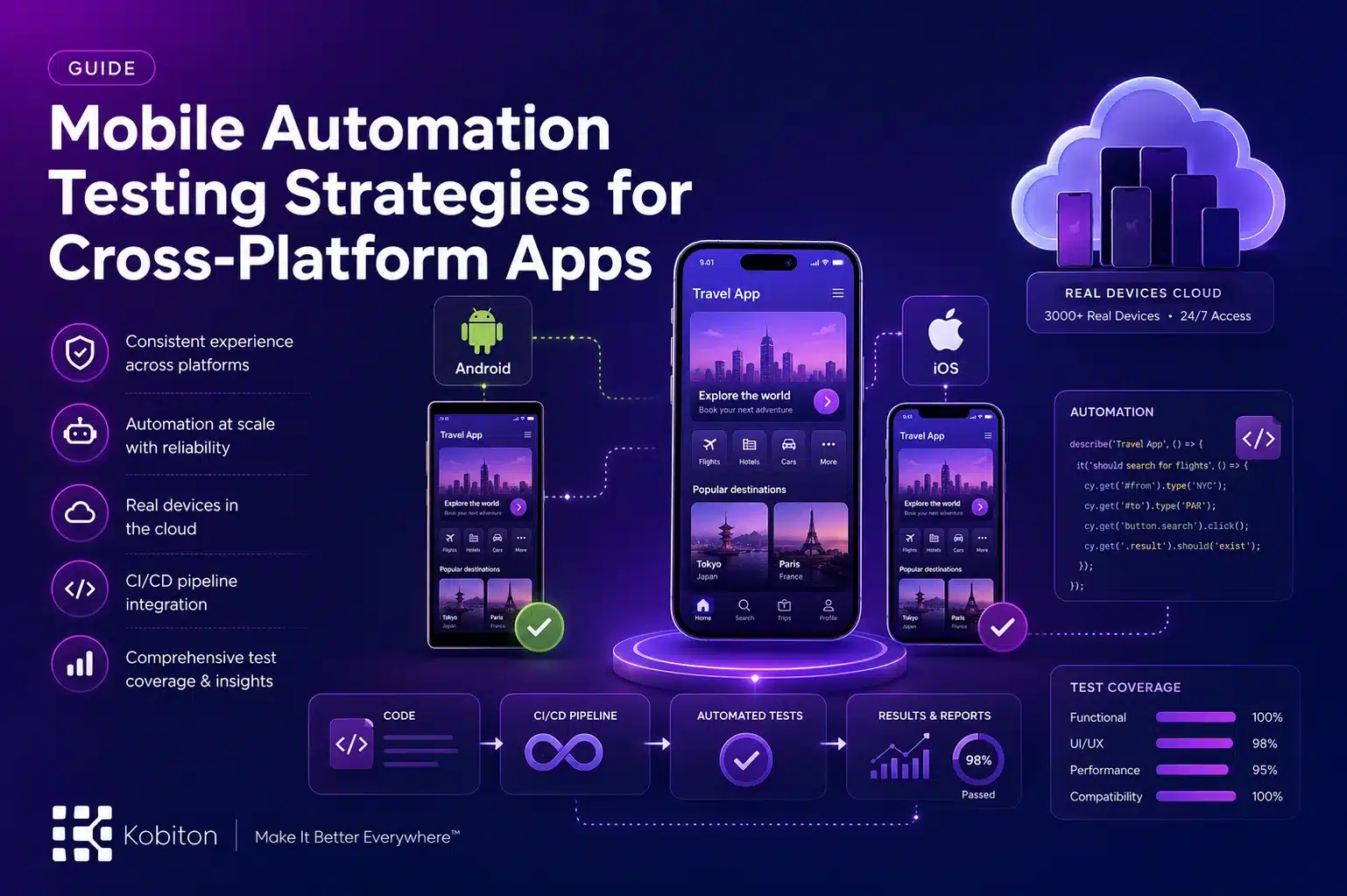
In today’s fast-moving app development environment, delivering a consistent experience across platforms is no longer optional. Users expect apps to work smoothly on both Android and iOS, regardless of device type or screen size. This expectation introduces a layer of complexity that teams cannot manage efficiently through manual testing alone.
This is where Mobile Automation Testing becomes essential. It allows teams to maintain product quality, reduce repetitive manual work, and release updates faster while keeping performance consistent across a wide range of devices.
What is Mobile Automation Testing
Mobile Automation Testing refers to the use of scripts and testing frameworks to automatically validate how a mobile app performs. Instead of manually checking every feature, automated tests verify functionality, performance, and usability across different environments.
For cross-platform apps, this approach is particularly valuable. A single application must behave consistently across multiple operating systems, device types, and configurations. Automation helps confirm that nothing breaks as the app scales or evolves.
Why Mobile Automation Testing Matters for Cross-Platform Apps
Cross-platform development introduces challenges that are difficult to manage without a structured testing approach. Differences in operating systems, device capabilities, and screen sizes can all affect how an app behaves.
Mobile Automation Testing helps teams handle these challenges by:
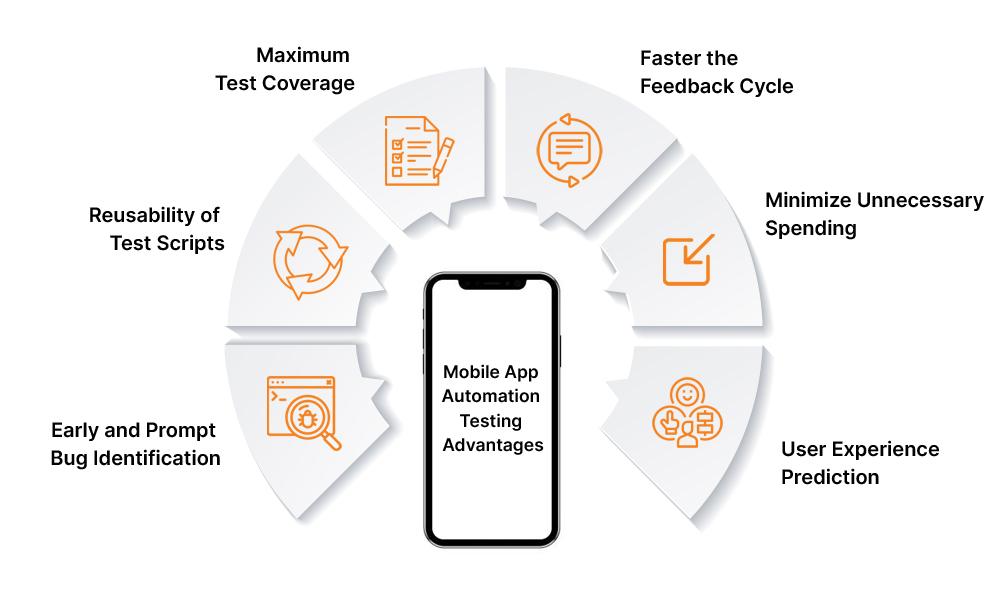
Running tests across multiple devices at the same time, which reduces testing time significantly
Catching issues early in the development cycle before they become costly to fix
Improving consistency by removing human error from repetitive test execution
Reducing long-term testing costs by minimizing manual effort
Without automation, testing across platforms becomes slow, inconsistent, and difficult to scale.
Key Mobile Automation Testing Strategies
To get meaningful results from automation, teams need more than just tools. A clear strategy is what makes testing reliable and scalable.
1. Choose the Right Automation Tools
The foundation of effective Mobile Automation Testing starts with selecting the right tools. Options like Appium, Espresso, and XCUITest are commonly used, but the right choice depends on your project needs.
When selecting a tool, consider:
Compatibility with both Android and iOS
Ease of integration with your existing workflow
Availability of community support and documentation
Ability to scale as your app grows
A well-chosen tool reduces friction during implementation and makes test execution more efficient.
2. Focus on Meaningful Test Coverage
Strong test coverage is one of the most important aspects of Mobile Automation Testing. It is not enough to test only the main features. Real users interact with apps in unpredictable ways, and your tests should reflect that.
A solid test suite should include:
Functional testing to verify that features work as expected
UI testing to check layout and interactions across devices
Performance testing to measure responsiveness and load handling
Regression testing to confirm that new updates do not break existing functionality
Including edge cases and real-world usage scenarios adds depth to your testing and improves overall reliability.
3. Use Real Devices Alongside Cloud Testing
While emulators are useful during early development, they cannot fully replicate real user conditions. Factors like network variability, hardware limitations, and OS behavior differ on actual devices.
Incorporating real devices into your Mobile Automation Testing process gives more accurate results. Platforms like Kobiton allow teams to access a wide range of real devices through the cloud, making it easier to test across different environments without maintaining physical hardware.
With solutions such as Kobiton, teams can:
Run tests on real devices across multiple OS versions
Execute tests in parallel to save time
Identify issues that only appear in real-world conditions
This approach leads to more reliable test outcomes and fewer surprises after release.
4. Integrate Testing into CI Pipelines
Automation becomes far more effective when it is part of your development workflow. Integrating Mobile Automation Testing into your CI pipeline means tests run automatically every time new code is pushed.
This provides:
Immediate feedback for developers
Faster identification of issues
Greater confidence in code changes
By catching problems early, teams can avoid larger issues later in the release cycle.
5. Maintain and Improve Test Scripts Over Time
Automation is not a one-time setup. As your application changes, your test scripts must evolve with it. Outdated scripts can produce misleading results and reduce trust in your testing process.
To keep your tests reliable:
Write reusable and modular test cases
Keep scripts simple and easy to update
Review and update tests whenever features or UI elements change
Regular maintenance keeps your automation stable and relevant.
6. Focus on High-Value Test Scenarios
Not every test case needs to be automated. The goal is to focus on scenarios that deliver the most impact.
Prioritize tests that:
Cover frequently used features
Have a direct impact on user experience or revenue
Require repeated execution across releases
This approach ensures that your automation effort delivers measurable value without unnecessary complexity.
Common Challenges in Mobile Automation Testing
Even with the right strategies, teams may face practical challenges during implementation.
Some common issues include:
Device fragmentation, where apps must support a wide range of devices and configurations
Flaky tests caused by unstable environments or timing issues
Initial setup effort, especially when building frameworks from scratch
Skill gaps within teams when adopting new tools or technologies
These challenges can be reduced through proper planning, consistent processes, and the use of reliable testing platforms.
Conclusion
Mobile Automation Testing plays a central role in delivering reliable cross-platform apps. By selecting the right tools, building meaningful test coverage, using real devices, and integrating testing into your workflow, teams can maintain quality while moving faster.
As mobile applications continue to evolve, a strong automation strategy is no longer optional. It is a practical way to keep performance consistent, reduce risk, and meet user expectations across every platform.
FAQs
What is Mobile Automation Testing?
Mobile Automation Testing uses automated scripts and frameworks to test a mobile app’s functionality, performance, and usability across different devices and platforms.
Why is Mobile Automation Testing important for cross-platform apps?
It helps teams maintain consistent app performance across Android and iOS, reduce manual effort, catch issues early, and speed up release cycles.
Which tools are commonly used for Mobile Automation Testing?
Popular tools include Appium, Espresso, and XCUITest, depending on project requirements and platform support.
Why should teams use real devices in automation testing?
Real devices help identify issues related to hardware, network conditions, operating systems, and real-world user behavior that emulators may miss.
What are common challenges in Mobile Automation Testing?
Common challenges include device fragmentation, flaky tests, setup complexity, outdated test scripts, and skill gaps when adopting new automation tools.