May 8, 2024
Get the Most Out of Your Internal Mobile Device Lab

Brittney Lawrence
Read More
Your app works perfectly during development. Tests pass in the emulator, the user interface looks correct on the developer’s phone, and automated checks run without errors.
However, once the app reaches real users, problems begin to appear. A feature may work on one device but fail on another, layouts may break on smaller screens, and background processes may behave differently on specific Android models.
These issues are often caused by the diversity of mobile devices. With thousands of device models, operating system versions, and hardware configurations, testing on only one or two devices is not enough.
This is where mobile device labs become essential. A mobile device lab provides access to multiple real smartphones and tablets, allowing teams to test applications across different hardware, operating systems, and configurations.
By testing apps on real devices at scale, teams can identify compatibility issues earlier and ensure reliable performance in real-world conditions.
A mobile device lab is a testing environment that contains multiple physical smartphones and tablets used specifically for testing mobile applications.
Real device testing labs allow teams to test applications on real devices, validate behavior across different operating system versions, reproduce device-specific issues, and support automated testing workflows.
A typical device lab includes a mix of Android and iOS devices, various operating system versions, and different hardware configurations, including both newer and older models.
Virtual environments such as emulators and simulators are useful for development, but they cannot fully replicate real device conditions.
Differences in hardware, operating systems, and manufacturer customizations can cause applications to behave differently across devices. This is commonly referred to as mobile device fragmentation.
Examples of these differences include variations in hardware, operating system fragmentation, manufacturer modifications, and real network conditions.
Because of this diversity, testing mobile applications on only a small number of devices can result in important issues going undetected until users experience them.
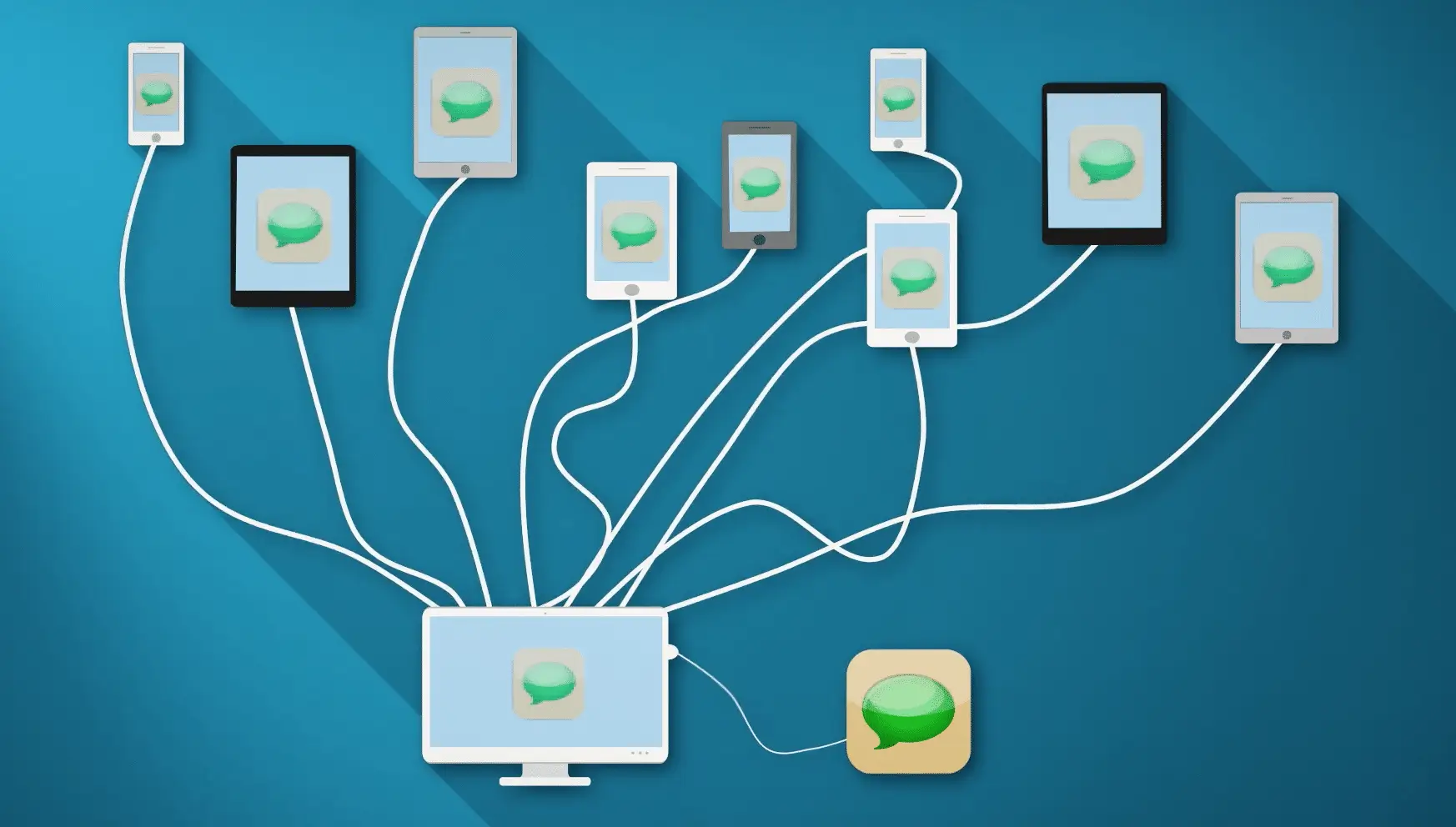
Mobile device labs function as testing infrastructure that allows teams to run applications across multiple device configurations.
Typical capabilities include physical devices connected to host systems, remote access for testers, device management software, automated testing frameworks, and screen streaming for real-time interaction.
Testers can interact with devices remotely, execute automated tests, and collect performance data through device logs.
This remote access model eliminates the need for testers to physically handle each device, as they can interact with devices through a centralized platform that streams the device screen and inputs in real time.
Logs collected during testing provide detailed insights, including timestamps and system data, which help teams diagnose issues more effectively.
Mobile device labs can be categorized based on how devices are hosted and managed.
Local device labs are maintained within an organization’s own infrastructure. This approach provides full control over devices and environments but requires maintaining hardware, managing inventory, and allocating physical space.
Cloud device labs host devices in external data centers managed by service providers. Testers access devices remotely through web interfaces, benefiting from scalability and reduced maintenance.
Hybrid or private device labs combine privately owned devices with centralized management systems, allowing organizations to maintain dedicated devices while benefiting from remote access and automation tools.
Platforms like Kobiton support all three deployment models, with private device labs being especially popular among enterprise teams.
Mobile device labs provide several advantages for testing teams by enabling testing across many device models and validating application behavior on real hardware.
They support distributed testing teams, enable automation at scale, and help reproduce device-specific issues more efficiently.
Many production issues occur due to real-world conditions that were not fully replicated during testing, including differences in devices, networks, and hardware behavior.
Testing across a wide range of real devices allows teams to detect these issues earlier in the development lifecycle.
As mobile ecosystems continue to grow, managing a large number of test devices becomes challenging for most teams.
Managed platforms such as Kobiton provide access to real devices along with virtual testing environments, allowing teams to scale testing without maintaining physical device inventories.
These platforms support various deployment models, including public cloud, private cloud, and standalone environments for organizations with strict security requirements.
This flexibility allows teams to choose a device lab configuration that aligns with their development workflows and infrastructure needs.
Mobile applications must function reliably across a wide range of devices, operating systems, and network conditions.
While emulators are useful during development, real device testing is essential for validating real-world performance and behavior.
Mobile device labs provide the infrastructure needed to test applications across diverse environments, helping teams identify issues earlier and deliver more reliable mobile experiences.
Understanding mobile device fragmentation and testing under real-world conditions are key factors in building high-quality mobile applications.