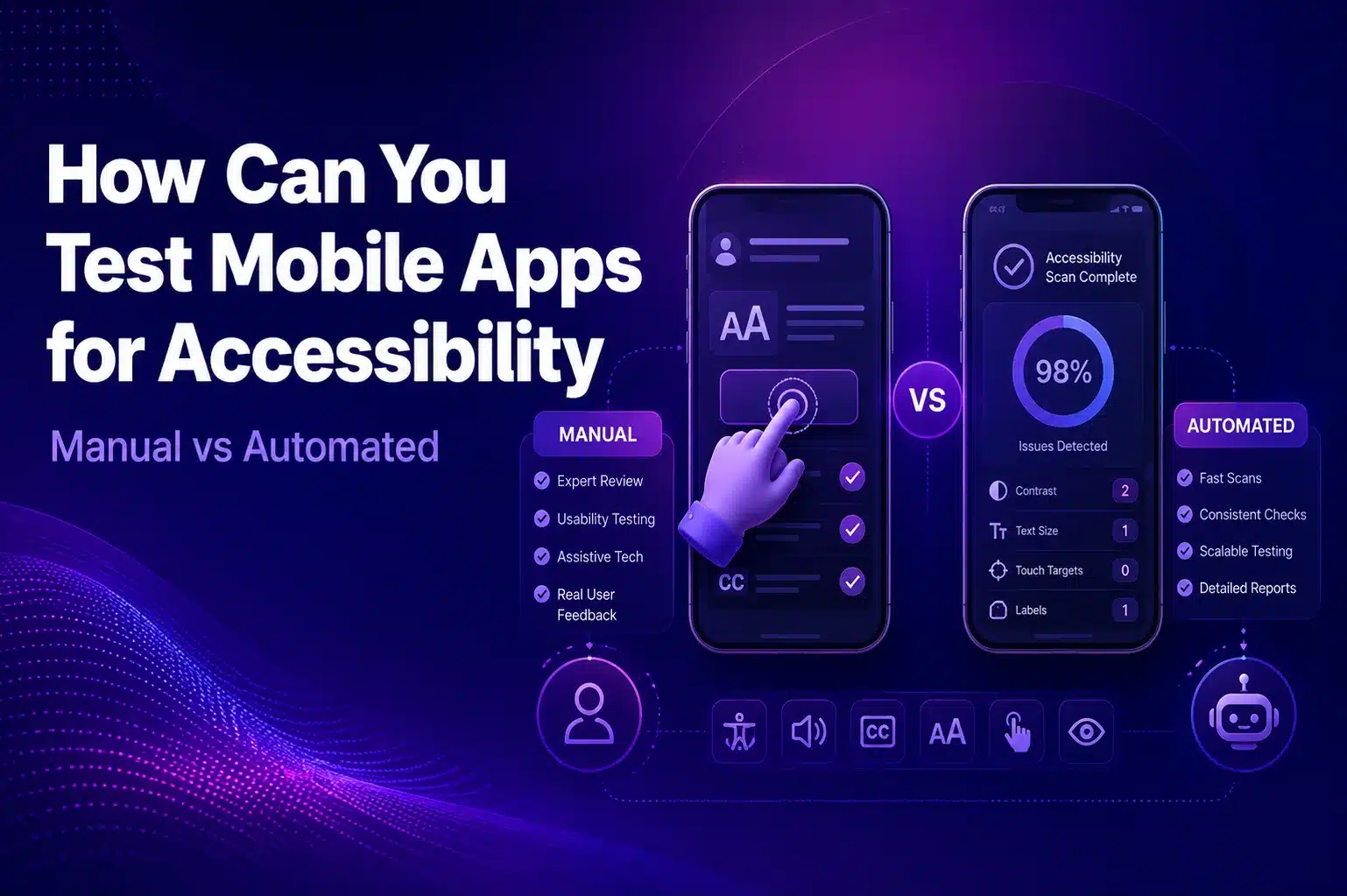
How Can You Test Mobile Apps for Accessibility (Manual vs Automated)?
7 min read
Ensuring that mobile apps are usable by everyone, including people with disabilities, is no longer optional it’s essential. With regulations like the ADA, ensuring that mobile apps are usable by everyone, including people with disabilities, is no longer optional it’s essential. With regulations like the Americans with Disabilities Act (ADA) and Web Content Accessibility Guidelines (WCAG) applying to digital products, accessibility testing has become a critical part of mobile app development.
However, teams often face a common question: manual vs automated accessibility testing, which approach works best, and when should each be used?
In this guide, we’ll break down the differences, tools, and best practices for testing accessibility in mobile apps, helping you build products that are inclusive, compliant, and future-proof. Platforms like Kobiton can also support this process by enabling real-device testing at scale.
Manual vs Automated Accessibility Testing — Interactive Comparison
Interactive Comparison
Manual vs Automated Accessibility Testing
Compare approaches, evaluate trade-offs, and find the right testing strategy for your mobile app.
👤
Manual Testing
Human-led
Real users, real devices, real interactions.
Validates real-world usability with assistive tech
Catches gesture, navigation, and context issues
Handles edge cases like pop-ups and multimedia
Best paired with VoiceOver and TalkBack
Provides authentic user experience insights
⚡
Automated Testing
Tool-driven
Fast, repeatable, scalable scans.
Scans large surfaces in seconds
Applies WCAG rules uniformly across screens
Integrates easily into CI/CD pipelines
Catches missing labels and contrast issues
Enables continuous accessibility monitoring
💡 The Balanced Answer
Use both — they solve different problems.
Automation gives you speed and consistency for catching obvious violations early in development.
Manual testing brings the human judgment needed to validate true usability with assistive technologies.
The strongest accessibility programs combine both, with proportions adjusted to app complexity and user base.
Head-to-head comparison across 8 key dimensions. Scores reflect typical strengths of each approach.
Pick your context — we’ll recommend the right manual vs automated split for your team.
📱 Android Accessibility Tools
TalkBackBuilt-in screen reader for testing voice navigation
Android Accessibility ScannerIdentifies potential issues directly on device
Accessibility Insights for AndroidOpen-source automated and guided testing
Axe for MobileCross-platform support for iOS and Android
🍎 iOS Accessibility Tools
VoiceOverApple’s screen reader for accessibility validation
Xcode Accessibility InspectorApple’s native tool for iOS accessibility checks
Dynamic Type TestingValidates text resizing across system settings
Real-Device PlatformsTest on varied real iOS devices at scale
Why Mobile Accessibility Matters
Accessible apps not only reduce the risk of legal complications but also significantly expand your audience reach. According to the World Health Organization, over 1 billion people worldwide live with some form of disability.
Accessibility ensures your app can be used by everyone, from users relying on screen readers to those who need larger text, better contrast, or voice-based navigation.
This is where inclusive mobile design becomes essential. It means designing with accessibility in mind from the very beginning and validating those decisions through thorough, ongoing testing.
Manual vs Automated Accessibility Testing
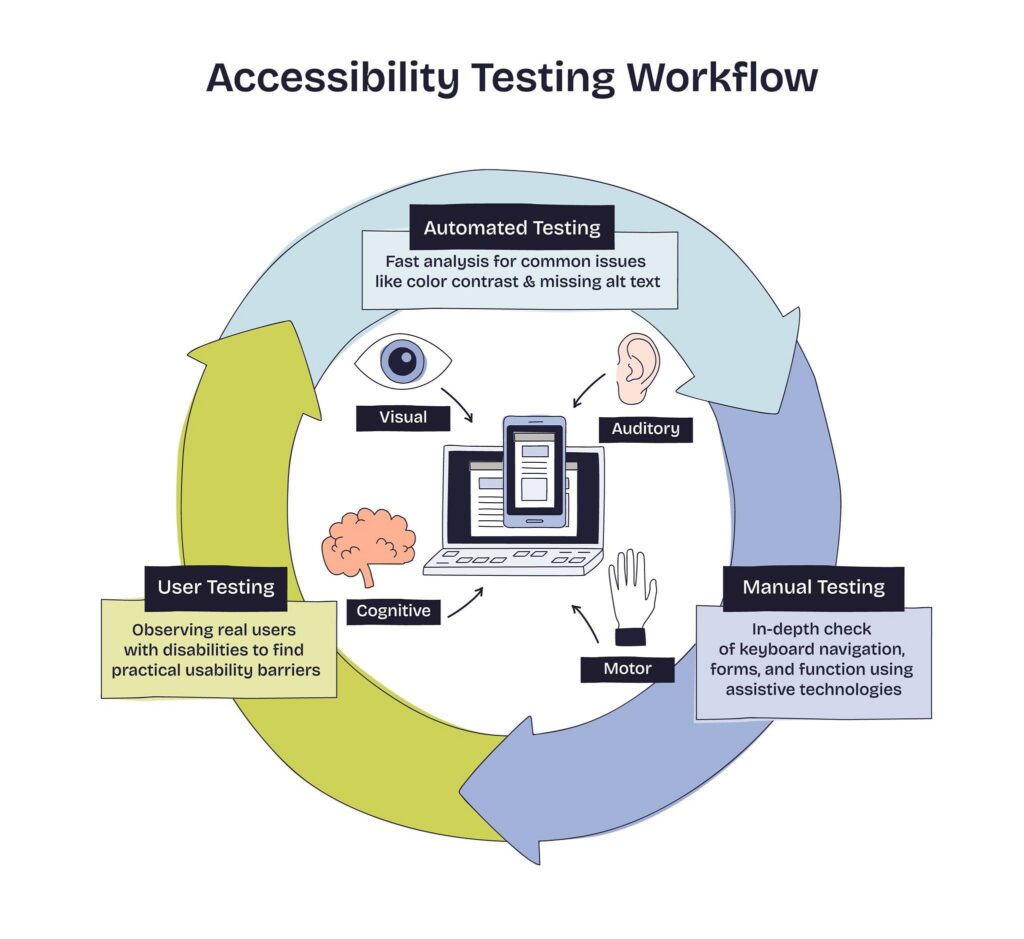
Both manual and automated testing play vital roles in accessibility, but they serve different purposes.
Automated Accessibility Testing
Automated testing uses software tools to scan your mobile app and quickly detect accessibility issues. This approach is particularly effective for identifying common violations of standards like WCAG, such as poor color contrast or missing labels.
Key benefits include:
Speed: Automated tools can scan large parts of your app in seconds.
Consistency: They apply the same rules uniformly across all screens.
Scalability: Easy integration into CI/CD pipelines allows for continuous monitoring.
Popular automated tools include:
Accessibility Insights for Android – open-source checks with automated and guided testing
Axe for Mobile – supports both iOS and Android apps
Android Accessibility Scanner – identifies potential issues in Android apps
While automation is powerful, it cannot catch everything. That’s where manual testing becomes essential. This involves real users often including people with disabilities, interacting with your app on real devices.
Manual testing focuses on:
Real-world usability: How well does your app perform with assistive technologies like VoiceOver (iOS) or TalkBack (Android)?
Context and interaction: Does the app properly support gestures, dynamic text resizing, and keyboard navigation?
Edge cases: Elements like pop-ups, error messages, and multimedia often require human validation.
Manual testing provides deep insights into the actual user experience, something automated tools simply cannot fully replicate. Using real-device platforms such as Kobiton can further enhance this process by allowing teams to test on a wide range of real devices under real conditions.
Accessibility Testing for Android Apps vs iOS Apps
Accessibility testing requirements vary slightly between platforms:
For Android apps:
Use TalkBack for screen reader testing
Apply color contrast analyzers
Leverage Android Accessibility Scanner
Ensure touch targets are at least 44×44 px
Test across multiple screen sizes and device types
For iOS apps:
Use VoiceOver for accessibility validation
Test with Xcode Accessibility Inspector
Validate dynamic text resizing
Follow Apple’s semantic labeling guidelines
Ensure gestures are compatible with assistive technologies
Combining platform-specific tools with manual validation ensures both ecosystems deliver equally inclusive experiences.
Best Practices for a Balanced Approach
So, who wins in the debate between manual and automated accessibility testing?
The answer: both.
A balanced approach delivers the best results:
Start with Automation
Run automated scans early and frequently to catch obvious issues like missing labels, insufficient contrast, or unlabeled buttons. Integrate these checks into your development workflow for continuous feedback.
Validate with Manual Testing
Test real user journeys using assistive technologies. Involve users with disabilities to evaluate key interactions and uncover usability gaps that automation may miss.
Design for Accessibility from the Start
Avoid treating accessibility as an afterthought. Instead, embed inclusivity into your design system and validate continuously throughout development.
Conclusion
Accessibility testing is not just about compliance, it’s about creating apps that everyone can use and enjoy. Automated testing offers speed and consistency, while manual testing provides the human perspective needed for true inclusivity.
By combining automated tools, thorough manual validation, and a commitment to inclusive mobile design, your team can confidently deliver apps that meet legal standards, enhance user experience, and embrace digital inclusivity.
FAQs
What is mobile accessibility testing?
Mobile accessibility testing checks whether an app can be used by everyone, including people who rely on screen readers, larger text, better contrast, or assistive technologies.
What is the difference between manual and automated accessibility testing?
Automated testing quickly scans for common issues like missing labels or poor contrast, while manual testing validates real user experience with tools like VoiceOver and TalkBack.
Which tools are used for automated accessibility testing?
Common tools include Accessibility Insights for Android, Axe for Mobile, Android Accessibility Scanner, and Xcode Accessibility Inspector.
Why is manual accessibility testing important?
Manual testing helps identify real-world usability issues that automated tools may miss, especially around gestures, screen readers, pop-ups, dynamic text, and user interactions.
Should mobile apps use both manual and automated accessibility testing?
Yes. A balanced approach works best because automation provides speed and consistency, while manual testing ensures the app is truly usable and inclusive.