Mobile app automation testing is essential for delivering high-quality and reliable applications. However, interacting with complex mobile UI elements can be difficult, especially when testers need to identify the correct elements for automation scripts. These challenges often lead to unstable tests, longer debugging cycles, and delayed releases.
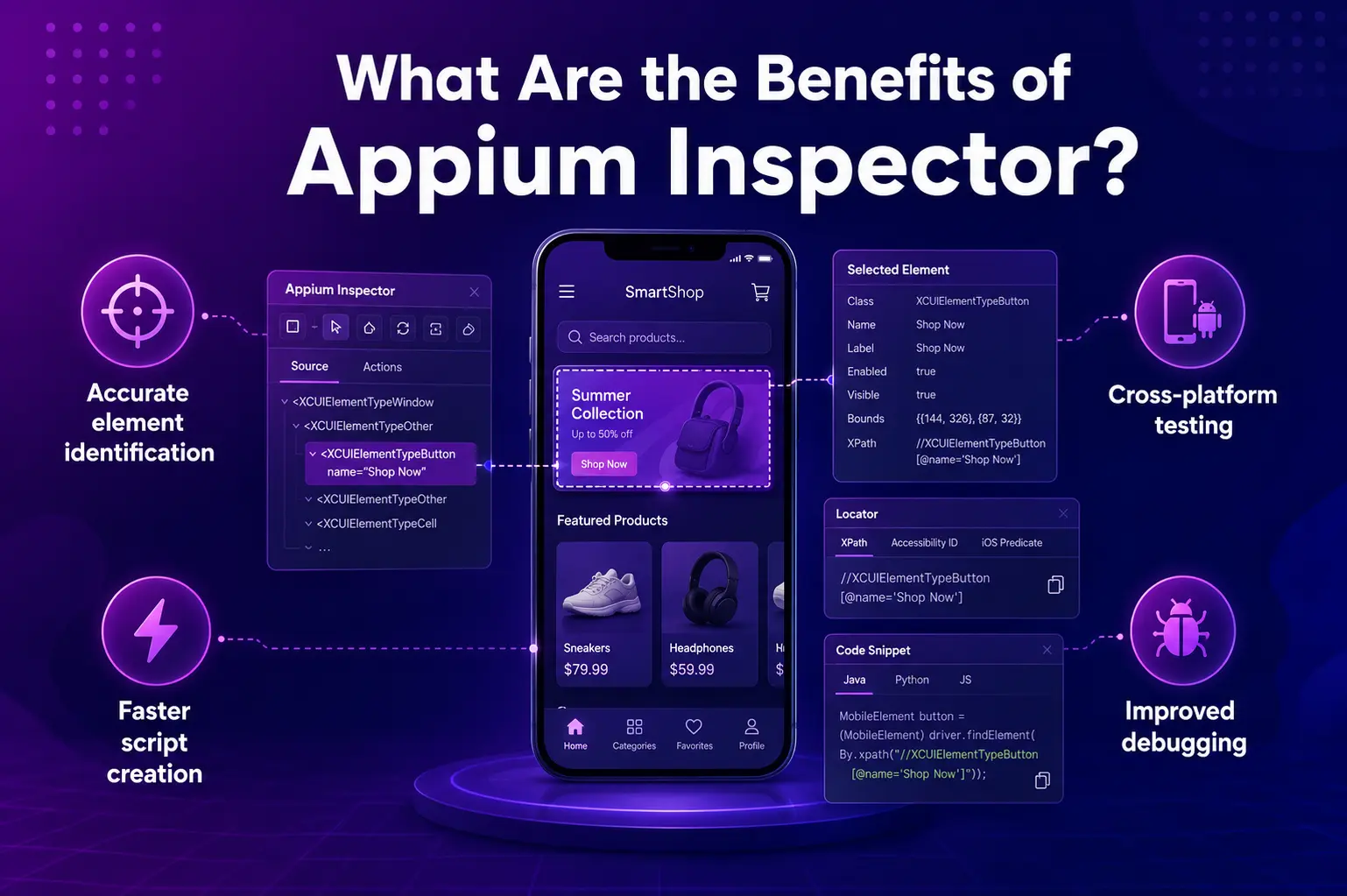
This is where the benefits of Appium Inspector become extremely valuable. Appium Inspector provides a visual interface that allows testers to inspect, interact with, and analyze mobile application elements in real time. Simplifying how testers locate UI components and generate automation code significantly improves testing accuracy and speeds up the automation process across both Android and iOS platforms.
In this guide, we will explore how Appium Inspector works, its key advantages, and the best practices that help mobile testers build efficient automation workflows.
What Is Appium Inspector and How Does It Work?
Appium Inspector is a graphical interface designed to help testers and developers inspect mobile application elements during the automation process. It provides a structured view of the application’s UI hierarchy, allowing users to clearly identify buttons, text fields, images, and other interface components.
One of the most powerful features of Appium Inspector is its ability to generate automation-ready code snippets. These snippets can be created in popular programming languages such as Java, Python, and JavaScript, making it easier for teams to integrate them directly into their test scripts.
Appium Inspector supports both Android and iOS testing, allowing teams to inspect applications across platforms from a single tool. Testers can interact with the application in real time by performing actions such as tapping, swiping, typing, and navigating through the interface. This interactive approach helps validate UI behavior before executing automation scripts on real devices or test environments.
Key Appium Inspector Benefits for Testers
Appium Inspector provides several advantages that improve both the efficiency and reliability of mobile automation testing.
Accurate Element Identification and Verification
Testers can quickly locate UI elements using identifiers such as IDs, class names, accessibility attributes, and XPath selectors. This ensures automation scripts target the correct components within the application.
Cross-Platform Testing Support
Because Appium Inspector works with both Android and iOS environments, testers can inspect and automate applications across platforms using a single unified interface. This reduces the effort required to maintain separate testing tools.
Faster Test Script Creation
Appium Inspector can automatically generate reusable code snippets based on user interactions. This helps testers build automation scripts more quickly and reduces the manual effort required during script development.
Improved Debugging and Troubleshooting
The inspector provides detailed information about UI elements and application behavior. Testers can validate element detection, review logs, capture screenshots, and diagnose automation failures more efficiently.
How Appium Inspector Supports Appium Real Device Testing
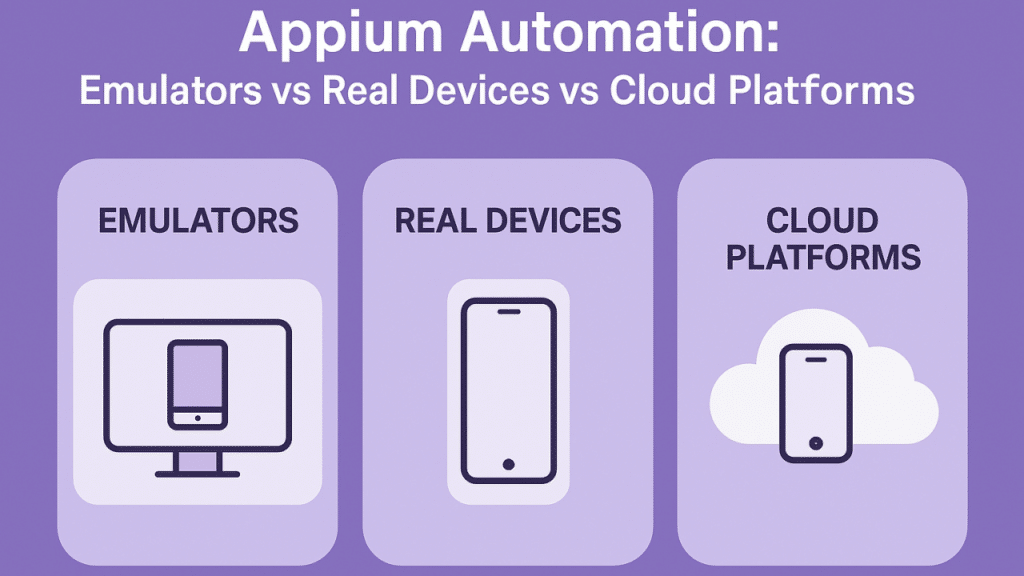
While emulators and simulators are useful during early testing stages, real-device testing is essential for validating how an application behaves in real-world conditions. When used alongside platforms such as Kobiton, Appium Inspector becomes even more powerful.
Real-device testing allows testers to validate automation scripts across multiple devices with different screen sizes, operating systems, and hardware configurations. This helps uncover issues that may not appear in virtual environments.
Using Appium Inspector with real devices also enables parallel testing, access to detailed logs, and the ability to simulate different network conditions. Together, these capabilities improve test reliability and help teams deliver stable applications faster.
Appium Automation Best Practices with Appium Inspector
To maximize the effectiveness of Appium Inspector, testers should follow a few important best practices.
Inspect elements before writing automation scripts to confirm element properties and generate reliable selectors.
Use XPath and accessibility IDs strategically so scripts remain stable across devices and operating system versions.
Maintain reusable code snippets for frequently used interactions to simplify future test development.
Test iteratively on real devices to identify platform-specific issues early in the development cycle.
Applying these practices helps reduce flaky tests and ensures that automation scripts remain stable, scalable, and easier to maintain.
Getting Started with Appium Inspector
Setting up Appium Inspector is straightforward and only requires a few steps.
First, install Node.js and Appium, which are required to run the Appium server. Next, launch the Appium server and connect a mobile device or emulator. For physical devices, enable USB debugging to allow communication with the testing environment.
Once connected, open Appium Inspector and configure the session details such as platform name, device name, and operating system version. After the session begins, testers can start inspecting elements, performing interactions, and generating code snippets that can be integrated directly into their automation scripts.
Conclusion
The benefits of Appium Inspector are clear. It simplifies element identification, accelerates automation script creation, supports cross-platform testing, and improves debugging capabilities for mobile testers.
When combined with real-device testing platforms like Kobiton, Appium Inspector becomes an even more powerful solution for building reliable mobile automation workflows. By following best practices and leveraging its full feature set, testing teams can create scalable and maintainable automation frameworks that improve application quality and speed up release cycles.
FAQs
What is Appium Inspector used for?
Appium Inspector is used to inspect mobile app UI elements, identify selectors, interact with the app, and generate automation-ready code snippets.
What are the main benefits of Appium Inspector?
Its main benefits include accurate element identification, faster script creation, better debugging, and support for both Android and iOS testing.
Does Appium Inspector support real device testing?
Yes, Appium Inspector can be used with real devices, especially when paired with platforms like Kobiton for testing across different devices and environments.
Can Appium Inspector generate test code?
Yes, Appium Inspector can generate reusable code snippets in languages such as Java, Python, and JavaScript.
How does Appium Inspector help reduce flaky tests?
It helps testers verify element properties, choose reliable selectors, and debug UI issues before adding them to automation scripts.