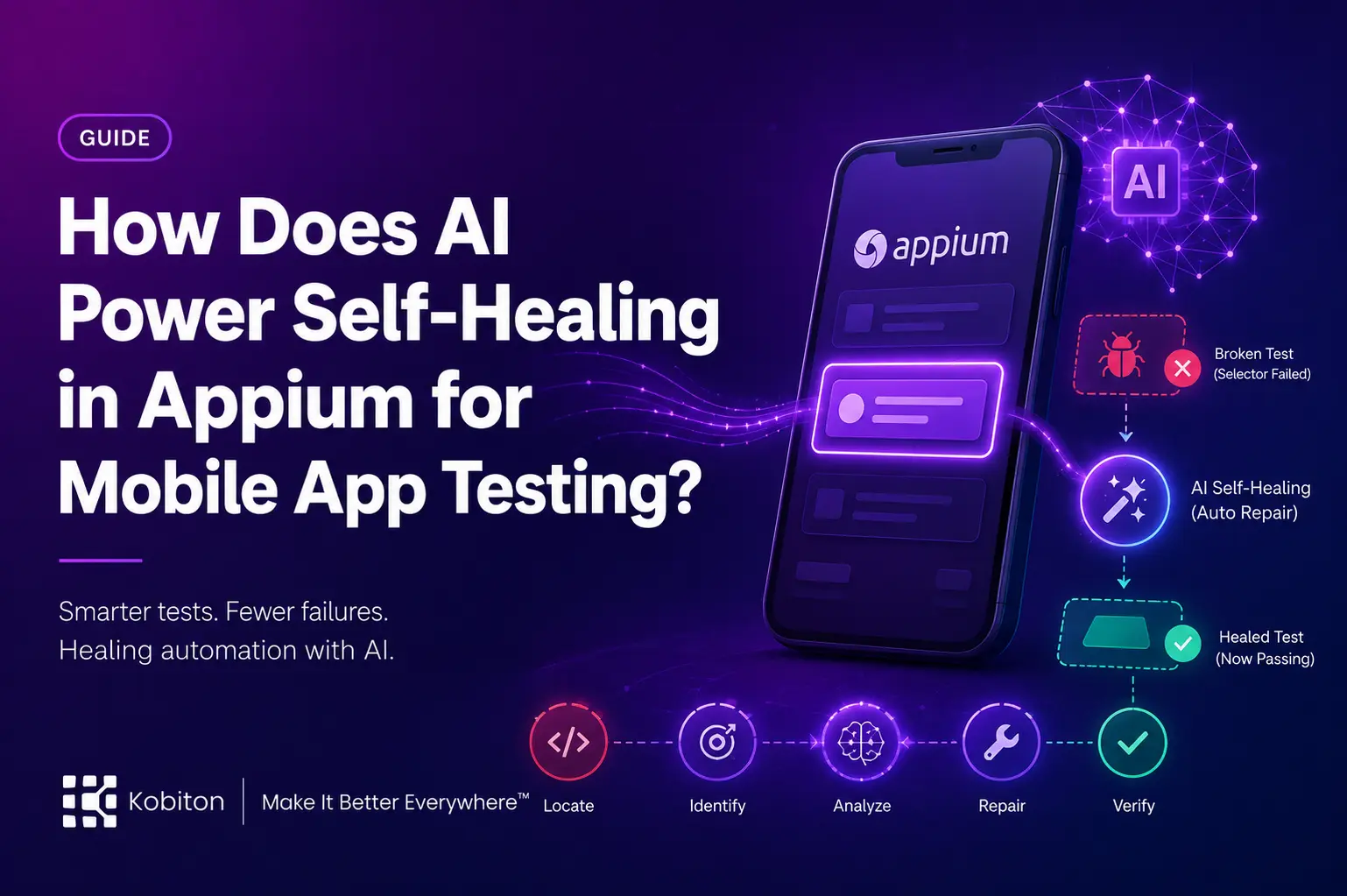
In today’s mobile-first world, app developers are under constant pressure to release updates quickly while maintaining a seamless user experience. Automation testing has become the backbone of this process. However, there’s one persistent challenge: tests break whenever the app’s UI changes.
Even the smallest update a renamed button, a slight layout adjustment, or a restructured menu can cause automated tests to fail. For mobile QA teams, fixing these failures often requires hours of script maintenance, ultimately slowing down the release cycle.
This is where AI-powered self-healing in Appium comes into play. Platforms like Kobiton enhance this capability by allowing test scripts to automatically adapt to UI changes in mobile apps, ensuring tests continue to run smoothly without constant human intervention.
AI Self-Healing Test Automation
Watch AI detect broken locators and auto-correct them in real time — no manual script maintenance required
Live Self-Healing Simulator
Pick a real-world scenario and watch AI heal the broken test in real time.
Traditional vs AI-Powered Testing
How the same failed locator gets handled with and without AI self-healing.
Core AI Capabilities
The intelligence behind self-healing test automation.
Why Mobile App Testing Struggles with UI Changes
Mobile app user interfaces are highly dynamic. Developers frequently update layouts, rename elements, or modify identifiers to improve usability and performance. While these updates enhance the user experience, they can disrupt automation scripts significantly.
Here are the main reasons why:
- Element Locators Change: Automated tests rely on locators (such as IDs, XPaths, or names) to identify elements. When these locators change, the script can no longer find the element.
- Frequent App Updates: Mobile apps often receive multiple updates each month, increasing the chances of locator changes.
- Multiple Platforms: Apps must function across both iOS and Android, each with unique UI structures, making test maintenance more complex.
Without self-healing, even a single locator change can trigger multiple test failures, forcing teams to pause testing and manually update scripts before continuing.
What Is AI-Powered Self-Healing in Appium?
AI-powered self-healing in Appium uses machine learning to detect UI changes automatically and identify the updated version of an element without interrupting the test execution.
Instead of failing when an element cannot be found, the AI analyzes the current UI, compares it with data from previous test runs, and determines the most likely match for the missing element.
For example:
If the “Login” button’s ID changes from btn_login to login_button, self-healing can still locate it by analyzing factors such as visual hierarchy, label similarity, and other attributes.
Solutions like Kobiton take this a step further by combining AI insights with real-device testing, ensuring that both iOS and Android tests remain stable even after frequent UI updates.
How AI Self-Healing Works in Mobile App Testing
Here’s a step-by-step breakdown of how self-healing operates in Appium:
1. Initial Element Mapping
During the first successful test run, Appium records each element’s locator along with its position in the app’s UI structure.
2. UI Change Detection
In subsequent test runs, if a locator no longer matches, Appium flags it as a potential mismatch.
3. AI Matching
Using stored data, visual cues, and structural patterns, the AI searches the current UI to find the closest matching element.
4. Locator Replacement
Once a match is identified, Appium temporarily replaces the outdated locator with the newly “healed” one.
5. Continuous Learning
The updated locator is saved for future runs, reducing the likelihood of repeated failures when similar changes occur.
Benefits of AI Self-Healing for Mobile Testing
For mobile QA teams, the advantages are substantial:
- Stable Automation Scripts: Keep tests running reliably across both iOS and Android platforms.
- Reduced Maintenance Time: Minimizes the hours spent fixing broken locators.
- Faster Feedback Loops: Enables quicker test results, helping developers resolve issues faster.
- Improved ROI on Automation: Teams spend less time maintaining tests and more time expanding coverage.
- Seamless CI/CD Integration: Supports continuous delivery by ensuring tests remain stable in fast-paced pipelines.
Enabling Self-Healing in Appium for Mobile Apps
Implementing self-healing in Appium is straightforward. You can enable it by adding the following capability:
Java
dc.setCapability("selfHealing", true);Once enabled, self-healing will automatically monitor test executions and repair broken locators in real time.
If you need to pause self-healing during a test run, use:
Java
driver.executeScript("seetest:client.stopHealing");
To resume the feature:
Java
driver.executeScript("seetest:client.startHealing");Real-World Example: AI Self-Healing in Action
Imagine you are testing a retail mobile app that includes a “Checkout” button. After a design update, the button’s locator changes from btn_checkout to checkout_cta. Normally, this would cause the automation script to fail.
With AI self-healing enabled, Appium detects the missing element, identifies the updated locator based on its position and label, and continues executing the test without interruption.
The best part? There’s no need to manually update the script the system handles everything in the background, saving time and reducing errors.
Final Thoughts
AI-powered self-healing in Appium is transforming mobile app testing by reducing maintenance effort, improving test stability, and accelerating development cycles.
For QA teams working under tight deadlines, this technology is no longer optional, it’s essential. By integrating AI-driven self-healing, especially through advanced platforms like Kobiton, teams can focus more on delivering high-quality apps and less on fixing broken tests.
FAQs
What is AI-powered self-healing in Appium?
AI-powered self-healing in Appium helps automated tests recover when UI locators change, so tests can continue running without immediate manual fixes.
Why do Appium tests break after UI changes?
Appium tests often break when element IDs, names, XPaths, buttons, layouts, or UI structures change after an app update.
How does AI self-healing work in mobile app testing?
AI compares current UI elements with data from previous test runs, then finds the closest matching element and updates the locator during execution.
What are the benefits of AI self-healing in Appium?
It improves test stability, reduces maintenance time, speeds up feedback loops, supports CI/CD, and helps teams maintain reliable automation across iOS and Android.