May 10, 2023
How Mobile Testing Ensures Customer Satisfaction

Cara Suarez
Read More
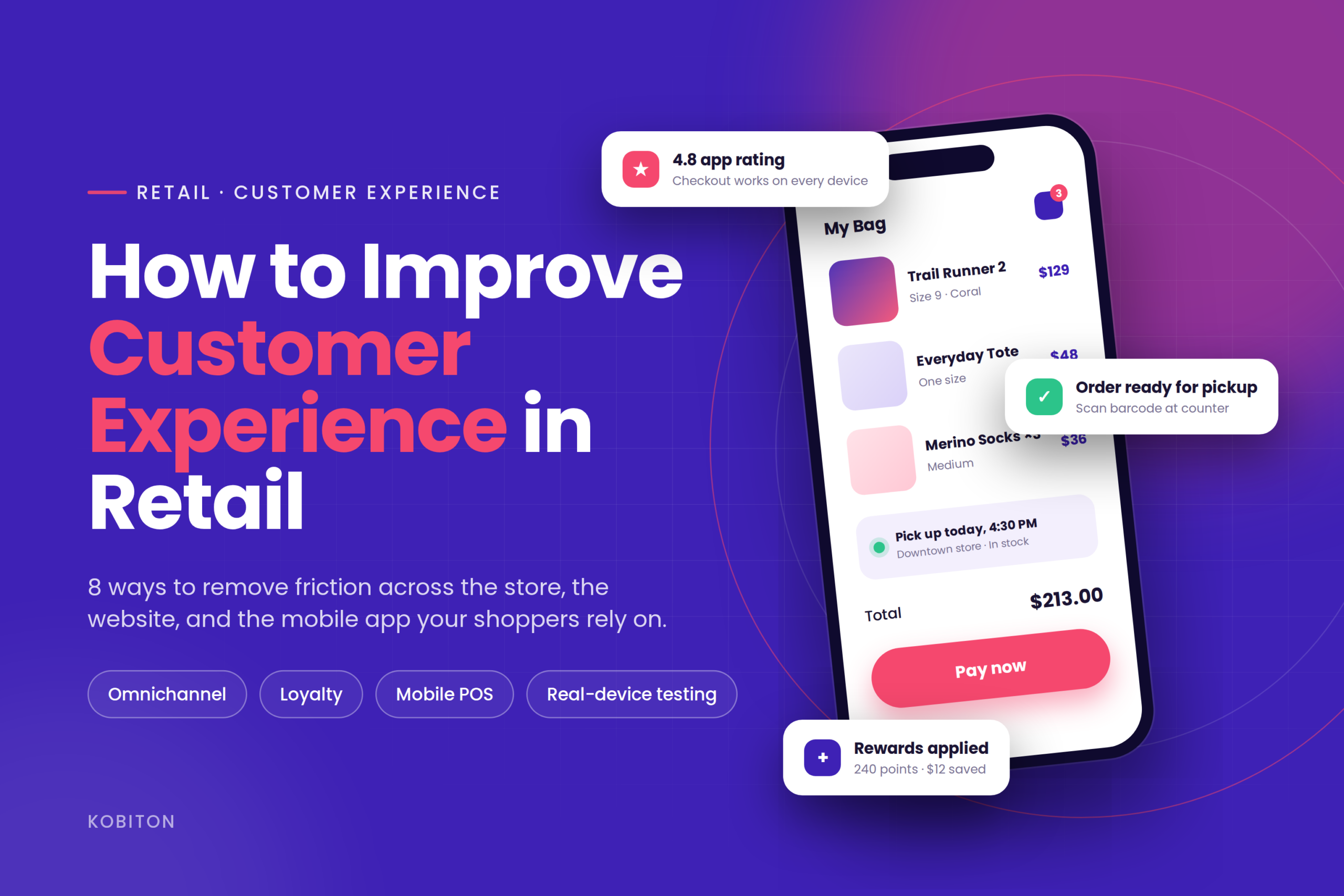
It’s common knowledge that customer experience is a big deal—and it’s even more critical in the mobile retail sector. A recent study showed that 85% of consumers think mobile retail experiences are either just as good or better than traditional brick-and-mortar shopping.
And since this seems to be the case, it’s time for companies to start investing heavily in their mobile retail experience and how to improve customer engagement in retail.
But how do you make sure you’re doing it right? How do you know if your mobile app will work as well as it should? Of course, you can’t say that until you test your app on real devices.
The only way to honestly know if your app will work for all of your customers is to try it on real devices with real users and see what happens.
Kobiton makes this easy by providing a platform that allows developers and businesses alike to run manual tests on actual, physical devices. The platform lets users interact with their devices remotely (even at high speeds) while collecting real-time data like screenshots and video recordings of the user’s experience.
Kobiton also offers automated testing services so that developers can have a full suite of testing capabilities all in one place in order to figure out how to improve customer experience in retail.
The modern consumer has high expectations for their shopping experience. With an abundance of options and ever-developing technology, it is more important than ever for retail companies to provide customers with a seamless, unique shopping experience. This article will discuss how to improve customer experience in the retail sector.
Customer experience in retail is the sum of every interaction a shopper has with your brand, judged from their side of the counter. It starts before they walk in or open your app and carries on long after they pay. The product search that returned nothing useful, the associate who knew where the item was, the checkout that froze on the payment screen, the return that took one tap instead of a trip to the store — all of it adds up to a single impression of whether you were easy to buy from.
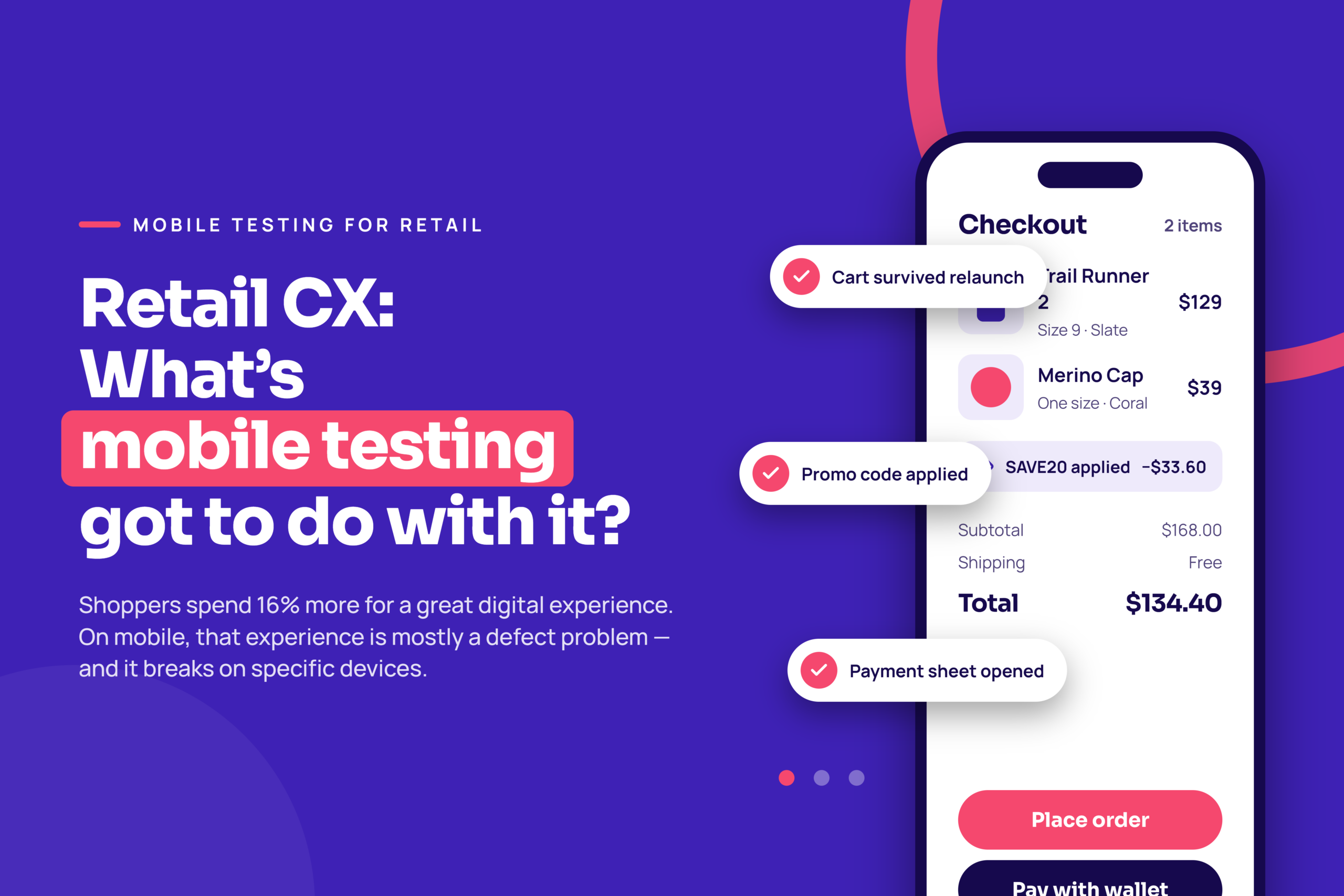
That impression is worth money. Shoppers who have a good experience come back more often, spend more per visit, and tell other people. Shoppers who hit friction do the opposite, and they rarely tell you why — they just stop showing up. Kobiton’s own research found that consumers will spend 16 percent more on average for a great digital experience.
The practical way to think about it is as a chain of touchpoints. A weak link anywhere pulls the whole experience down, no matter how strong the rest is:
The methods below work across that whole chain, but you’ll notice how many of them run through a phone. That’s deliberate. For most retailers today, the mobile app is the one touchpoint that follows the customer from the sofa, into the store, and back out again.
There are many different methods to improve the customer experience in your store, but some of the most important include:
It’s no secret that one of the main reasons people shop online is because they can have it delivered right to their door. That kind of convenience is hard to beat—especially if you’re trying to figure out how to improve customer experience in retail.
So offering free shipping or buying online/pick up in-store options to customers makes them more likely to choose your business over the competition.
However, many businesses offer this, so how do you make yours stand out? Some options include offering expedited shipping or adding a layer of personalization from your company when the package is delivered.
It could be done by having actual employees sign for packages instead of using an electronic signature device or writing a personal note on each box your customers receive.
One of the best ways to improve online shopping experiences is to create a loyalty program that offers discounts. If customers like what you have to offer and know they will get a discount on future purchases, they are more likely to return.
Discounts can also work as incentives for new customers. For example, if someone has never been to your store before, you could offer them a discount on their first purchase as an incentive to come in. It’s also great for business—loyalty programs encourage customers to buy more often and spend more money with your brand.
It should be easy to use on any screen size, from a smartphone to a large desktop computer. The main goal is for customers to have an enjoyable shopping experience when using their mobile devices for browsing through products or checking out online purchases.
Be sure to optimize your site to load fast on all devices, including desktops, laptops, tablets, and mobile phones. It will help improve the user experience and boost your rankings in search engines like Google, which considers this part of their ranking algorithm.
A mobile-friendly website is table stakes. The bigger risk for most retailers is the app, because that’s where the loyalty program, the saved cart, the order pickup barcode, and the payment details all live. When the app misbehaves, it isn’t a cosmetic problem it’s a closed register.
That creates a dilemma retail QA teams know well: do you test quickly, so you can ship the Black Friday build on time, or do you test thoroughly, so the build doesn’t break checkout on a two-year-old Android phone? Shoppers expect both. A large share of users abandon an app after a single buggy first session and because that first use usually follows an install you paid for, every one of those abandonments eats acquisition spend.
Here’s where to focus. The journeys below are the ones that cost real money when they fail, and the things that most often break are specific to real hardware, real networks, and real OS versions which is why emulators alone won’t catch them.
| Retail app journey | What typically breaks | What to check on real devices |
| Search and browse | Slow image loads, layout shifts on different screen sizes, filters that reset | Load time on mid-range and older devices; layouts on small, large, and foldable screens |
| Cart and checkout | Payment sheet fails to open, address autofill breaks, order submits twice | Apple Pay / Google Pay / card entry on every supported OS version; interruptions (calls, low battery) mid-checkout |
| Buy online, pick up in-store | Order barcode won’t render, store locator misreads location, pickup status doesn’t update | Camera and location permissions; push notification delivery; offline behaviour in-store |
| Loyalty and account | Login loops, points balance out of date, rewards fail to apply at mPOS | Biometric login; token refresh after OS updates; sync between app and in-store POS |
| Returns and support | Return flow dead-ends, chat widget overlaps the keyboard | End-to-end return on a real order; keyboard and accessibility behaviour |
Three habits make this manageable rather than overwhelming:
Kobiton gives you real iOS and Android devices in the cloud for both manual sessions and automated runs, with screenshots, video, and performance data captured on every test, so the team sees exactly what the shopper would have seen before the build goes out.
Why is this important? Using a mobile app to track customer purchases has many benefits. For example, it allows you to easily see what they are buying and how much they are spending.
You can then decide how to improve the online shopping experience of the store based on their preferences; you can also use their purchase history as data for other marketing initiatives (i.e., sending coupons or discounts).
Collecting the data is the easy part. The experience improves when you use it in ways the shopper would recognise as helpful:
Two guardrails. First, be transparent about what you collect and give the customer an easy way to see and control it; personalization built on data people didn’t know you had turns into a trust problem the first time it surfaces. Second, make sure the personalized parts of the app degrade gracefully — a recommendation panel that fails to load shouldn’t block the product page, and a loyalty balance that can’t sync shouldn’t stop checkout. Those are the kinds of partial failures that only show up on real devices under real network conditions.
A mobile POS system can increase sales through upselling and cross-selling, improve employee efficiency and productivity, and improve customer service.
It allows customers to skip the checkout line and check out right where they are in the store, using a wireless device. Customers don’t have to wait in line or go to a checkout area, making for a much smoother, faster experience. This is an excellent method for how to improve customer engagement in retail.
A mobile POS is one way to shorten the line. It isn’t the only one, and the right mix depends on your store format:
One thing retailers underestimate: the mPOS, the self-checkout kiosk, and the scan-and-go flow are all mobile software running on specific devices, often older or ruggedised ones, on store Wi-Fi that isn’t always great. Test them the way you’d test the customer app — on the actual hardware, with a dropped connection in the middle of a transaction — because a frozen register in front of a queue is the worst CX moment a store can have.
Your customers don’t think in channels. They check the app on the bus, walk into the store, and expect it to already know what they were looking at. When the store, the website, and the app disagree with each other, the shopper experiences that as your brand being unreliable — even if each channel is fine on its own.
The fixes are less about adding features and more about making the channels agree:
Every one of those depends on an integration between the app, the store systems, and the inventory and order platforms behind them — and integrations are exactly what a quick emulator check won’t exercise. Make the omnichannel journeys (app cart to in-store checkout, online order to in-store return, in-app pickup barcode scanned at the counter) part of the real-device test suite described above.
Customer service is vital for your business. When a customer is shopping on your website, they should feel like they’re getting the best possible advice and guidance—like they’re shopping with a salesperson who’s super knowledgeable and friendly.
You can ensure this by having informative product descriptions, easy navigation, and even personalized recommendations based on their previous purchases. But that is not enough. You should be available to answer questions, provide help, and meet your customers’ needs. It means that you need a staff member dedicated to this task so that they can respond quickly to any inquiries or problems.
A few retailers show what it looks like when the app and the store are designed as one experience rather than two:
What these have in common isn’t budget. It’s that the app is treated as part of the store — and tested as rigorously as the store’s own systems, because when it fails, the store fails with it.
None of the methods above are worth much if you can’t tell whether they worked. Pick a small set of metrics before you change anything, baseline them, and check them again after. Retail CX has two kinds of signal: what customers tell you, and what they do.
| Metric | What it tells you | Where it comes from |
| Customer Satisfaction (CSAT) | How a specific interaction landed — a purchase, a pickup, a support contact | Short post-interaction survey (1–5 or 1–10 scale) |
| Net Promoter Score (NPS) | Overall loyalty and willingness to recommend | Periodic relationship survey across your customer base |
| Customer Effort Score (CES) | How hard the shopper had to work to get something done | One question after a task: a return, a pickup, a password reset |
| App store rating and review themes | Unfiltered public sentiment about the app experience | App Store and Google Play; read the one- and two-star reviews weekly |
| Crash-free sessions and ANR rate | Whether the app is technically holding up for real users | Your crash reporting / app performance tooling |
| Mobile checkout conversion and cart abandonment | Where shoppers give up in the buying flow | App and web analytics, segmented by device and OS version |
| Pickup order fulfillment time and cancellation rate | Whether your omnichannel promise is being kept | Order management system |
| Repeat purchase rate | Whether the experience is good enough to come back for | CRM or loyalty platform |
Segment the mobile numbers by device and OS version. A checkout conversion rate that looks fine in aggregate can be hiding a payment bug that only affects one Android version — which is a testing problem, not a marketing one.
Retail customer experience is how a shopper perceives every interaction with your brand, across the store, the website, the mobile app, delivery and pickup, and support. It’s cumulative: one slow checkout or one out-of-stock surprise can undo an otherwise good visit.
Customer service is one part of the experience — the help a shopper gets when they ask for it. Customer experience covers everything, including the parts where no one from your company is involved, like how fast the app loads or whether the pickup barcode scanned. You can have great service and still deliver a poor experience.
Start with the friction points shoppers complain about most: wait times at checkout, products they can’t find, and stock that doesn’t match what the app said. Then connect the store to your digital channels — shared carts, consistent pricing, returns in either direction — and measure the result with CSAT, NPS, and repeat purchase rate.
Combine what customers say (CSAT after a purchase or pickup, NPS periodically, Customer Effort Score after tasks like returns) with what they do (mobile checkout conversion, cart abandonment, pickup fulfillment time, repeat purchase rate). For the app specifically, watch crash-free session rate and app store review themes.
For most retailers the app is where loyalty, saved carts, pickup, and payment live, so a bug there isn’t cosmetic — it stops a sale. A large share of users abandon an app after one bad first session, and the devices, OS versions, and network conditions that cause those failures only show up when you test on real devices rather than emulators.
You’re in the retail game for one reason: you want to provide your customers with a memorable experience and continually figure out how to improve customer experience in retail. To accomplish this, you need to approach things from all angles—from the moment they walk in the door to the moment they walk out.
These methods will enhance the customer experience, but one of the best ways you can improve the CX in your store is to ensure that your mobile devices are running smoothly. You can use Kobiton to test a wide range of applications on real mobile devices in the cloud to ensure that all of your company’s apps are running at peak performance.
Learn more about mobile excellence in retail by reading our new eBook.