Nov 10, 2026
Native Mobile App Testing: A Step by Step Guide
Stephen Penn
Read More
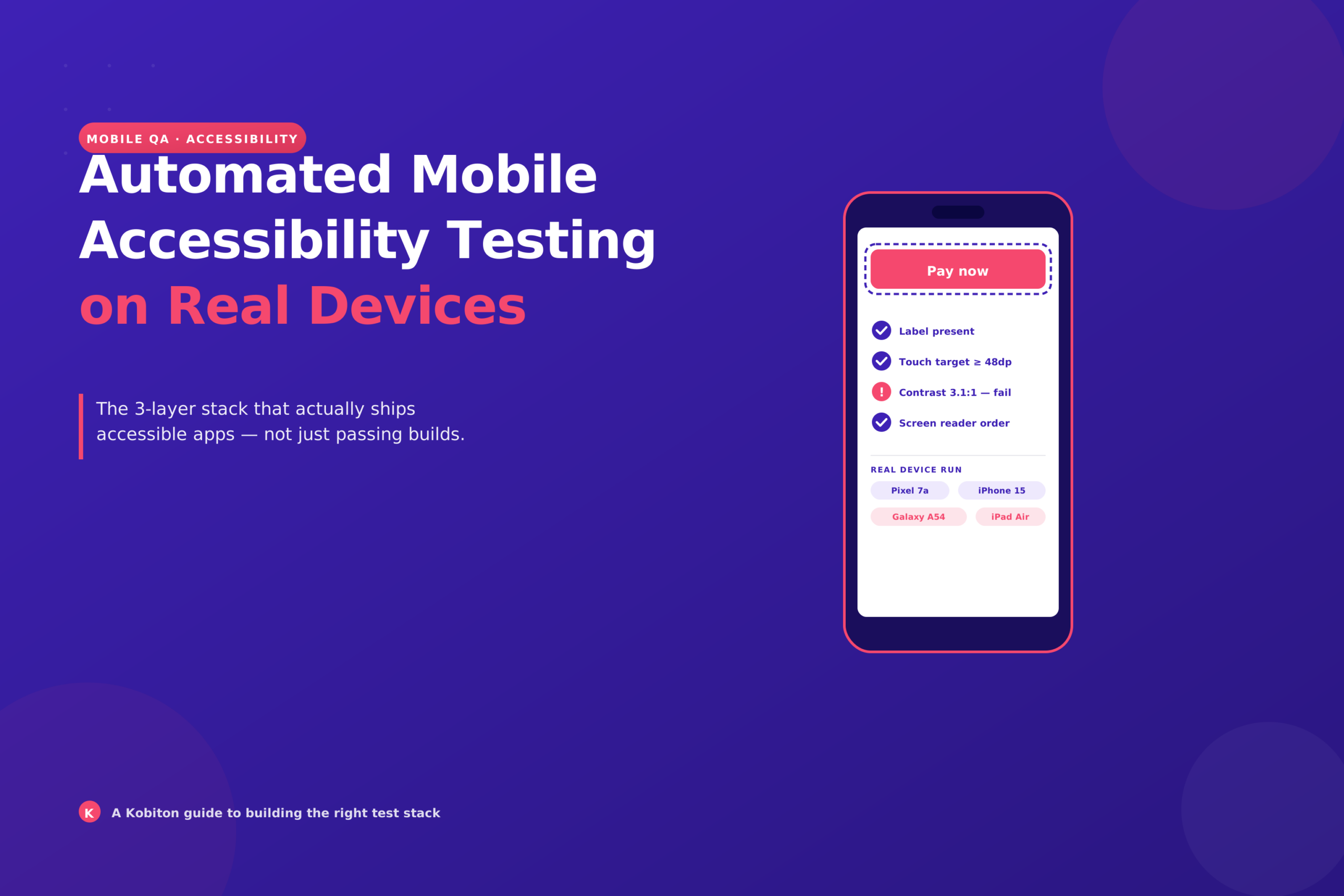
A build passes every functional test on Friday. By Monday, a support ticket arrives: on one mid-range Android phone with large font size turned on, the “Pay now” button label gets clipped and a screen reader announces it as “button.” Nobody caught it because the tests ran on a simulator at default settings.
That’s the problem with asking “what tools do automated mobile accessibility testing on real devices?” and expecting one product name back. No single tool does it. What works is a small stack, and once you see the layers, picking tools gets much easier.
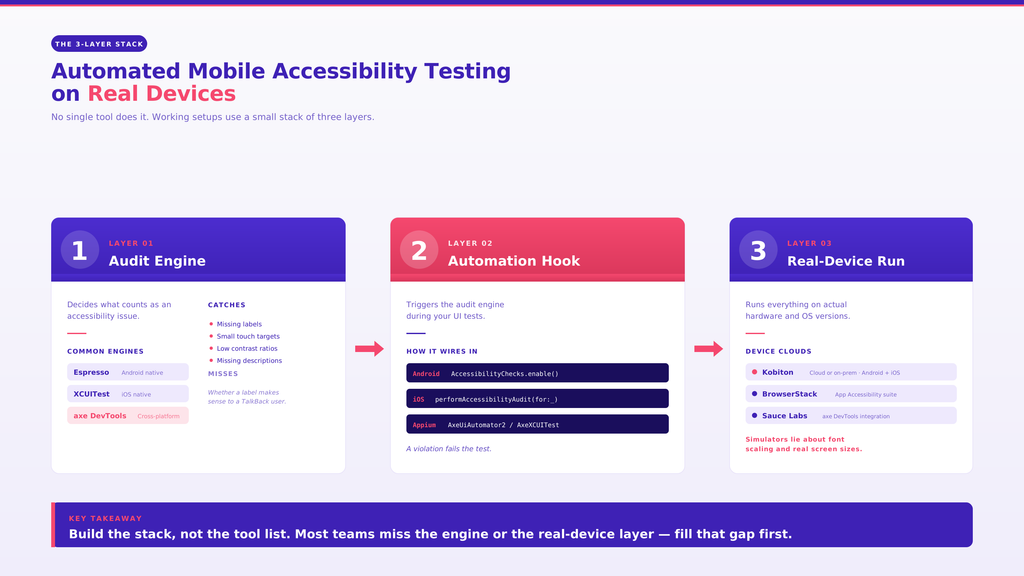
Every working setup I’ve seen has the same three parts:
Most teams have the second layer by accident and the third by budget. The first is where the confusion lives, so let’s start with the native options, which cost nothing.
If your team writes Espresso tests, you already have an audit engine and hook in one. Android Developers documents AccessibilityChecks.enable(), which turns on automated accessibility checks inside your instrumented tests. Once enabled, the checks run as your tests interact with views, and a violation fails the test.
One setting deserves attention. By default, checks cover the view you interact with. Calling setRunChecksFromRootView(true) makes them run from the root view, which widens coverage to the whole screen hierarchy. It’s also noisier, so expect to triage.
These checks target the kind of issues a machine can judge reliably: missing labels, small touch targets, low contrast. That’s useful, and it’s also where the list ends. Whether a label makes sense to a person using TalkBack is not something Espresso can tell you.
Apple’s counterpart is performAccessibilityAudit(for:_), part of XCUIAutomation. Call it from a UI test, and it audits the current screen and reports issues as test failures. You can pass the audit types you care about, which is your main lever for scoping results.
For native apps, this removes the need for a third-party scanner just to get baseline coverage. The nuance: an audit on a simulator tells you about the simulator. Dynamic Type sizes, device dimensions, and OS version all change what the audit finds, so run it on physical iPhones before you trust a green result.
Native hooks are tied to one platform and one framework. Enterprise teams often have Appium suites covering both iOS and Android, and they want one consistent rule set across both.
That’s the gap Deque’s axe DevTools Mobile fills. Per Deque’s docs (2025.7.2 release), it plugs into Appium through dedicated drivers: AxeUiAutomator2 as the automationName on Android and AxeXCUITest on iOS. The flow is straightforward:
You get the same engine on both platforms and a reporting view that product and compliance stakeholders can read without opening a test log. The tradeoff is another licensed tool and another driver to maintain.
The third layer is where tests physically run. Several device clouds now offer accessibility scanning on top of their Appium sessions. BrowserStack App Accessibility covers native and hybrid apps on real iOS and Android devices. Sauce Labs documents an integration with Deque’s axe DevTools Mobile (docs dated October 2025). Each takes a different route, so compare them against your own pipeline rather than a feature list.
Kobiton supplies this layer for enterprise teams: physical Android and iOS devices in the cloud or on-prem, with support for Appium, XCUITest, and Espresso. That means the native hooks above run on real hardware without changing your test code. On the accessibility side, Kobiton gives you a head start on WCAG inside a manual session, covering contrast, touch targets, and labels. The scan covers a slice, not the whole standard, and it doesn’t replace a full accessibility review.
For more on how that split works in practice, see this breakdown of what automation misses.
Skip the vendor matrix and answer these:
Also keep the standard in view. W3C has no separate mobile-only guidelines; it points to its guidance on applying WCAG 2.2 to mobile applications (published May 2025). Your tools check against pieces of that, never all of it.
Take your current Espresso and XCUITest setup and sort it into the three layers. Most teams find one is missing: usually an engine that works across both platforms, or real devices in the pipeline. Fill that gap first.
If real devices are the missing layer, Kobiton is a practical place to start, and the guide to mobile accessibility testing in CI/CD shows how to wire it in. Which layer is missing from yours?