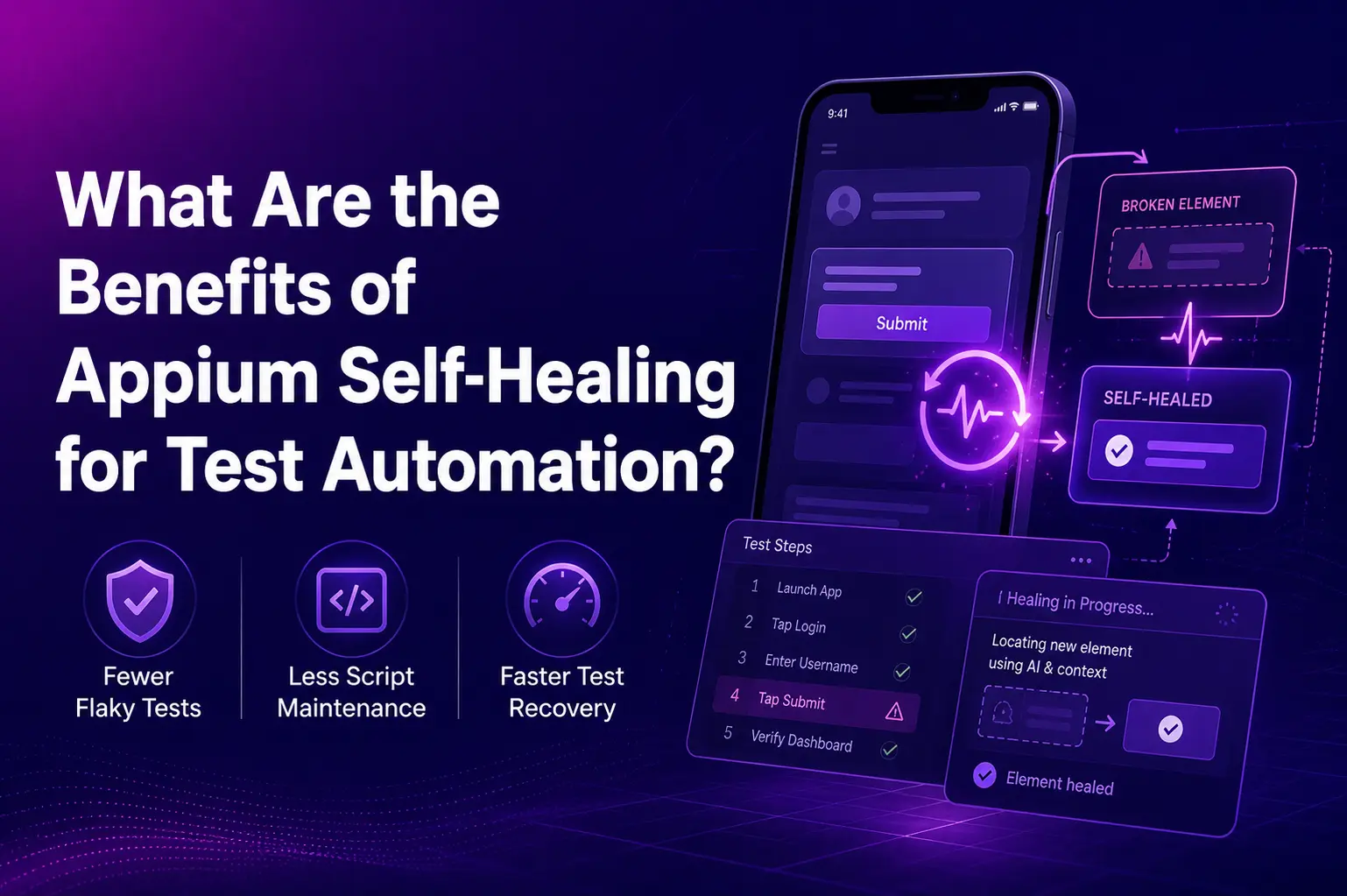
In the fast-paced world of software development, automated testing plays a pivotal role in ensuring applications function smoothly across different platforms. As applications evolve with frequent updates, UI changes can often break automated test scripts, leading to inconsistent and flaky tests. This is where Appium Self Healing comes in to save the day, revolutionizing the way we handle test automation.
What is Appium Self Healing?
At its core, Appium Self Healing is a feature designed to minimize the impact of UI changes during automated tests. It addresses the common issue of locator failure, which occurs when UI elements change in a way that causes your tests to fail. Instead of failing the entire test, Appium Self Healing dynamically identifies alternative locators and adjusts to those changes in real-time. This ensures that your tests continue running smoothly, without requiring manual intervention to fix broken locators.
The Key Benefits of Appium Self Healing for Test Automation
- Reduces Maintenance Effort and Costs
One of the most significant challenges in automated testing is maintaining test scripts as the application evolves. UI changes such as updates to element attributes or structure often require test scripts to be updated manually, leading to increased effort and cost. With Appium Self Healing, automated tests can recover from these changes autonomously, reducing the need for constant test maintenance. This results in time and cost savings, allowing developers and testers to focus on more important tasks, like feature development and improving application performance.
- Improves Test Stability and Reduces Flakiness
Flaky tests are a common issue in automated testing, especially when UI changes cause locators to become outdated. These flaky tests can disrupt the continuous integration (CI) pipeline and slow down development cycles. Appium Self Healing addresses this by detecting UI changes during Appium Test Execution and automatically adjusting to those changes. This leads to more stable tests that can run consistently, even with minor UI updates. As a result, test reliability is improved, and teams can confidently rely on automated tests to catch regressions and bugs.
- Increased Test Coverage and Faster Feedback
By reducing the time spent on debugging and fixing test scripts, Appium Self Healing helps increase the overall coverage of automated tests. As the self-healing mechanism allows the tests to recover from broken locators, teams can quickly execute a larger number of tests across multiple platforms. This means faster feedback on the quality of the application, which is critical for agile development cycles and continuous delivery.
- AI-Powered Test Automation for Smarter Recovery
One of the standout features of Appium Self Healing is its AI-powered test automation capabilities. The feature leverages machine learning algorithms to predict and identify potential locator failures, then intelligently applies recovery mechanisms. This smart recovery process reduces the likelihood of false positives and ensures that the automation is resilient to changes in the app’s UI. AI-driven approaches also allow Appium Integration with a broader set of testing environments and platforms, further enhancing the tool’s adaptability.
- Seamless Integration with Appium Features
Appium Self Healing works seamlessly with other Appium Features, making it an excellent tool for teams already using Appium for test automation. Whether you’re testing mobile apps or web applications, Appium’s self-healing feature supports both. The feature integrates with your existing Appium Test Execution process, requiring minimal configuration. Simply enable the self-healing functionality, and you’re good to go. This ease of integration allows teams to adopt the feature without significant changes to their current test automation workflows.
- Enhanced User Experience for Testers and Developers
By automating the recovery of test failures caused by locator issues, Appium Self Healing provides a better experience for both testers and developers. Testers no longer need to manually intervene to identify and fix broken locators, and developers can focus more on improving the application rather than dealing with flaky tests. This reduces friction between teams and allows for more efficient collaboration and faster product delivery.
How Does Appium Self Healing Work?
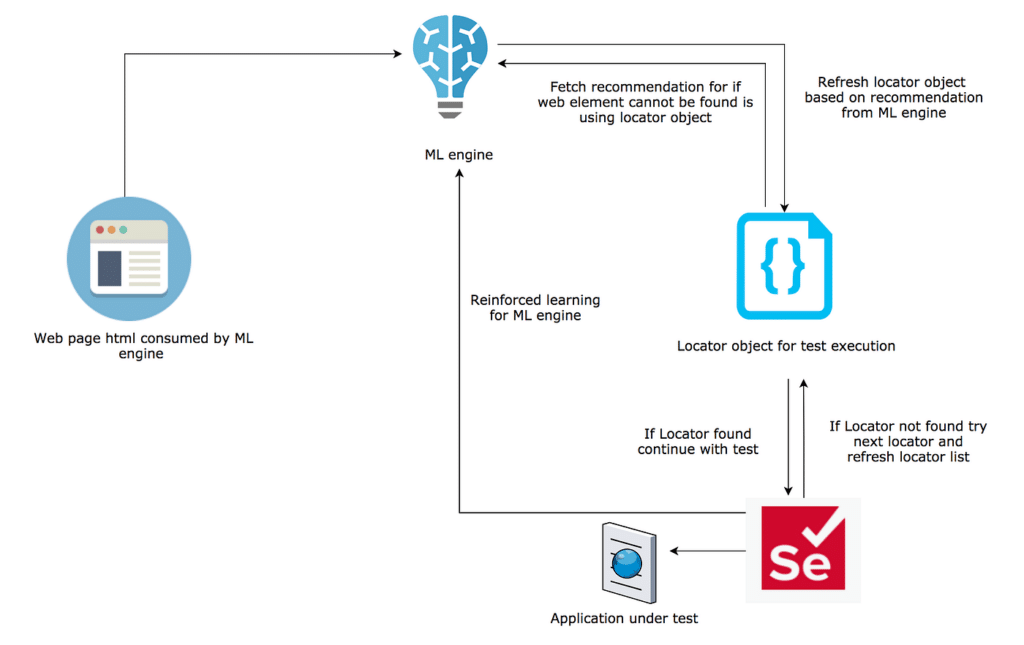
The underlying mechanism of Appium Self Healing is based on saving the location of elements during test execution. If a test fails due to a locator issue, Appium compares the current page structure with previously saved information and attempts to find an alternative locator. This comparison process ensures that the test can continue without interruption, marking the step as “passed” if the element is successfully healed.
How to Enable Appium Self Healing
Enabling Appium Self Healing is a simple process. If you’re already using Appium for automation, you can enable this feature by setting the selfHealing capability to true in your test configuration. Once activated, Appium Self Healing will automatically start recovering from locator failures during your test executions, making your tests more resilient and less prone to breakage.
Conclusion
The introduction of Appium Self Healing marks a significant milestone in the evolution of test automation. With its ability to recover from locator failures, reduce test maintenance, and enhance test stability, it brings immense value to teams relying on automated testing for their applications. When combined with AI-powered test automation and seamless Appium Integration, the feature not only improves the quality of your tests but also increases efficiency in your development pipeline.
By embracing Appium Self Healing, teams can streamline their testing processes, reduce downtime, and ultimately build more reliable applications with faster feedback loops. As the software testing landscape continues to evolve, features like these will become indispensable for any serious test automation strategy.
FAQs
What is Appium Self Healing?
Appium Self Healing helps automated tests recover when UI element locators change, reducing test failures caused by minor app updates.
How does Appium Self Healing improve test stability?
It detects locator changes during test execution and finds alternative locators, helping reduce flaky tests and improve reliability.
Does Appium Self Healing reduce test maintenance?
Yes. It reduces the need to manually update broken locators every time the app UI changes, saving time and effort.
How does Appium Self Healing work?
It compares the current page structure with previously saved element information and attempts to locate the changed element using an alternative locator.