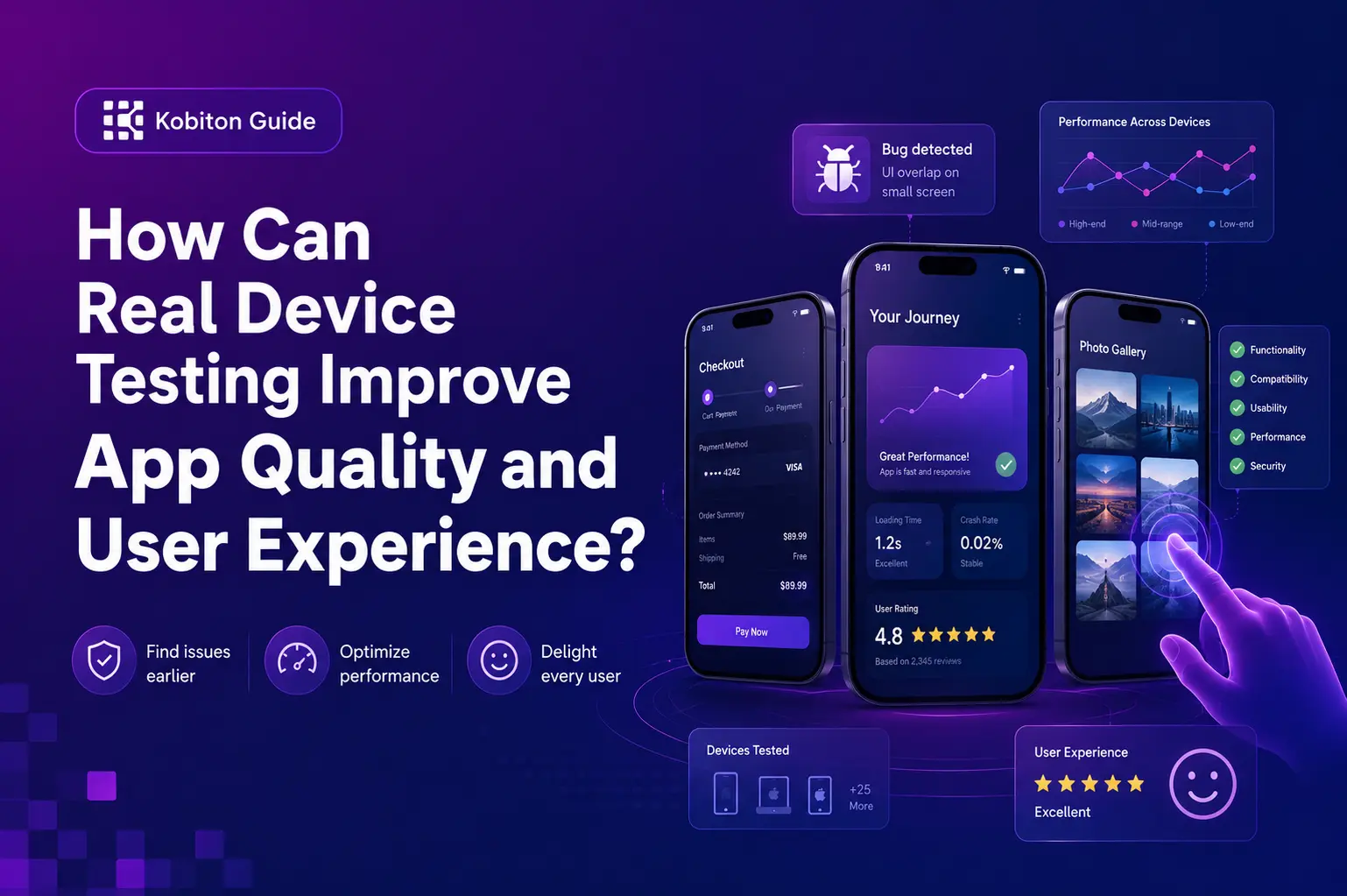
In today’s competitive digital market, users expect fast, flawless, and intuitive mobile experiences. Even the smallest glitch can lead to poor reviews, reduced engagement, and lost revenue. That’s why real device testing has become a cornerstone of modern QA strategies for delivering a better user experience.
Instead of relying solely on emulators or simulators, real device testing uses actual smartphones, tablets, and other physical devices to replicate the exact conditions your users will encounter. The result is more accurate insights, fewer post-launch surprises, and an application that truly meets user expectations.
Why Real Device Testing Matters
When you release an app, it will be used in real-world environments across a wide range of devices, operating systems, screen sizes, and network conditions. Mobile app testing on real devices ensures that your app’s behavior is validated under these exact conditions, allowing you to confidently deliver a high-quality product.
By testing on real devices, you can:
- Detect device-specific bugs that emulators often miss.
- Validate app performance under real-world network conditions.
- Ensure visual consistency across different screen sizes and resolutions.
These insights directly contribute to higher user satisfaction, improved retention, and stronger overall app performance.
The Core Benefits of Real Device Testing
The benefits of real device testing go far beyond basic functionality checks. They provide deeper insights into how your app performs and behaves in real-world scenarios.
Accurate Performance Metrics
App performance on real devices reflects actual load times, responsiveness, and smoothness. This helps you identify performance bottlenecks and optimize speed and stability effectively.
Improved Usability
Real devices allow you to conduct usability testing using natural gestures such as swiping, tapping, and pinching. This ensures the app feels intuitive and user-friendly in real-life interactions.
Better Compatibility
With thousands of device and OS combinations in the market, testing on a diverse range of real devices helps uncover compatibility issues related to specific brands, operating systems, or hardware configurations.
Reliable Sensor and Feature Testing
Many applications rely on hardware features such as GPS, cameras, or biometric authentication. Real device testing ensures these features function correctly under real-world conditions, which is critical for user trust and functionality.
How Real Device Testing Improves User Experience
A smooth and intuitive experience is the foundation of any successful app. Real device testing plays a direct role in achieving this by addressing potential issues before users encounter them.
- Detects Real-World Bugs Early: Identifying and fixing issues before launch ensures users experience fewer disruptions.
- Optimizes Performance for All Users: Testing across devices helps fine-tune speed, responsiveness, and stability for different environments.
- Validates Accessibility: Proper usability testing ensures your app is accessible and easy to navigate for all users, including those with disabilities.
- Ensures Consistency Across Platforms: Whether users are on the latest iPhone or an older Android device, the experience remains consistent and reliable.
Best Practices for Real Device Testing
To maximize the effectiveness of mobile app testing on real devices, it is important to follow proven best practices:
Test Across Multiple Devices and OS Versions
Cover a wide range of devices and operating systems to minimize compatibility risks and ensure broader market coverage.
Simulate Real Network Conditions
Test your app under different network environments such as 3G, 4G, 5G, and Wi-Fi to understand how performance varies with connection speed.
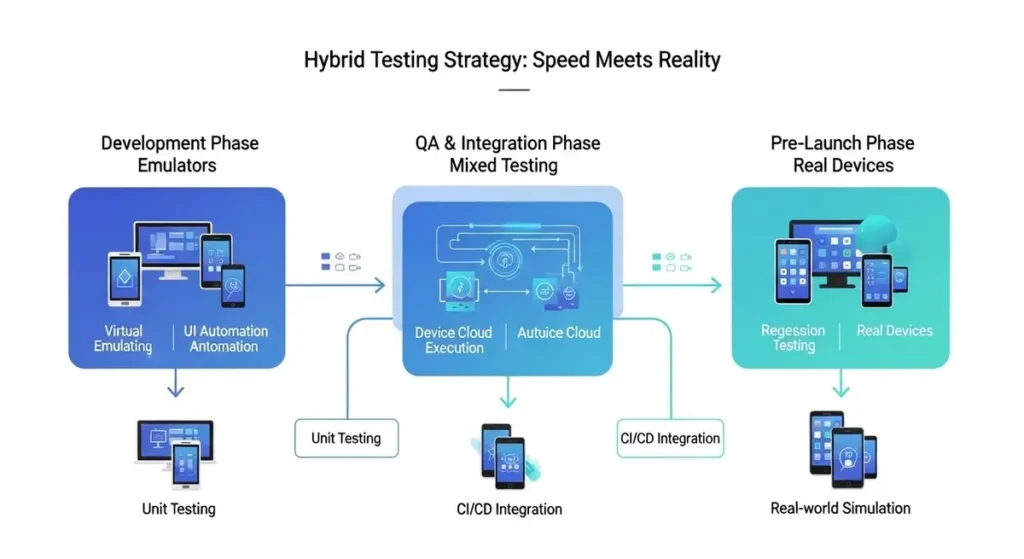
Combine Manual and Automated Testing
Manual testing provides valuable UX insights, while automated testing helps efficiently handle repetitive tasks and regression testing.
Integrate Testing into CI/CD Pipelines
Incorporating testing into continuous integration and delivery pipelines ensures that quality checks are performed consistently throughout the development lifecycle.
Final Thoughts
In a world where user expectations continue to rise, real device testing is no longer optional it is essential. By focusing on app performance in real environments, conducting thorough usability testing, and leveraging the full benefits of real device testing, you can deliver an application that not only functions flawlessly but also provides an exceptional user experience. Investing in comprehensive mobile app testing on real devices today leads to fewer support issues, better user reviews, and stronger long-term customer loyalty tomorrow.
FAQs
What is real device testing?
Real device testing means testing a mobile app on actual smartphones, tablets, and physical devices instead of only using emulators or simulators.
Why is real device testing important for app quality?
It helps detect real-world bugs, performance issues, compatibility problems, and device-specific errors before users experience them.
How does real device testing improve user experience?
It ensures the app works smoothly across different devices, screen sizes, operating systems, gestures, sensors, and network conditions.
What are the main benefits of real device testing?
The main benefits include accurate performance results, better usability, stronger compatibility, reliable hardware testing, and fewer post-launch issues.